FaceDrop FM27 fixes one of the most tedious jobs in Football Manager: giving a face to a player who has none. You drag an image from Windows Explorer onto the portrait and the face shows up straight away, with no config.xml editing, no ID hunting and no restart. It is by Bifi93, who also made the Golden Boy skin, with help from LOX and PRAXO, and it is now free.
How FaceDrop FM27 works
Open the profile of a player, a regen or your own manager and drop the image onto the face. You can also copy the image and press Ctrl+V with the profile open. If you change your mind, Ctrl+Delete brings back FM’s standard head.
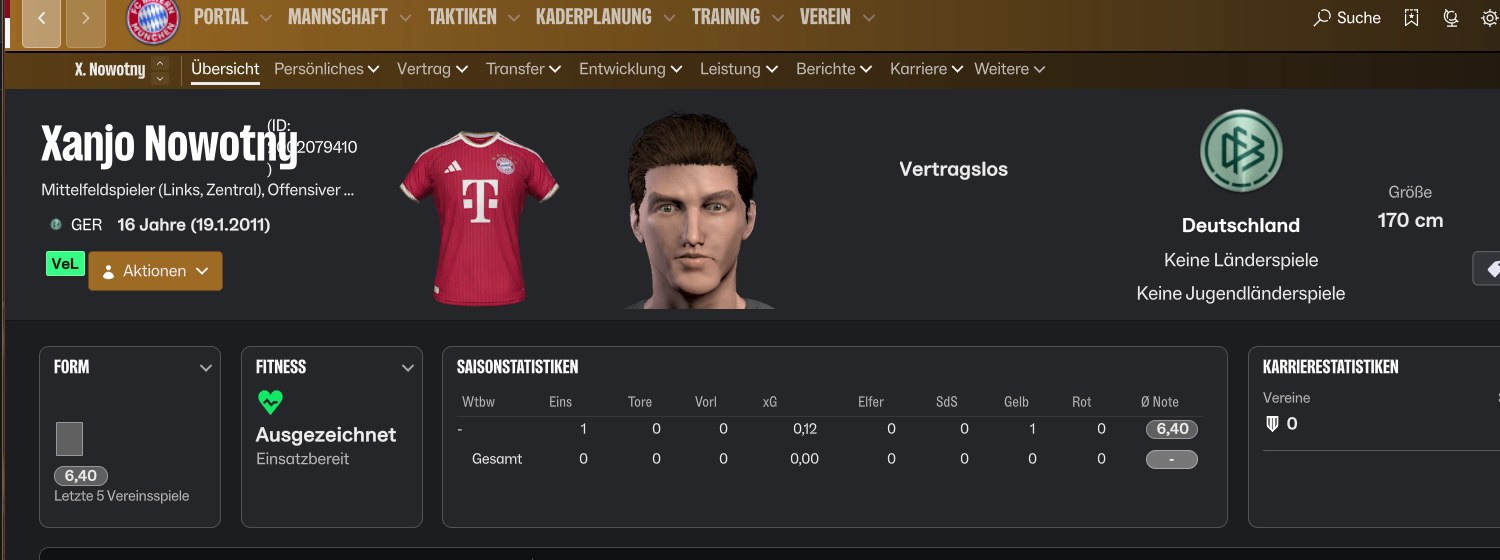
A regen with FM27’s default 3D head (Image: Bifi93)
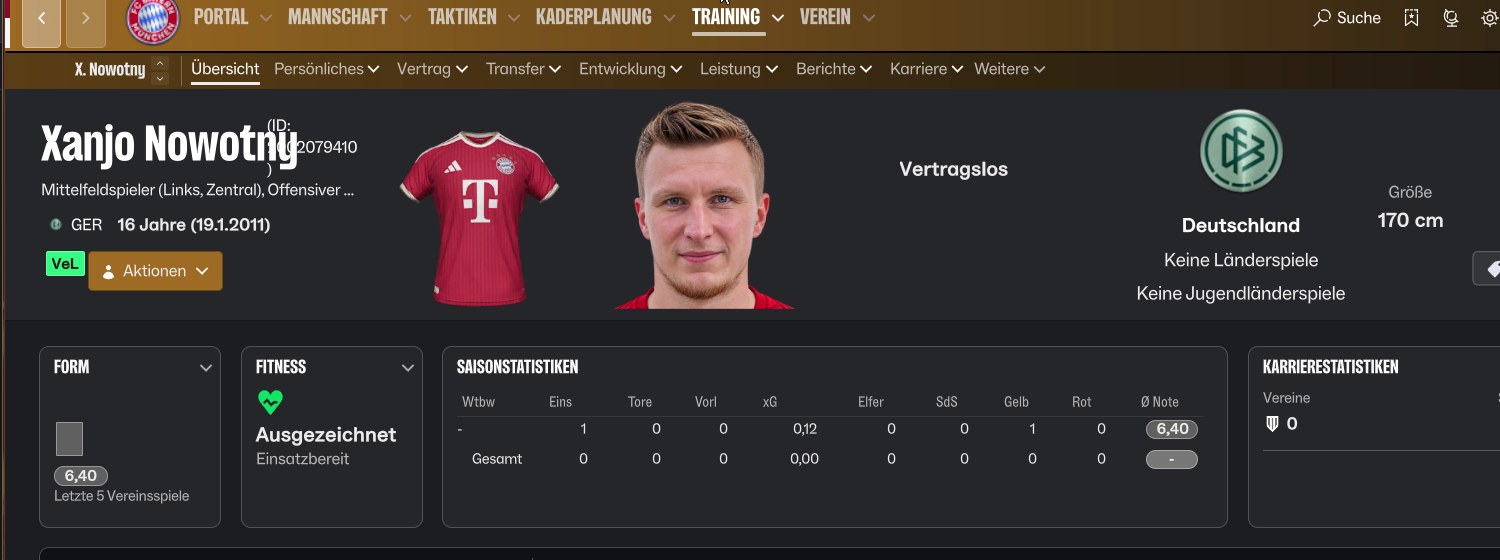
The same player after dropping a photo onto the portrait (Image: Bifi93)
What the mod saves and where
- Real players: a face you give a real player stays in all your saves.
- Regens and your manager: these faces are kept separate per career. So a regen from one save never shows up with a face from another.
- Women’s teams: it works there too, and the face only goes to the player you dropped it on.
- Your files: the images live in
Documents\Sports Interactive\Football Manager 27\facedrop. Your saves and the game files stay untouched.
Who it is for
It is ideal if you play long careers and are tired of regens with the generic 3D head. You can also give your manager your own face, or fill the gaps a facepack leaves in the lower leagues. Also, it pairs well with NG Regens: the facepack covers most regens and FaceDrop handles the ones left out. If you only want your photo on your manager, Manager Photo does that too.
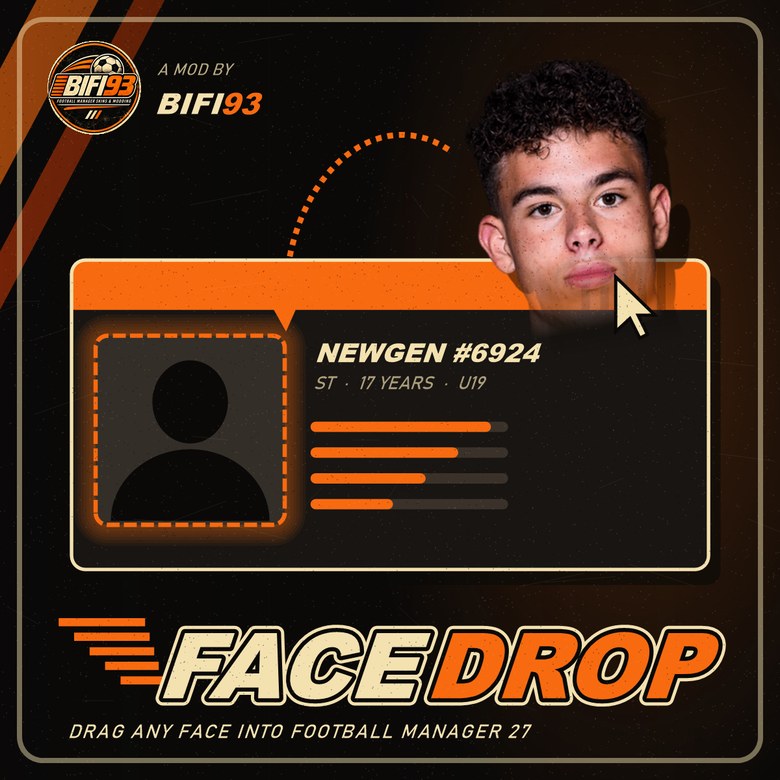
The FaceDrop poster (Image: Bifi93)
Download FaceDrop FM27
The version is 0.2.0, from 9 November, and the file is about 33 MB. It works with FM27 on Steam, on Windows 10 and 11. The first version cost €2.49, but 0.2 is now free; if you like it, you can support the author on his Ko-fi page.
Download – FaceDrop FM27 v0.2.0 Author’s Ko-fi page
- First, close FM27.
- Then extract the ZIP and run
FaceDrop-Setup.exe. If Windows says it protected your PC, click «More info» and then «Run anyway», because the installer is not signed. - Next, click Install. The installer also sets up BepInEx 6, which the mod needs.
- Finally, start FM27. The first launch takes a few extra minutes while BepInEx gets ready: do not cancel it.
Already had version 0.1? Close FM27, run the new installer and click Update. Your images are kept.
Things to watch
To drag images from Explorer, play in borderless or windowed mode, or with FM on a second screen. Also, do not run Steam or FM27 as administrator, because Windows then blocks dragging; Ctrl+V still works, though. After an FM update, the mod switches itself off instead of breaking the game, so wait for the new version. To remove it, run the installer and choose Uninstall: if other mods use BepInEx, it stays in place.
In 0.2, real players without a face that you edited in 0.1 need the image dropped again, so the face carries over to all saves. Female players who wrongly got faces in 0.1 go back to the standard head.
The files are hosted by their original authors. FMPortugal only points to the official download page — all credit goes to their creators.
Did you make this download? Manage it on FMPortugal →