Installed a face, logo or kit pack and nothing shows up in the game? Most of the time the problem is the config.xml file. FM XML Configurator fixes that in FM27. It is a free Windows app by FM Tigrotto that reads your graphics folder, checks every file name and writes a correct config.xml in one click.
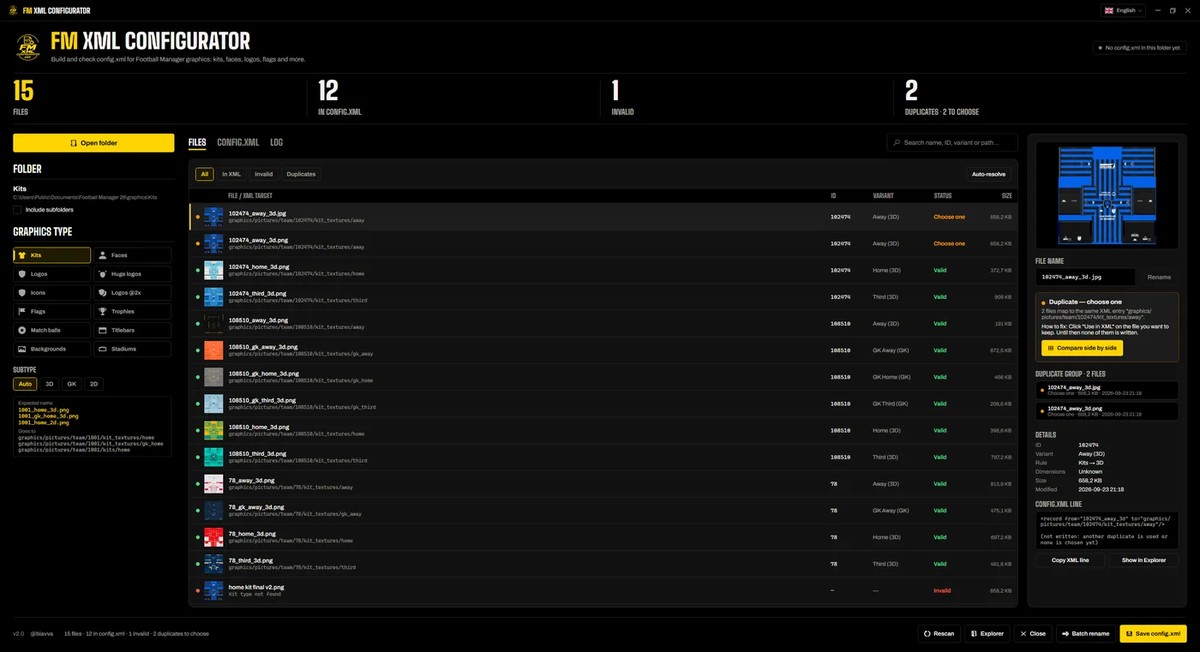
The app with a folder’s kits already checked (Image: FM Tigrotto)
Why graphics do not show up
Football Manager only shows an image when the folder’s config.xml points to it. So a wrong name, a duplicate file or an extra line is enough to stop graphics from showing. The XML Configurator checks all of that for you and tells you what is wrong and how to fix it.
What FM XML Configurator does
- Every graphics type: kits, faces, logos (normal, huge, icons and @2x), flags, trophies, match balls, titlebars, backgrounds and stadiums.
- Kits on Auto: one folder can mix 3D, goalkeeper and 2D kits, and each file follows the right rule from its name.
- Valid or not, and why: every file is marked valid or invalid, with the reason, the fix and the exact line for the
config.xml. - Duplicates: for example, you see them side by side and pick which one stays, or let the app keep the largest or newest.
- Batch rename: find and replace, prefix, suffix or regex, with a preview and undo.
- XML editor: finally, edit the file as code or as a list, with syntax checks.
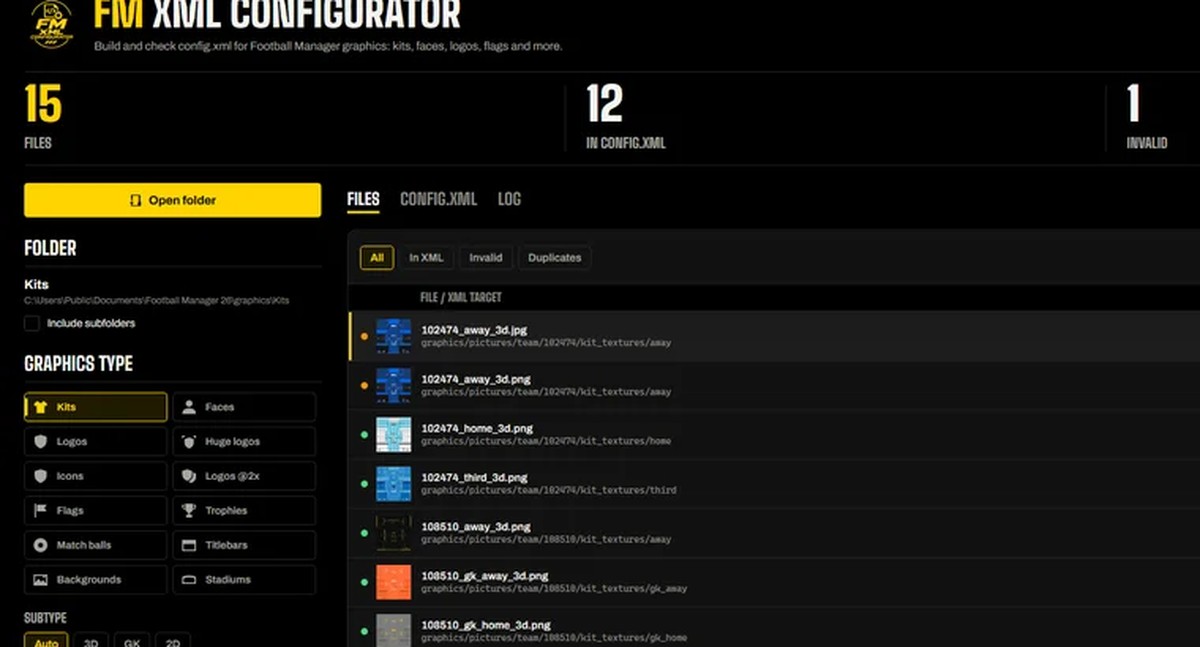
Graphics types on the left and the count of valid and invalid files (Image: FM Tigrotto)
Also, the app never deletes files, and it only renames them when you ask. If the folder already has a config.xml made by someone else, it keeps it as config.old.xml before writing the new one. In other words, you can always go back.
FM XML Configurator download
Version 2.2.0 runs on 64-bit Windows 10 and 11, takes about 70 MB and needs no installer, account or internet. It comes in six languages, Portuguese included, and new versions install themselves, signed by the author.
Download – FM XML Configurator 2.2.0 (Windows)
- First, download and open
FMXmlConfigurator.exe. There is nothing to install. - Then open your graphics folder, for example
Documents\Sports Interactive\Football Manager 27\graphics\Kits, or drag it onto the window. Include subfolders if you want. - Next, check the list: every file shows as valid, invalid or duplicate, with the fix next to it.
- Finally, click «Save config.xml» (Ctrl+S) and reload the skin in the game.
Things to watch
The app is Windows only, so on Mac you need to build the config.xml another way. Also, invalid files and unresolved duplicates are left out of the config.xml, so they never reach the game. However, if your kits still do not show up, check that they are in the right folder too. If you want this season’s kits, see the author’s real FM27 kits, and to pick them before each match, FM Kit Switcher.
The files are hosted by their original authors. FMPortugal only points to the official download page — all credit goes to their creators.