Mac players are usually left out of scouting tools, which are almost always Windows only. However, FM27 already has good Mac tools, free and built for Apple Silicon Macs. So we have gathered the two best here: FM27 Scout and FM Starship, a Mac version of FM Moleman.
FM27 Scout
FM27 Scout, made by shlk20, reads your save file directly, without touching the game’s memory. So you get more than 46,000 players in a fast table, with filters, profiles, comparison of up to four players and CSV export. It also shows clubs, finances and facilities, and works out each player’s rating in every role.
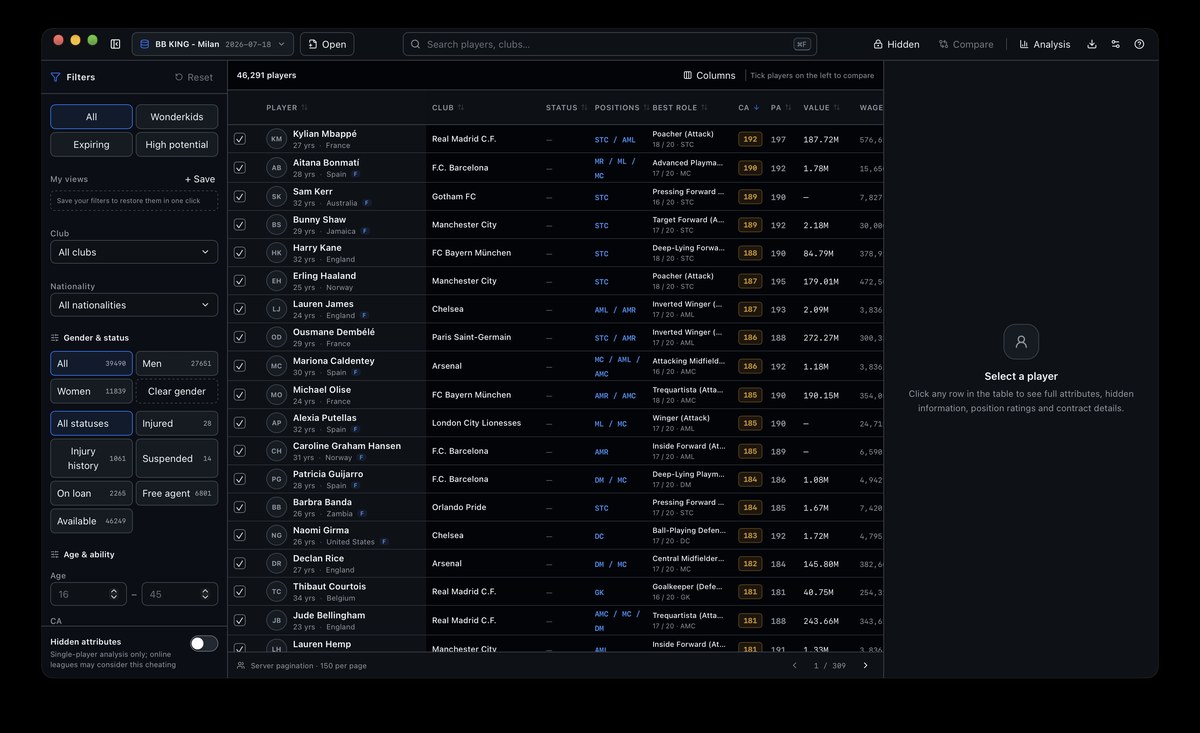
The FM27 Scout main window, with filters and the player table (Image: shlk20)
It also has an optional save editor, for CA, PA, attributes, personality and traits. But the editor always writes a new save and never changes the original. Finally, hidden attributes are off by default and only show if you turn them on.
FM Starship
FM Starship is an unofficial Mac version of FM Moleman, credited to the original author, MCM Gaming. It reads your save with the game open and uses FM’s own rules to tell you, for example, who would agree to join your club. It also brings a club dashboard, squad planning in your tactic, a best XI and tactic advice.
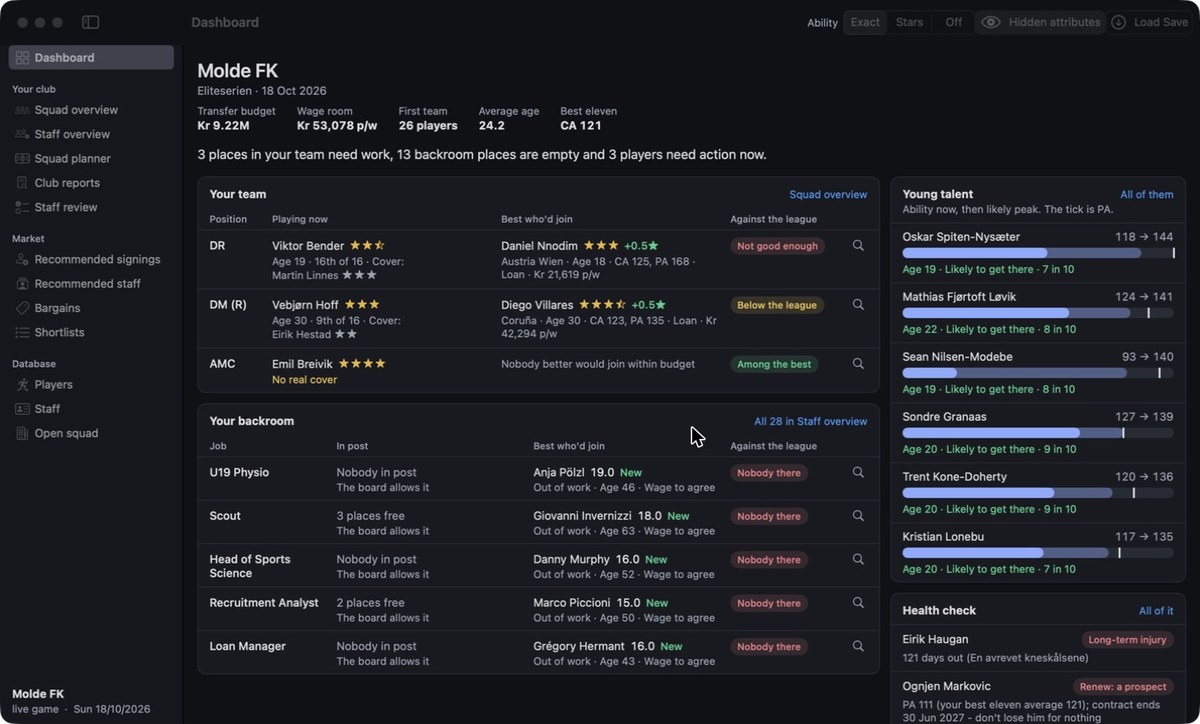
The FM Starship club dashboard, with what needs a decision (Image: FM Starship)
Mac tools download
FM27 Scout is on version 1.1.1 and needs macOS 14 or newer. FM Starship is on 27.0.5, from 4 November, already works with the latest FM27 update and needs an Apple Silicon Mac and FM27 on Steam. The links come from the authors’ GitHub.
Download – FM27 Scout v1.1.1 (Mac)
Download – FM Starship v27.0.5 (Mac)
- First, open the .dmg and drag the app to Applications.
- Then, for FM27 Scout, try to open the app once. Since it is not signed, go to System Settings, Privacy & Security, and choose «Open Anyway».
- Next, for FM Starship, start the game from the app itself, with «Start Football Manager», not from Steam.
- Finally, load your save in the game and, in FM Starship, click «Load Save». In FM27 Scout, just open your save file.
Things to watch
FM Starship adds a small agent to the game when you start it from the app, but it changes no FM files and only reads data. Also, when SI updates the game, some features switch off until a new version comes out. If FM is already open, the app asks you to save and quit first. Finally, there is also a Mac version of FMSuperScout.
The files are hosted by their original authors. FMPortugal only points to the official download page — all credit goes to their creators.