FM27 Analyst is an app that watches your save while you play and builds a history of your squad. After every match it records ratings and stats; over time it adds attributes, CA, development, fitness and injuries. It is made by Moj (lastrider04 on GitHub), it is free and it is still in beta.
What FM27 Analyst does
The app reads the game’s memory, but only reads it: it never changes FM27, your save or the game files. Also, it captures automatically after each of your matches, so you never type anything in. From that data it builds a dashboard with your last match, form, alerts and a recommended XI for the next fixture. The dashboard even takes on your club’s colours, in dark or light mode.
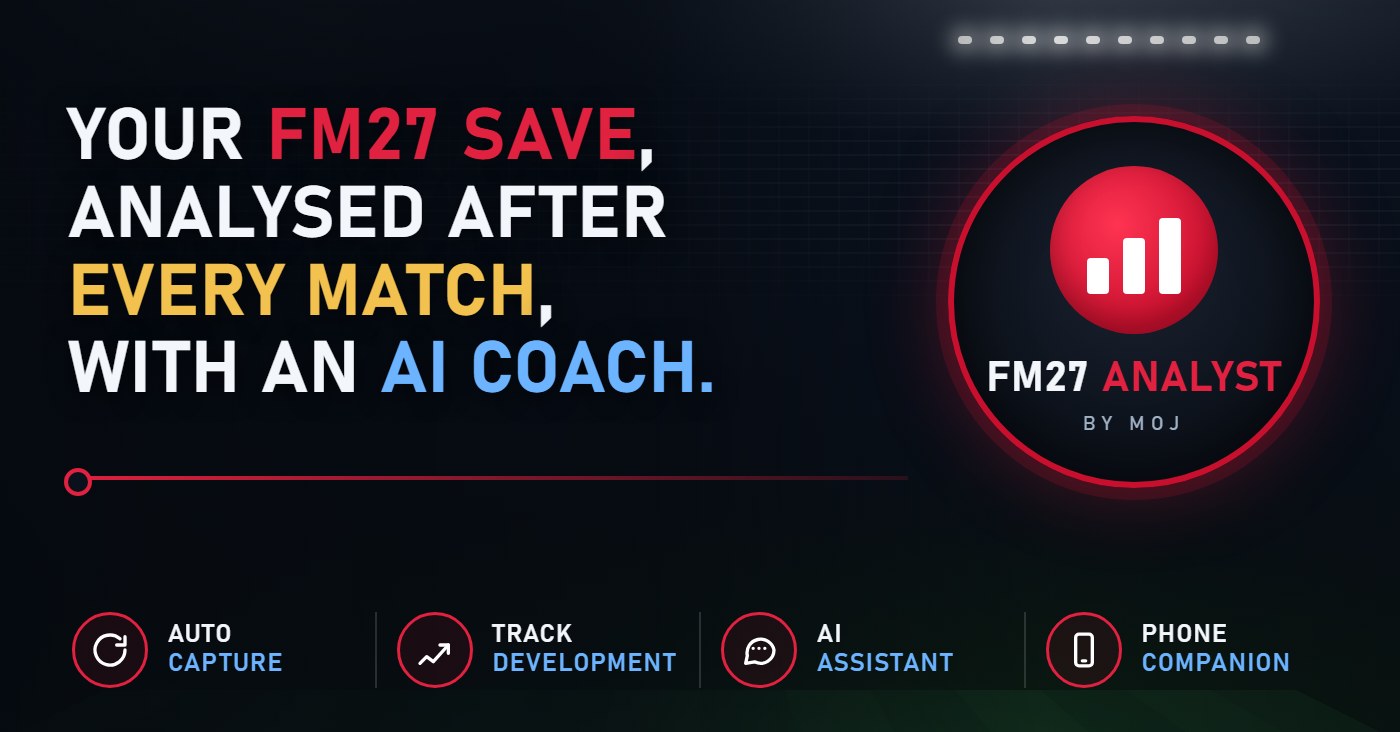
The app’s banner (Image: Moj)
There are player pages too, with an attribute radar, CA history, a match log and similar players at your club. Then there is the Development tab, which shows who is improving and who is declining. Per 90 gives role scores such as chance creation, goal threat and defensive work. Finally, match reports keep every player’s stats from every captured match.
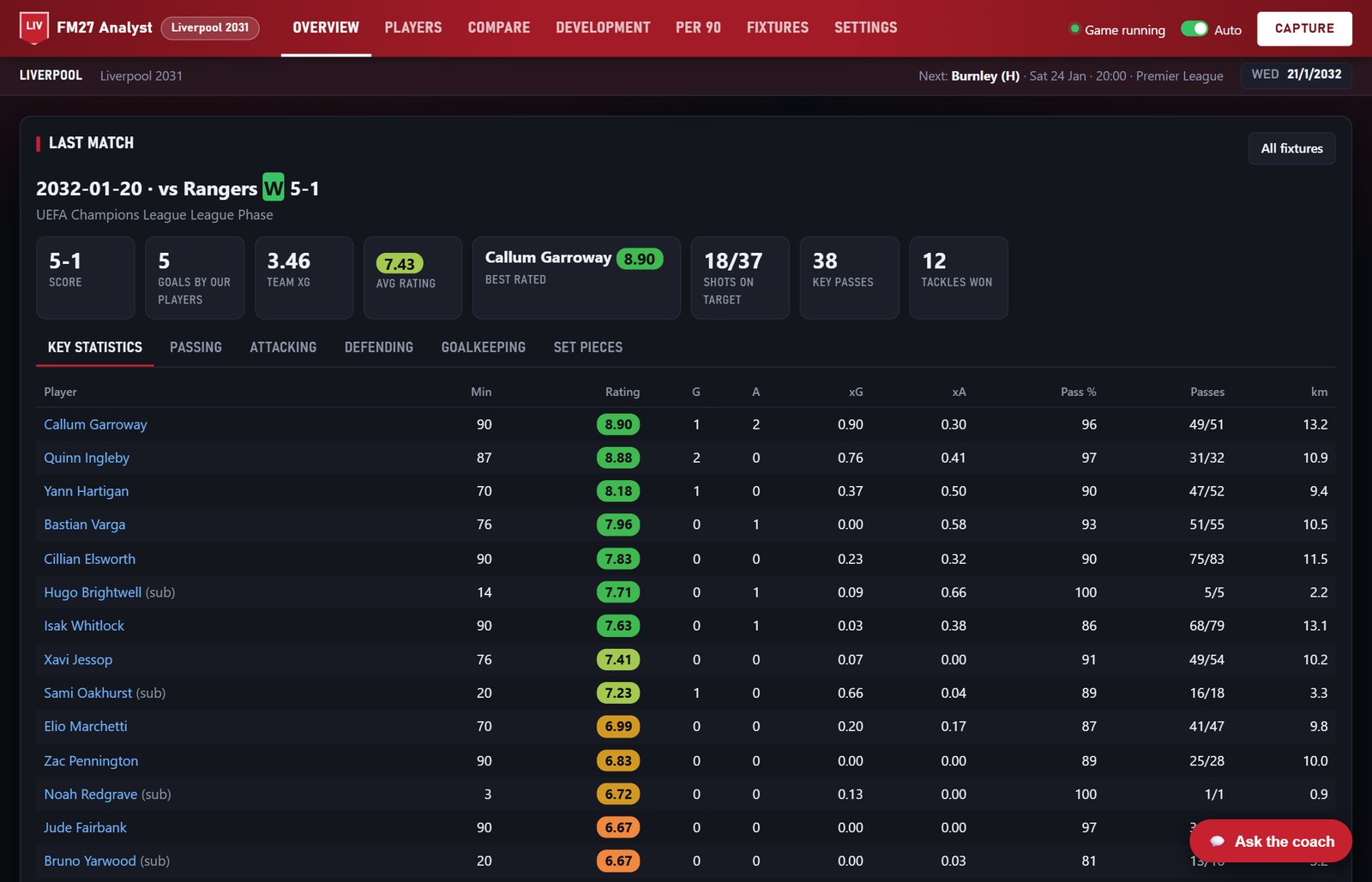
The dashboard with the last match (Image: Moj)
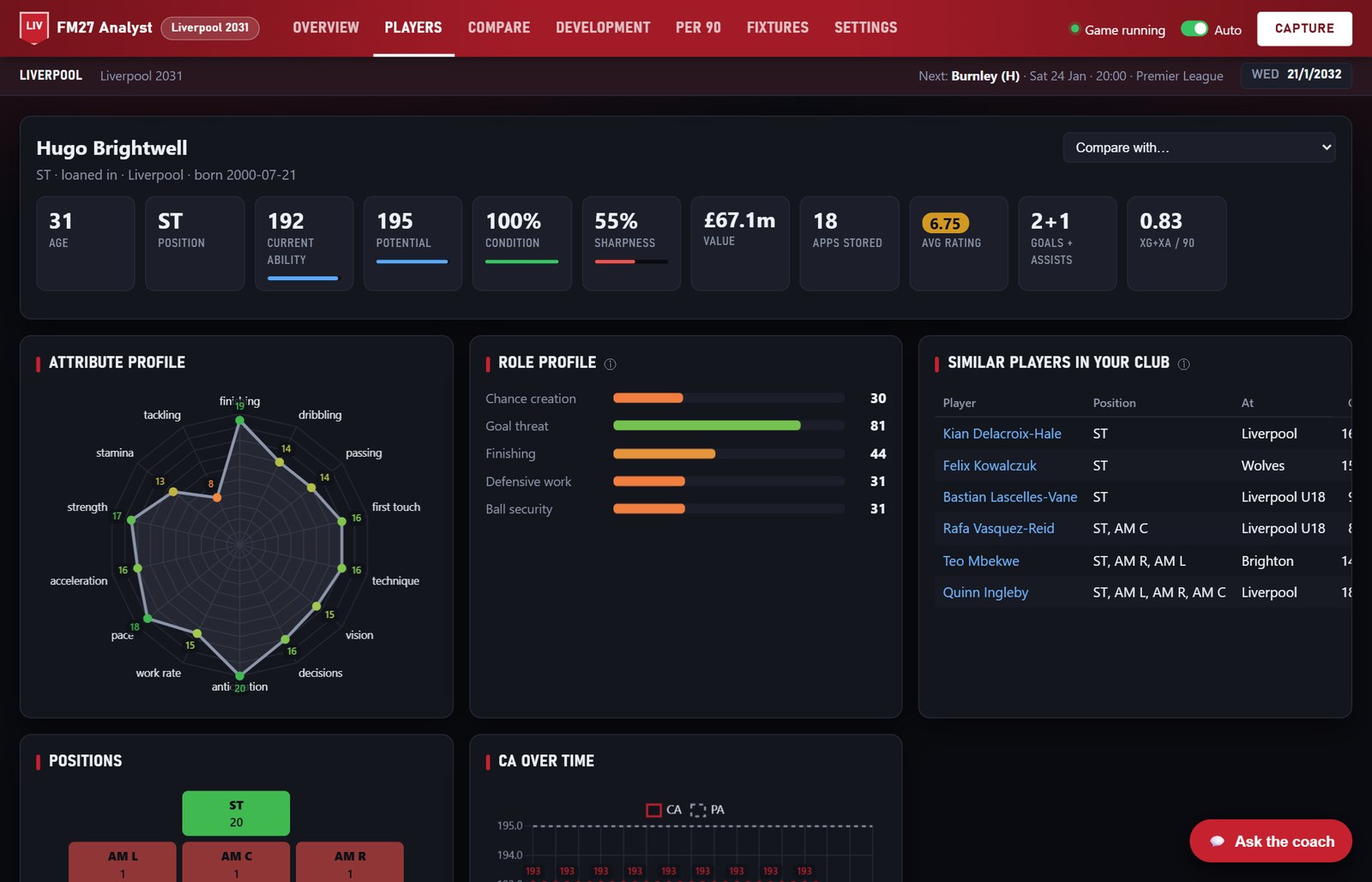
A player page (Image: Moj)
The AI coach and the phone app
The AI assistant manager is optional. You can ask it who to rest, rotate or develop, and it answers from your own data. It works with a ChatGPT plan or with OpenAI-compatible models such as OpenRouter, Ollama or LM Studio. So with a local model nothing leaves your PC; with a cloud service, only your squad summary is sent.
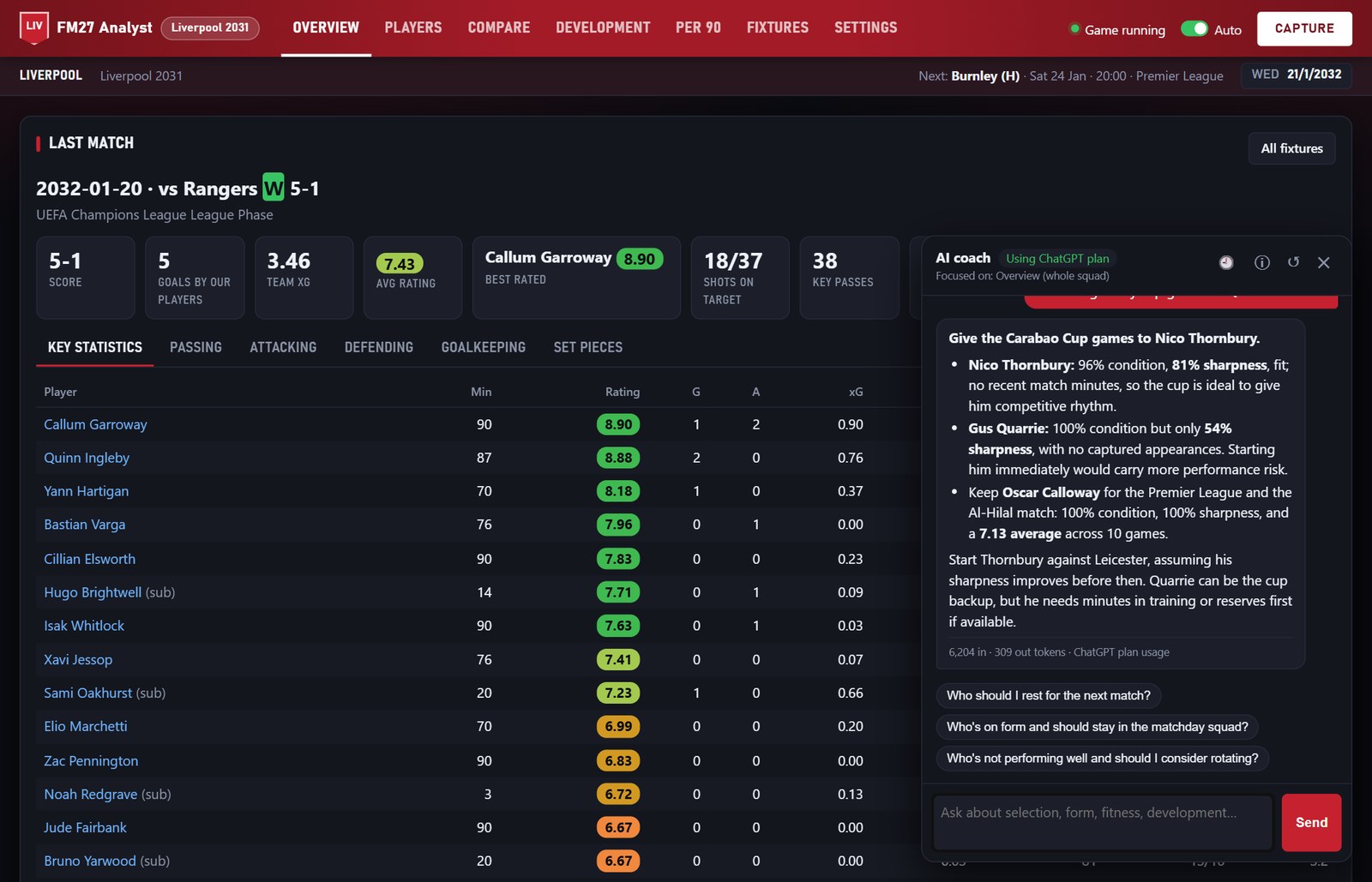
The AI coach answering a rotation question (Image: Moj)
There is also a phone app that you install from the browser. On your home Wi-Fi it is the simplest setup, and the author has tested it. For use away from home, the guide covers other options, some of them still untested.
Who it is for
It is for anyone who plays long careers and likes to follow squad development through numbers. If you want live match analysis, with xG and pass maps, see FMMatchLens. On the other hand, for another AI assistant, there is FM AI Assistent. And to keep a summary of every season, FM Season Hub pairs well with this app.
Download FM27 Analyst
This is version 1.0.0 beta 3, from 8 November, and the ZIP is about 6 MB. This release added club colours, dark and light modes and a strip with the next fixture. It only runs on 64-bit Windows 10 and 11, and only in single-player careers. It also needs Python 3.10 or newer and Edge or Chrome. The app is free, but you can buy the author a coffee if you like.
Download – FM27 Analyst beta 3
- First, install Python 3.10 or newer if you do not have it. For example, in a terminal:
winget install Python.Python.3.12. - Then, before extracting the ZIP, right-click it, choose “Properties” and tick “Unblock” if you see it.
- Next, extract it to a permanent folder such as
Documents\FM27-Analyst. Your history is stored inside that folder, so avoid your Downloads folder. - Double-click
install.bat. It sets everything up and adds FM27 Analyst shortcuts. - Finally, start FM27, load your save, open FM27 Analyst, choose your club and press Capture.
Already on an earlier beta? Quit the app, extract the new ZIP over your existing folder and run install.bat again. Your data folder, with your history, is kept.
Things to watch
This is a beta tested on one long career, so expect the odd rough edge. The app knows the November 2026 release of FM27. After a game patch it tries to carry on by itself; if it cannot, it tells you it needs an update. If Windows says it protected your PC, click “More info” and then “Run anyway”.
To uninstall, quit the app from Settings > App > Quit FM27 Analyst and delete its folder. Keep a copy of the data folder first if you want your history. Then delete the shortcuts from the desktop and the Start menu. If you set up the phone app, also remove the firewall rule you created.
The files are hosted by their original authors. FMPortugal only points to the official download page — all credit goes to their creators.
Did you make this download? Manage it on FMPortugal →