FM AI Assistent is a free app that reads your FM27 save and adds an artificial intelligence assistant to it. Made by developer Jelmer Bouma, it lets you search players, staff, clubs and competitions, and ask the AI for recruitment, squad and tactical advice. The AI can also create shortlists that you import straight into the game.
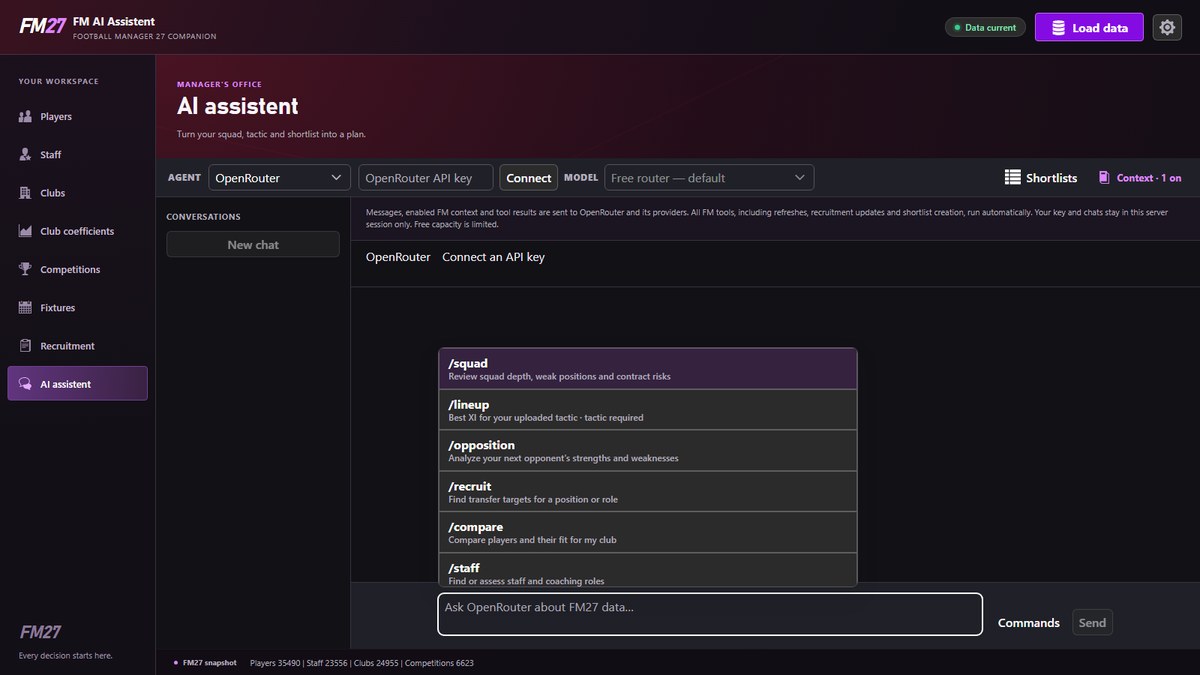
The assistant, with the AI service picker and the commands (Image: Jelmer Bouma)
What FM AI Assistent does
- Your save’s database: search and compare players, staff, clubs and competitions, with attributes, positions, contracts, wages and budgets.
- Staff by role: for example, filter coaches by their stars in each of the nine training areas.
- AI assistant: commands such as
/squad,/lineup,/recruitand/staffto review your squad, build your XI, find signings or hire staff. - Your tactic: load your tactic’s
.fmffile and the AI takes it into account. - Shortlists for FM: ask for a shortlist and the app saves it to your FM27
shortlistsfolder.
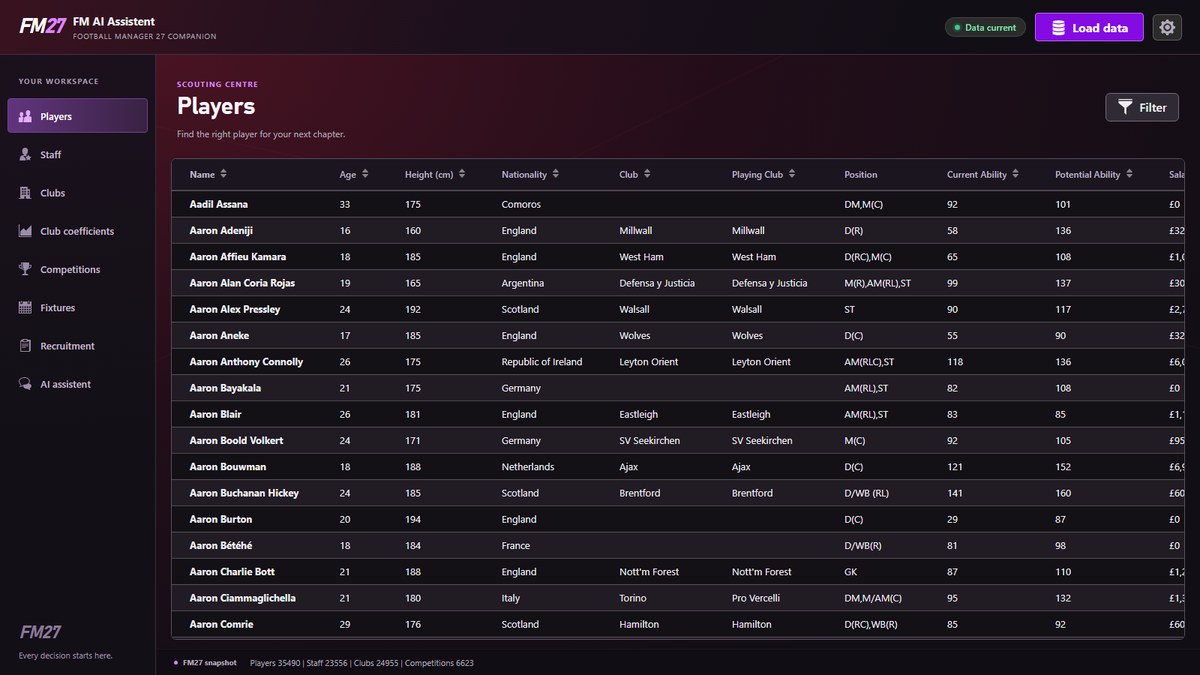
The player list from your save, with ability and potential (Image: Jelmer Bouma)
Which AI you can use
The easiest option is OpenRouter: you create a key on their site and paste it into the app. So you start on the free router, and paid models always ask for confirmation first. On the other hand, it also works with Codex, Antigravity and GitHub Copilot if you already have them installed. However, the OpenRouter key is not stored and is cleared when your session ends.
FM AI Assistent download
The latest version is 2.0.1, from 3 November, which reads the data again after the latest FM27 update. It works on Windows 11 and Linux. The links come from the author’s GitHub, and the author recommends the desktop app.
Download – FM AI Assistent v2.0.1 (Windows)
Linux version – FM AI Assistent v2.0.1
- First, extract the file and open «FM AI Assistent».
- Then open FM27 and load your save, under the same Windows user.
- Next, the app opens
http://127.0.0.1:8080in your browser. Click «Load data». - Finally, go to «AI assistent», pick the AI service and ask your question. When you move on in the game, click «Load data» again.
Things to watch
Your save data stays on your computer, but your chats, your club context and search results go to the AI service you choose. Also, free models have limits and sometimes do not respond. It is worth knowing too that the AI can run actions by itself, such as refreshing data or creating shortlists. Finally, if you would rather use a tool without AI, see FM27 Guy Scout or FMSuperScout.
The files are hosted by their original authors. FMPortugal only points to the official download page — all credit goes to their creators.