Updated version: FM26 Facepacks: real players' faces
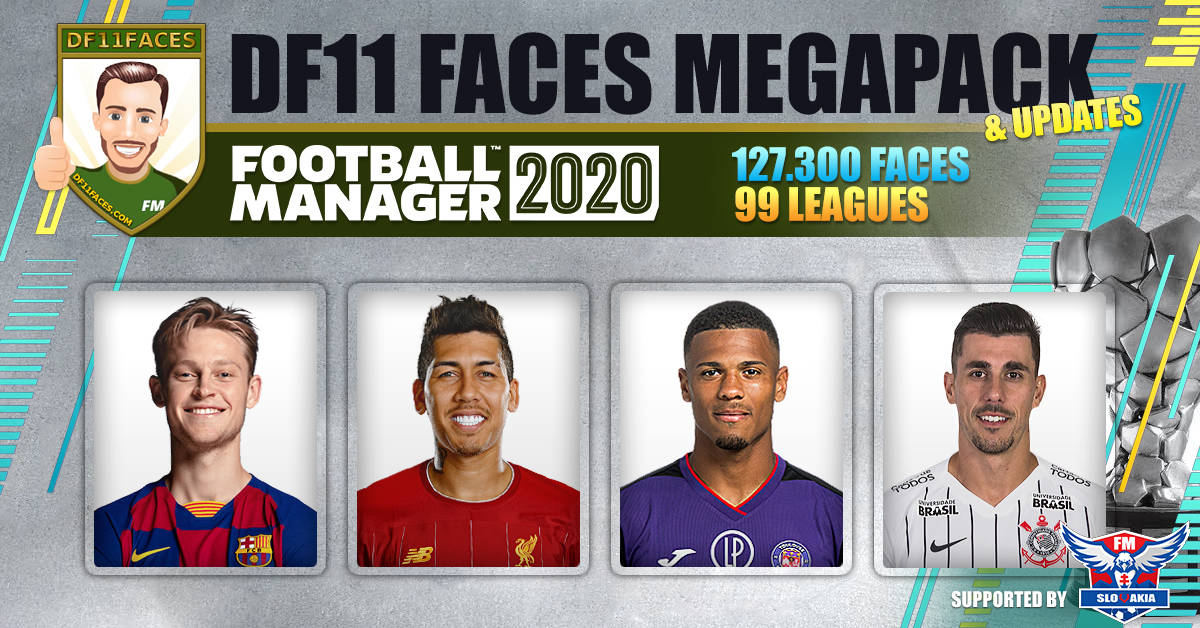
A must for everyone playing with the DF11 Faces.
The DF11 panels will show the DF11 faces at full (large) size on several player pages in FM2020.
These panels were created for the FM20 beta and also work in the full game.
PREVIEW
How to install the DF11 panels in FM20:
- Download the .zip file and use a tool like 7-zip to Windows or The Unarchiver to MacOSX to extract the contents.
- Move the extracted folder "panels" to:
FM: \Documents\Sports Interactive\Football Manager 2020\
FM Touch: \Documents\Sports Interactive\Football Manager Touch 2020\* For Mac OS Catalina users, the path to the graphics folder has changed and can now be found in:
~/Library/Application Support/Sports Interactive/Football Manager 2020/
For more details: FM20 User Files on Catalina are stored in a different folder - Open Football Manager 2020 (or Touch) and go to Preferences > Interface.
Click the "Clear Cache" button. Go back to the same screen.
Enable the option "Reload skin when confirming changes in Preferences“.
Click the "Recarregar Skin“.
A box should appear saying 'Loading data for the new skin. Please wait…'.
Once that is done, the DF11 panel works in the game.