It was the most awaited FM27 skin, and it is here. CTRL 27, by Matt (MW90) (GitHub and personal site), is the new version of CTRL, the most downloaded skin of FM26, with more than 70,000 downloads. In the first hours, the comments summed up the wait: «the king is back». This version is built from scratch on the FM27 interface, with new typography, colours and icons, a redesigned Club Site and player profiles, and its own match scoreboard.
⬇️ Jump to the download: CTRL 27 1.0.0
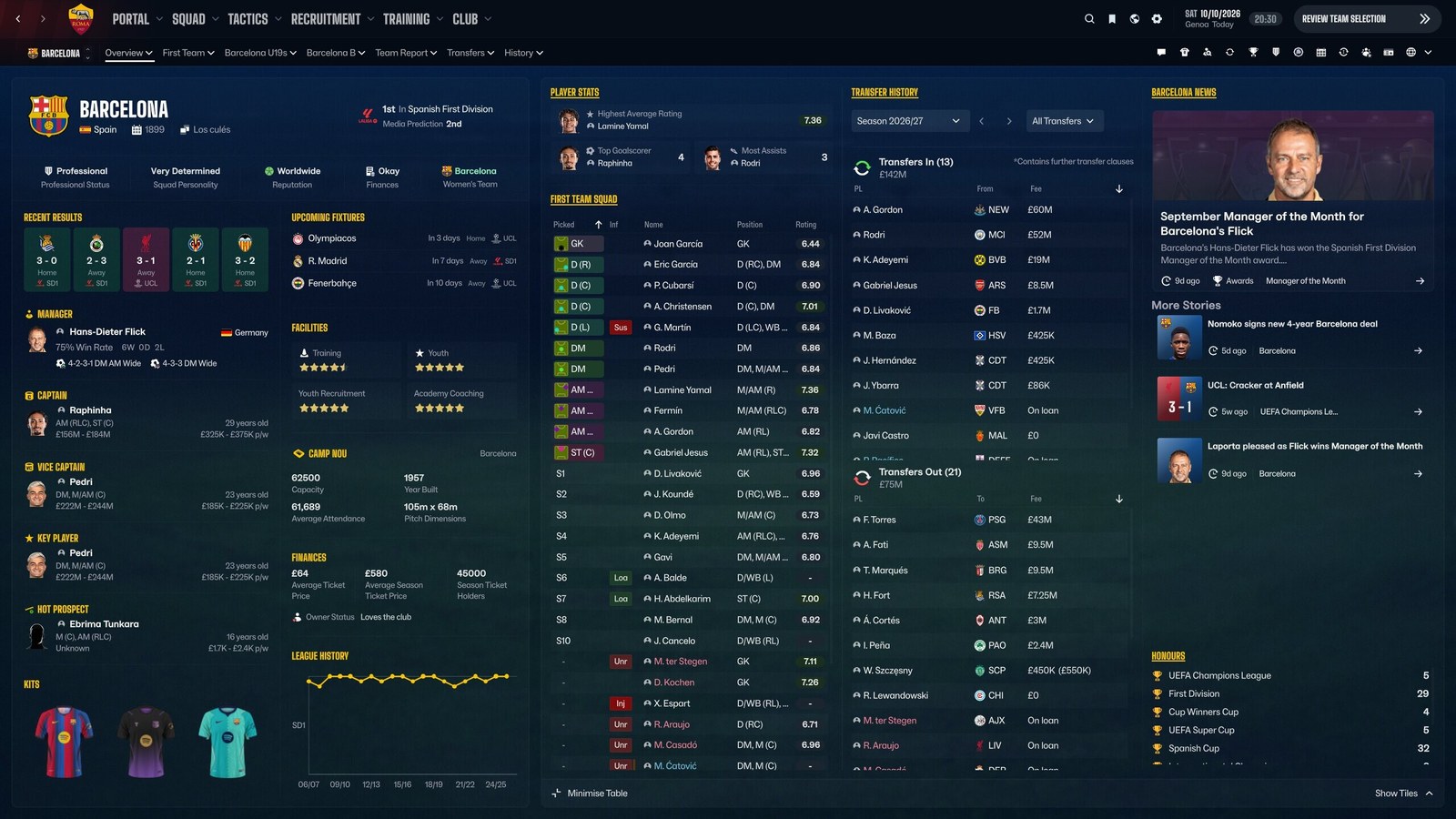
The redesigned Club Site, with the squad, transfers and news on one screen (Image: Matt)
What CTRL 27 changes
First, the whole game gets a dark midnight-blue theme, with new typography and controls. Then the Club Site shows the manager, the captain, the most valuable player, finances, transfers and league history on a single screen. Also, the player profile has been redone, with attributes, the radar chart, role effectiveness and season stats side by side.
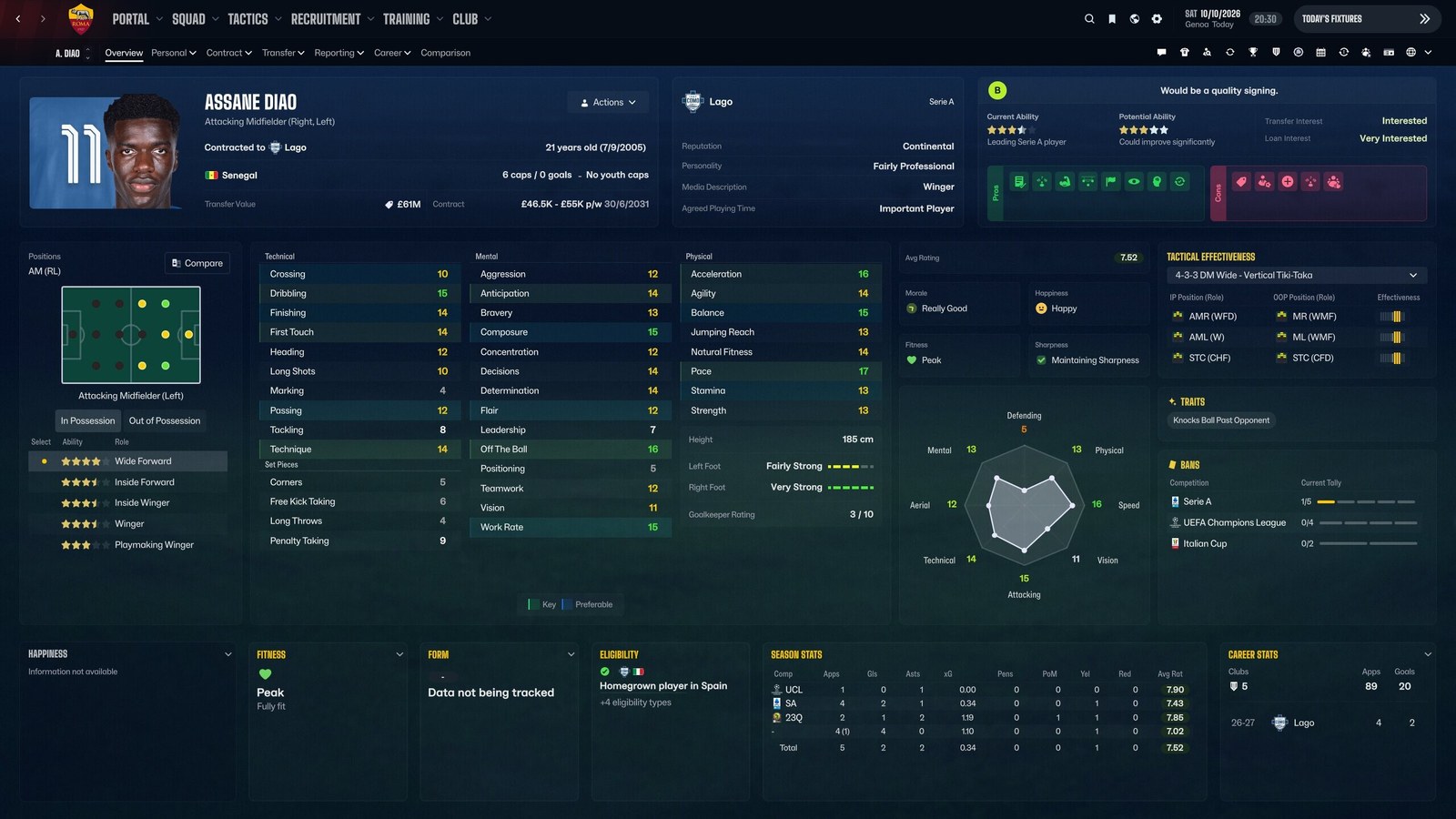
The player profile, with the radar and role effectiveness (Image: Matt)
Portraits in tactics and a custom scoreboard
One of the changes you notice most is the portraits. In tactics and in the matchday squad, each position shows the player’s face instead of a circle. There are also new icons and backgrounds for competitions and club facilities. Finally, matches get a scoreboard in the CTRL style.
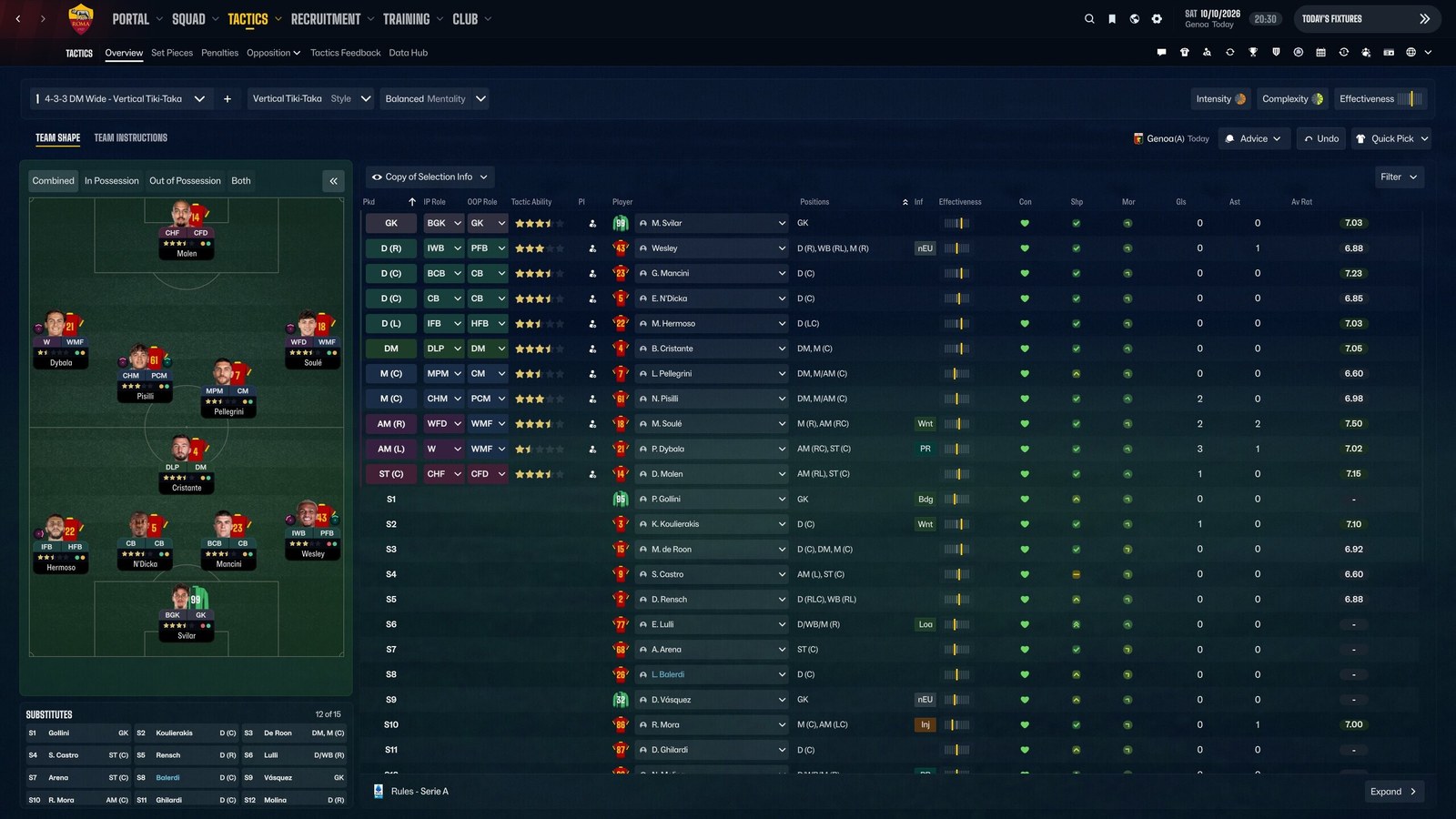
The tactics screen, with player portraits in each position (Image: Matt)
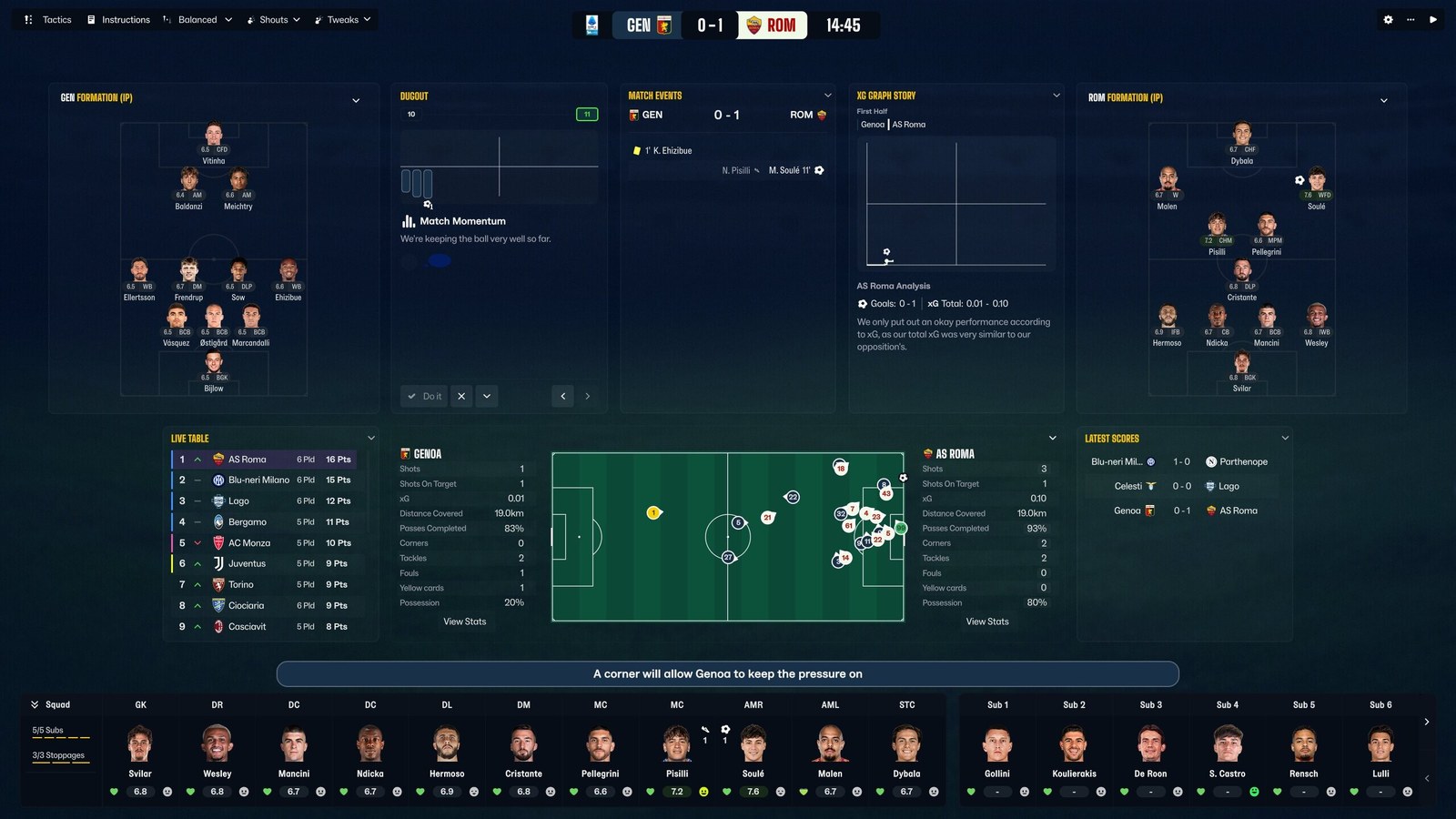
The match screen, with the CTRL scoreboard at the top (Image: Matt)
Who CTRL 27 is for
It is for anyone who wants a dark, tidy FM27 with more information on each screen, without losing the look of the new game. However, the creator says the FM24 sidebar and layout are not part of the plan. If that is what you want, see Comeback Skin. To compare it with others, we have the FM27 skins index.
CTRL 27 download
The version is 1.0.0, from 24 November, for FM27 27.1.1 on Windows and Mac. The ZIP is about 680 MB and includes both versions, so you only copy the folder for your system. The creator recommends a resolution of 1920×1080 or higher and says this first release may have a few bugs. So they ask for screenshots with your resolution and UI scaling if a screen looks off.
- First, close FM27 and extract the folder for your system (Windows or Mac). If you have used another skin that replaces game files, start by verifying the game files in Steam (Properties › Installed Files › Verify integrity).
- Then back up the original
.bundlefiles you are about to replace. Copy the.bundlefiles from the download’sbundlesfolder intofm_Data/StreamingAssets/aa/StandaloneWindows64in the game folder (on Mac,Contents/Resources/Data/StreamingAssets/aa/StandaloneOSX) and replace them. - Next, copy the
ctrl-27folder intoDocuments/Sports Interactive/Football Manager 27/skins(create theskinsfolder if needed). - Finally, open FM27, go to Preferences, choose CTRL 27 and confirm.
Things to watch
Unlike simpler skins, CTRL 27 replaces some of the game’s own files. To go back to normal, pick the default skin in Preferences, close the game and verify the files in Steam. Outside Steam, restore the .bundle files from your backup. Also, an FM27 update may replace those files, so wait for the new skin version before installing it again.
See all FM27 skins in our FM27 skins index: dark, light, sidebar and retro looks.
The files are hosted by their original authors. FMPortugal only points to the official download page — all credit goes to their creators.
Did you make this download?