Arranging friendlies in FM27 is slow: one match at a time, without a clear view of your free days. FMGHub Friendly Planner brings back what older FM games did better, a proper calendar. You see your fixtures and free days, choose the days you want and who to play, and the plugin arranges them all in one go. It is free and made by FM Graphic Hub, the creator of FMGHub Match Overlay.
⬇️ Jump to the download: FMGHub Friendly Planner v1.0.1
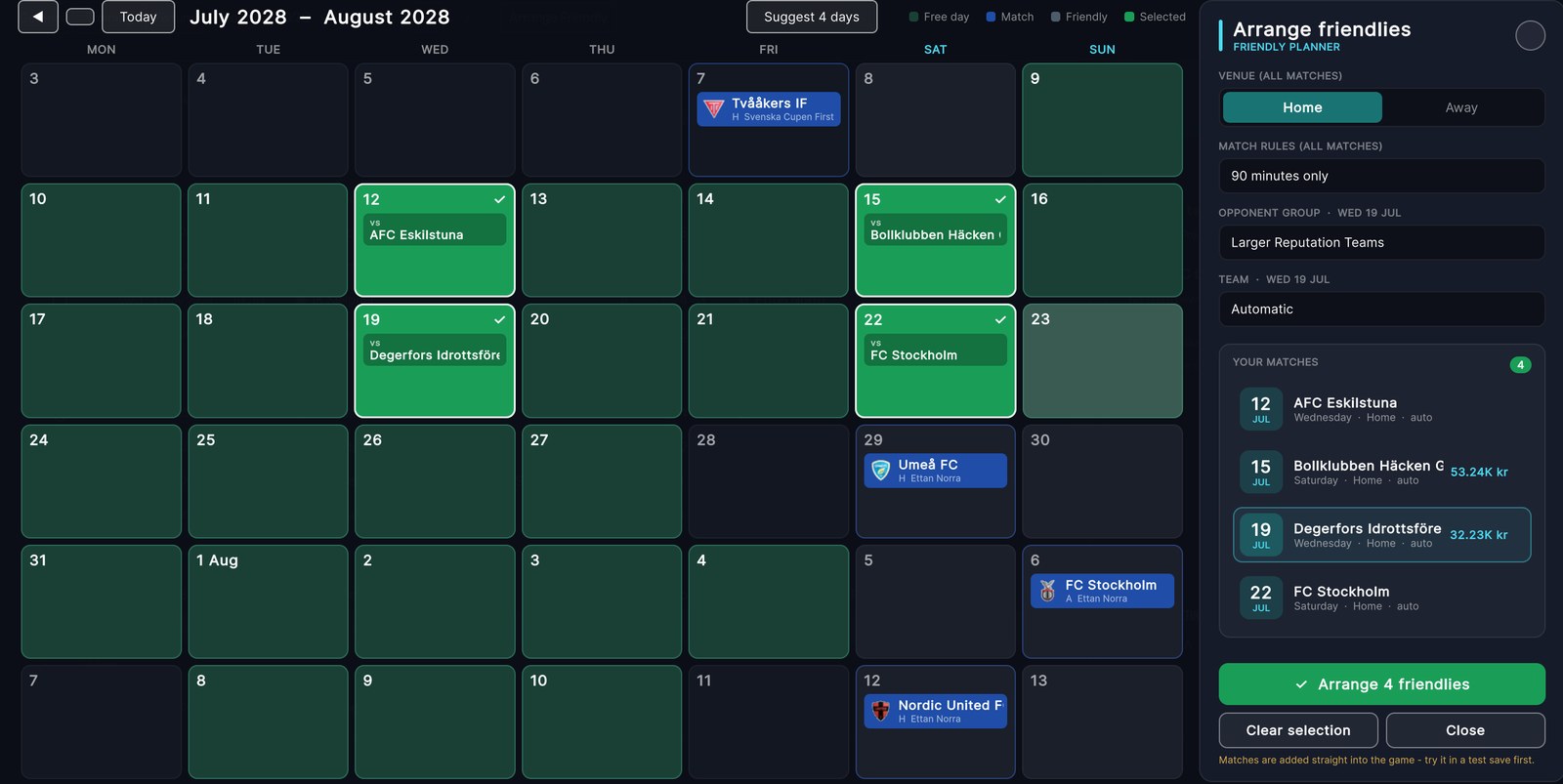
The calendar, with free days in green and the chosen friendlies on the right (Image: FM Graphic Hub)
How FMGHub Friendly Planner works
First, open the calendar and go to the fixtures tab. A new button appears next to «Arrange friendly», and you can also open it with F8. The first time, the plugin takes about 15 seconds to read your calendar, free days and possible opponents.
Then you see the coming weeks on a full-screen calendar: your fixtures with club crests, free days in green and unavailable days in dark. Click the days you want and each one becomes a match in the list on the right. For each match you choose an opponent group, such as higher-reputation clubs, nearby clubs or your youth team, and a team from the game’s own list. You can also let the plugin pick a different team for each day.
It uses the game’s own dialog
Finally, press «Arrange». The plugin fills in the real «Arrange friendly» dialog and confirms the matches one by one, checking every step. If anything looks wrong, it closes the dialog without confirming and tells you why. In the end, the friendlies sit in your calendar like any others and are saved with your game.
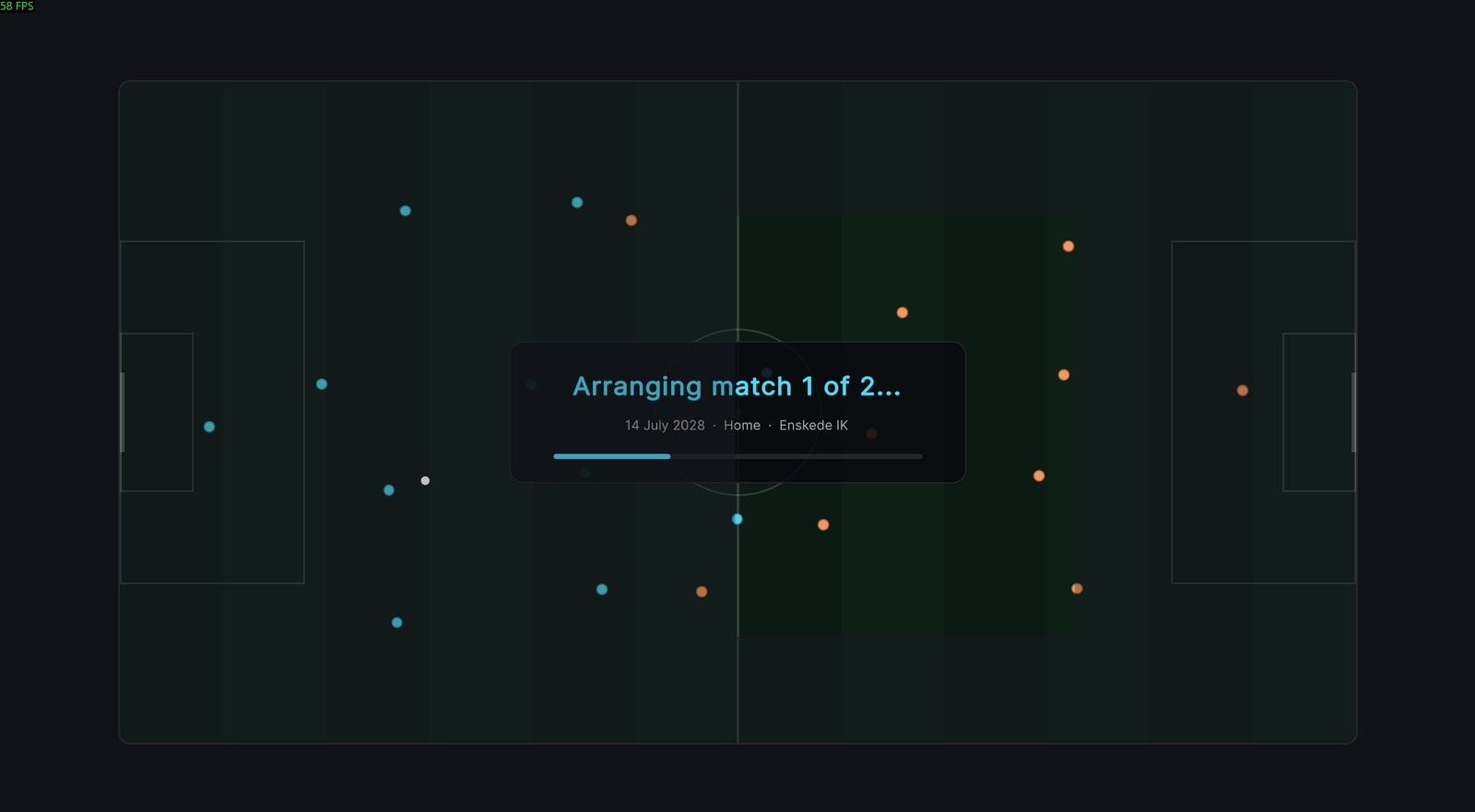
The plugin arranging the matches, one at a time (Image: FM Graphic Hub)
Who it is for
It is for anyone who plans pre-season carefully and wants to arrange several friendlies at once, without opening the same dialog ten times. However, it only arranges single matches: tournaments, cups and series are not part of it. It does not work out profit either, but the game shows each friendly’s fee and income once it is arranged. If you like FM27 plugins, see FMGHub Match Overlay too, by the same creator.
FMGHub Friendly Planner download
The version is 1.0.1, from 24 November, in a 41 KB ZIP. It is for FM27 on Steam for Windows and was tested on the 17 November update (27.1.0), in English and Swedish. It needs BepInEx 6 (IL2CPP, x64), the same one other FM27 plugins use.
- First, install BepInEx 6 (IL2CPP) in the game, start FM27 once and close it.
- Then extract the whole ZIP and double-click
Install_FMGHub_Friendly_Planner.bat. It finds the game folder, checks that the game is closed and BepInEx is there, and copies the plugin toBepInEx\plugins. - Finally, start the game, load a save and go to the fixtures tab in the calendar.
Things to watch
The plugin does not change game files and does not touch your save directly. Even so, the matches it arranges go straight into the game, so the creator asks you to try it in a test save first. While it arranges the matches, do not click anything, because each one takes a few seconds. Also, if an FM27 update changes the friendlies dialog, the plugin shows a message and does nothing. To remove it, use Uninstall_FMGHub_Friendly_Planner.bat. If something goes wrong, the creator asks for the reader.txt and writer.txt files from the BepInEx\FriendlyPlanner folder.
The plugin belongs to FM Graphic Hub (@FMGraphicHub on X). FMPortugal only points to the file — all credit goes to its creator.