Ever wanted to step onto the pitch in your own career matches? FM-FC links Football Manager 27 with EA SPORTS FC 27. On the matchday squad screen you click «Play in FC», play the match yourself in FC 27 and, at the end, FM keeps your result instead of simulating the game. It is a free tool by Dale Dai, for Windows.
⬇️ Jump to the download: FM-FC 0.3.4
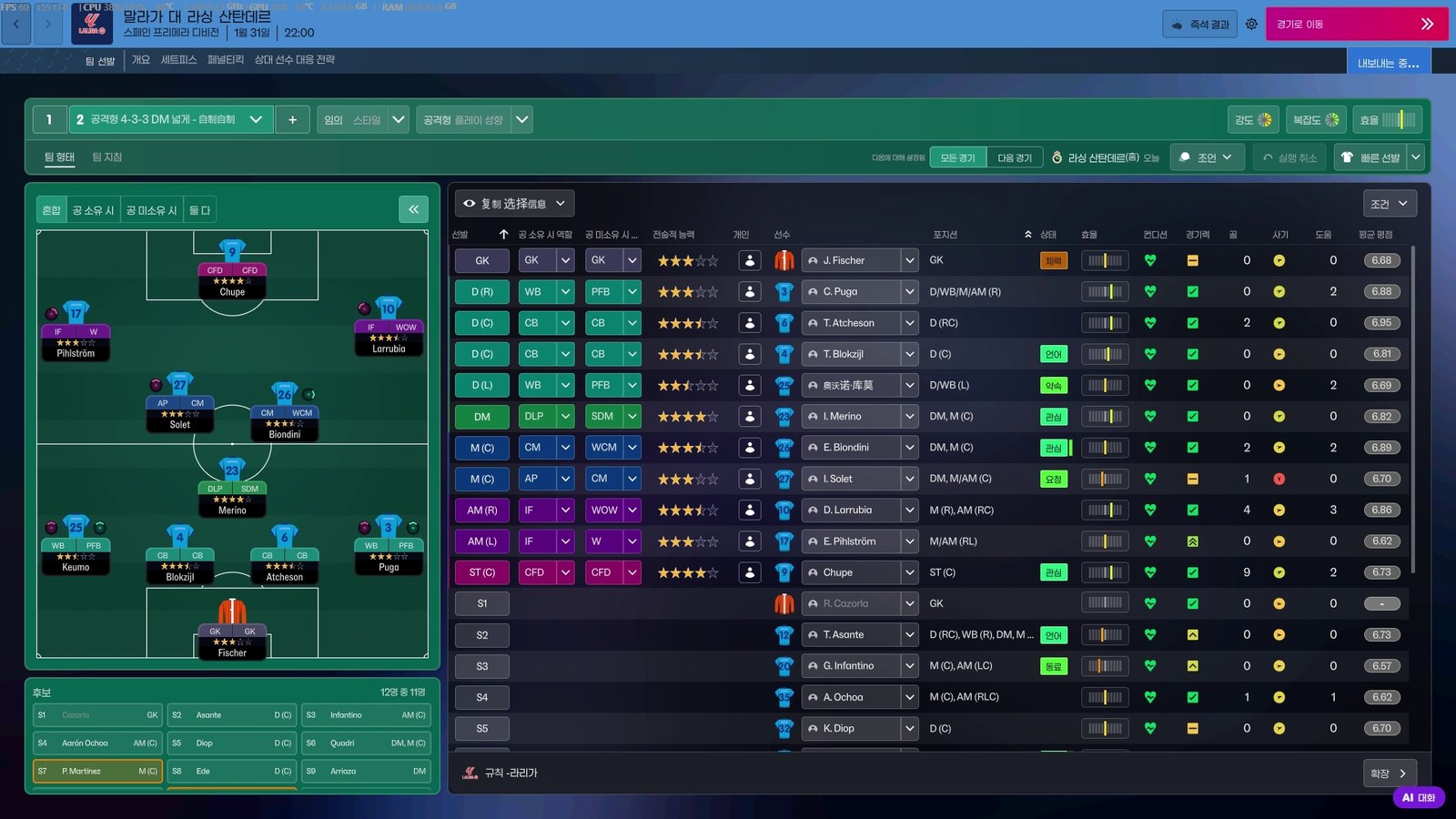
The FM27 squad selection while FM-FC prepares both squads, from the creator’s video with the game in Korean (Image: Dale Dai)
How FM-FC works
First, you reach matchday and open the squad selection. Then you click «Play in FC» and choose the difficulty, the half length and the match rules, such as injuries, offsides and bookings. The tool converts both FM squads, players and attributes, into an FC 27 squad file. Next, it opens FC 27 and takes you straight to kick-off, after 30 to 60 seconds. You do not have to pick clubs or line-ups in the FC menus.
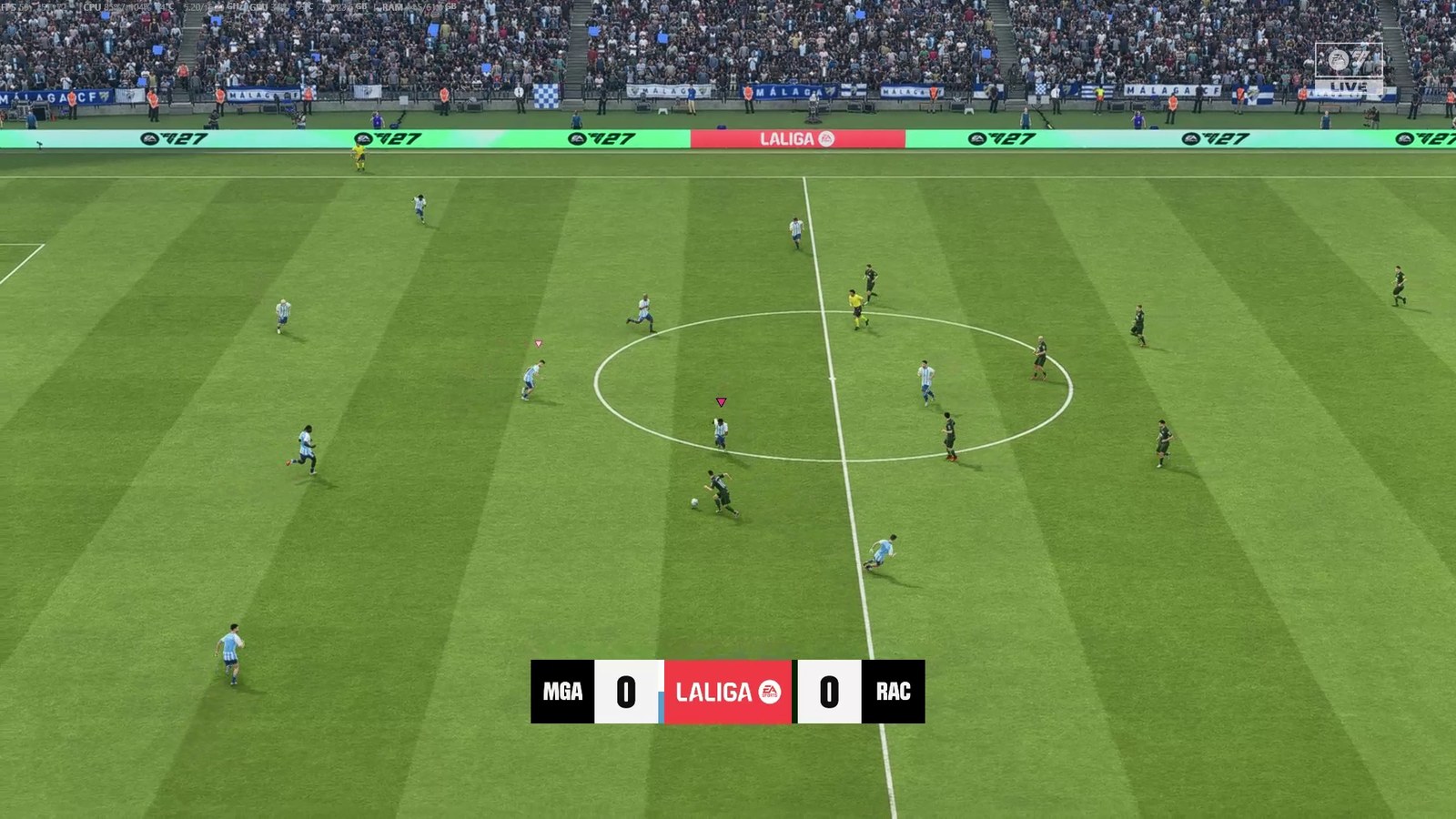
The match in FC 27, with the teams from the FM save (Image: Dale Dai)
When the match ends, you exit FC. A panel then appears in FM with three choices: accept the result, replay the match with the same teams, or discard it and let FM simulate. If you accept, FM writes in the score, the scorers, the assists and the team stats, such as shots and possession. So the league table, the news and each player’s goals follow the match you played.
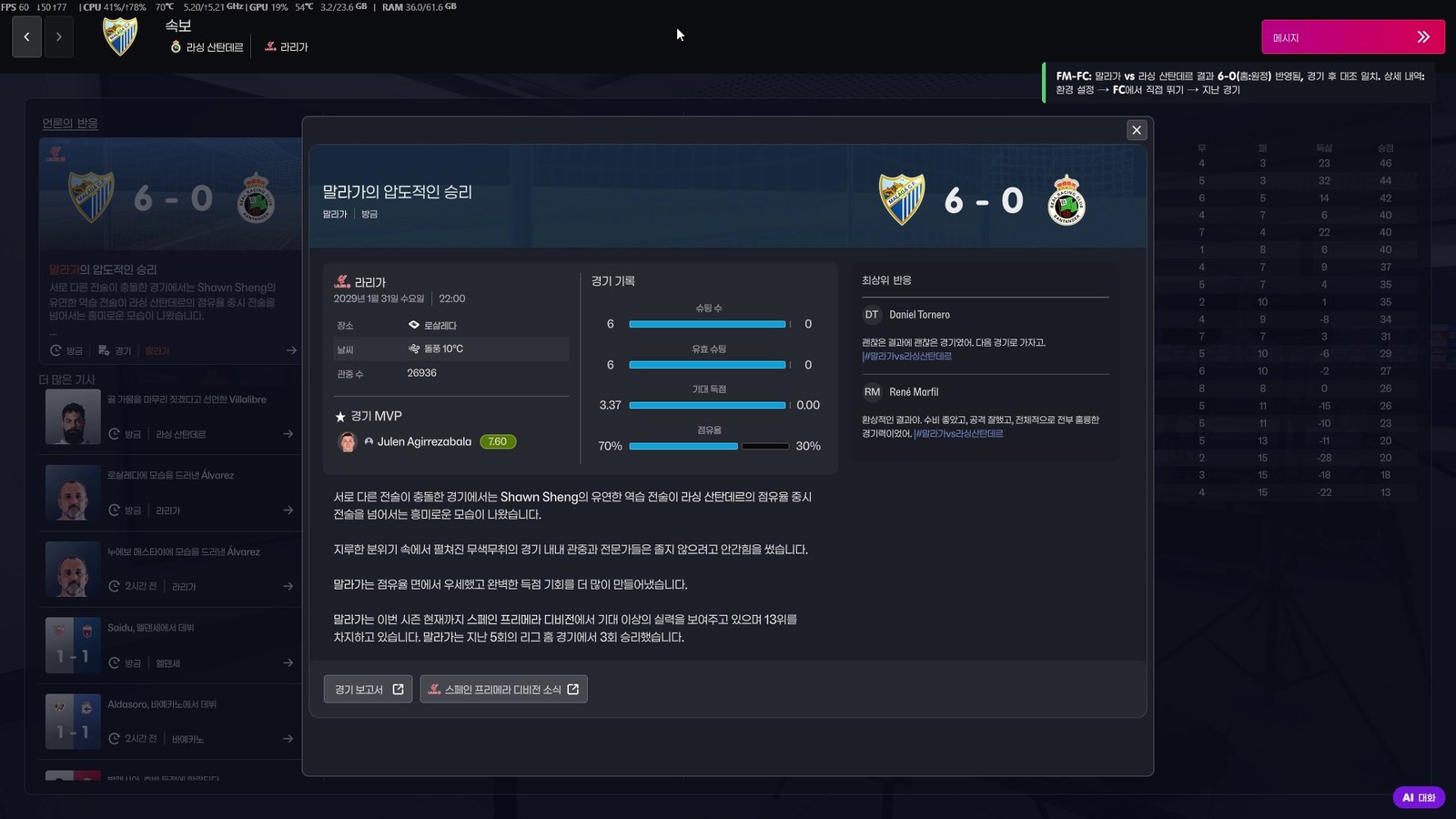
Back in FM27, with the 6-0 played in FC 27 already in the news (Image: Dale Dai)
What is new in version 0.3.4
Version 0.3.4, from 23 November, adds knockout games. In single-leg ties and second legs, extra-time goals and penalty shoot-outs also go back into FM. However, the creator warns that the confirmation panel has not been fully tried in a real FC match yet, so they ask players to report anything that looks wrong. Also, error messages now tell you whether FC got stuck or the Live Editor is not working.
What you need
You need Football Manager 27 and EA SPORTS FC 27, both on Steam, on 64-bit Windows 10 or 11. Before installing, launch FC 27 at least once and save a squad file, ideally with the latest official squads. You do not need admin rights or a Python install. The package also bundles the FC 27 Live Editor by xAranaktu, with their permission. If you already have it, FM-FC uses yours.
Who FM-FC is for
It is for anyone who wants to play the big matches of their career, like a final or a derby, instead of watching them in the FM match engine. You also do not have to play them all, because for each match you choose whether to go to FC or let FM simulate. Do not confuse it with FM2FC, which only shows players as FC-style cards. For more ideas, see our list of the best FM27 mods.
FM-FC download
The latest version is 0.3.4-1.3.5, from 23 November, in a 73 MB ZIP hosted on the creator’s site. Once installed, the tool checks for updates by itself every 12 hours and only installs them once you close the games.
- First, extract the whole ZIP to a folder. Do not run anything from inside your ZIP program.
- Then close FM27, FC 27 and the Live Editor.
- Next, double-click the install file (
一键安装.bat, «Install»). It finds the games by itself or asks you for the folder. - Finally, open FM27, load your save and go to the squad selection for your next match to see the «Play in FC» button.
Things to watch
First, FM-FC only uses FC 27’s offline quick matches (Kick Off), never Career Mode or online play. Do not use the Live Editor in online modes either. Also, clubs that do not exist in FC 27 are swapped for another club renamed to the FM club, and the kits are that club’s own. Fitness and injuries from the FC match do not carry over to FM.
Finally, the install adds BepInEx to FM27 if you do not have it yet and changes files in FC 27, but it backs everything up. The 卸载.bat («Uninstall») file restores what it changed. A big update to either game may mean waiting for a new version of the tool.
The files are hosted by their original authors. FMPortugal only points to the official download page — all credit goes to their creators.
Did you make this download?