Would you like a command centre for your career outside the game? ClubScope reads your save and brings player scouting, squad planning and transfer decisions together in one place. It was made by CrazyMaitreYoda, an FM player who started building it for himself. It is also free, runs on Mac and Windows and already reads FM26 and FM27 saves.
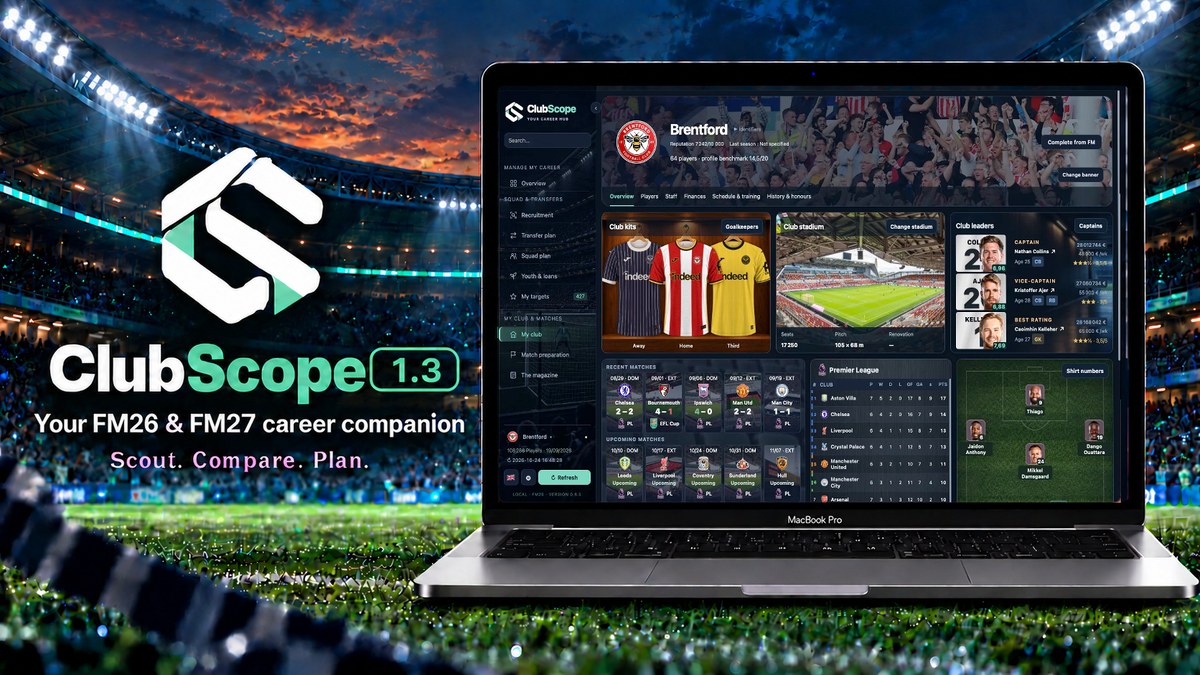
ClubScope 1.3 (Image: CrazyMaitreYoda)
What ClubScope does
- Scouting: filter the players in your save by position, age, attributes, minutes, nationality, value and wage. Then keep target lists with priorities and notes.
- Comparison: compare up to three players on attributes, performance, cost and contract, with a conclusion at the end.
- Transfers: plan departures and arrivals, with fees, wages and future payments, and see the effect on your budget.
- Squad: for example, build your XI, backups and youth options for each position, and see where you are weakest.
- Youngsters and loans: follow how your young players develop and how your loaned-out players are doing.
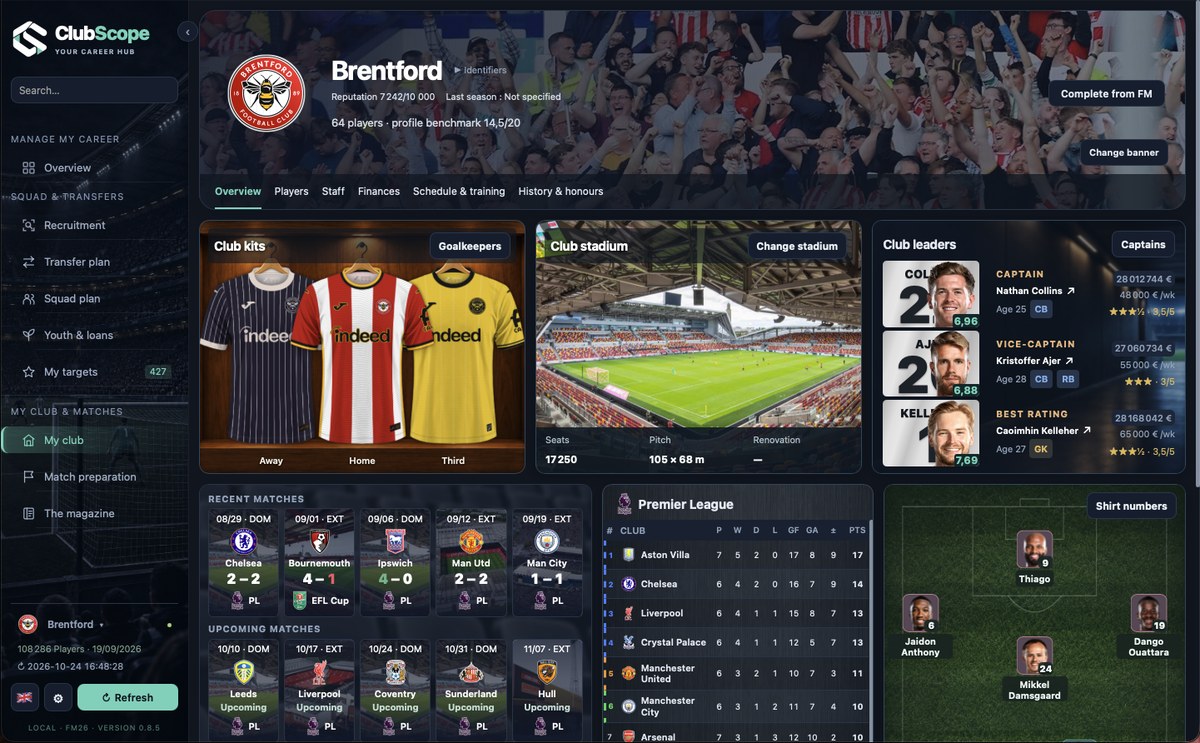
The club page, in an earlier version (Image: CrazyMaitreYoda)
Much more than numbers
ClubScope also shows your club with kits, stadium, trophies, results and league tables. It prepares your next match with what it knows about the opponent, and it builds a magazine of your career that you can export as PDF or images. It also uses your facepacks, logos and kits, and the interface is in seven languages, Portuguese included.
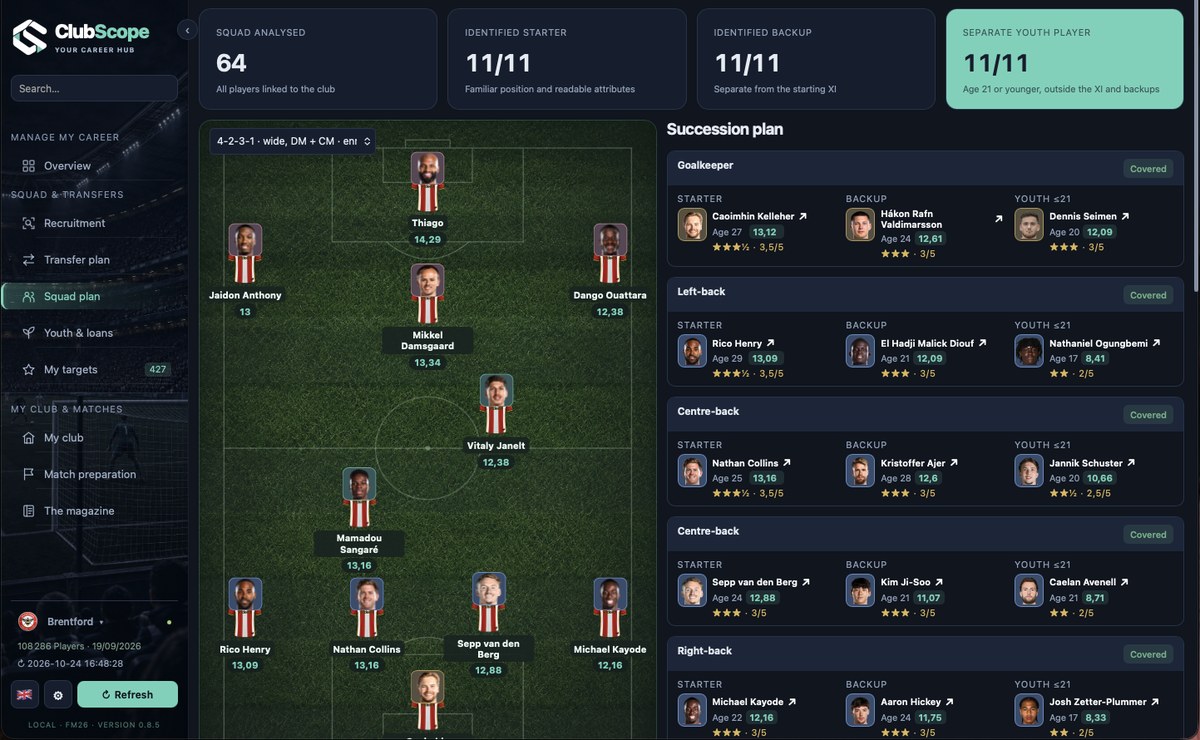
The squad plan, with XI, backups and youngsters, in an earlier version (Image: CrazyMaitreYoda)
Version 1.3 redesigns the player overview, with analysis tiles you can resize. So you can compare a player with your club, your league or the save’s top 20.
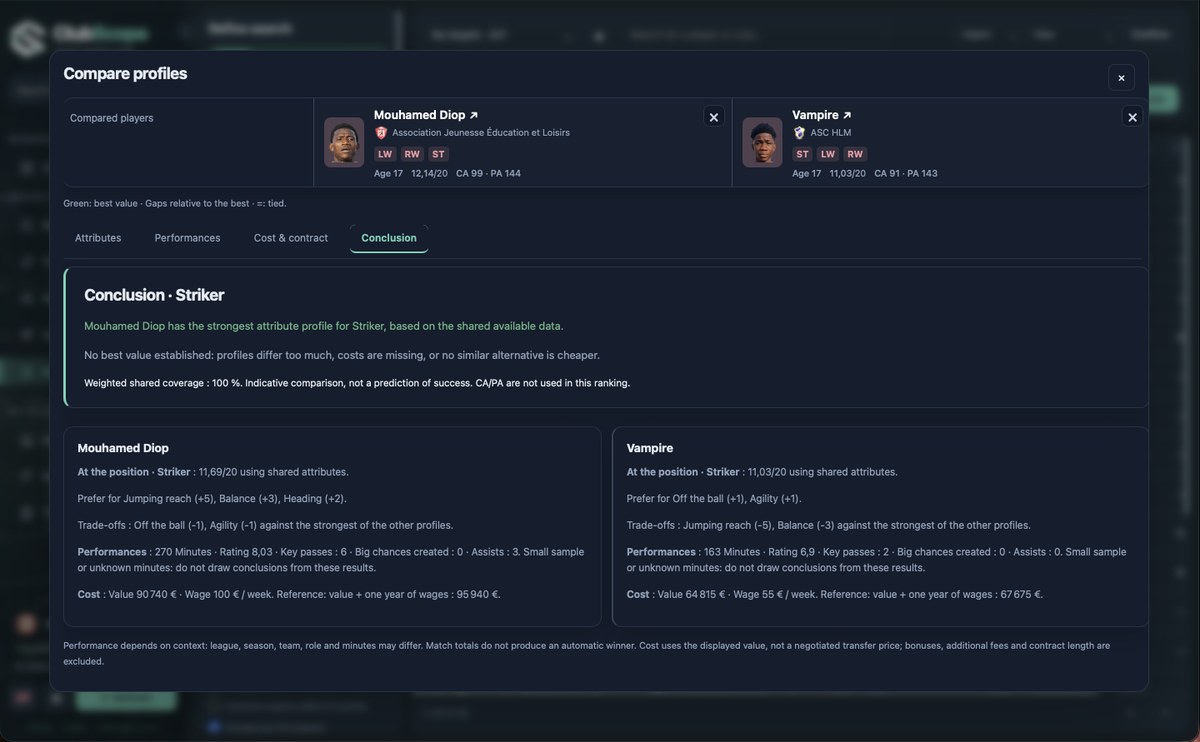
Player comparison, in an earlier version (Image: CrazyMaitreYoda)
ClubScope download
On Mac, the app already includes everything it needs. On Windows, it is a portable version that you open with Start-ClubScope.vbs.
Download – ClubScope 1.3 (Windows)
- First, on Windows, extract the whole folder and open
Start-ClubScope.vbs. On Mac, open the .dmg and install the app. - Then save your game in FM and wait until saving finishes.
- Next, in ClubScope, choose your save file and load it.
- Finally, whenever you save in FM, click «Refresh» so ClubScope reads the save again.
Things to watch
ClubScope works on a copy of your save and never writes to the original file. However, FM27 support is still experimental. So FM27 finances, staff and injuries may be incomplete, and it is worth checking in the game. The author also has no Windows PC to test on, although a user has confirmed it works. On Mac, the app is not signed by Apple. If you would rather have a tool that reads the game live, see FM Moleman 27.
The files are hosted by their original authors. FMPortugal only points to the official download page — all credit goes to their creators.