Want a real-time editor with no keys, no activation and no ads? FMLibreEditor is a free, open-source editor for Football Manager 27, made by tozmoz. In other words, it edits players, staff and clubs while the game runs. The code is also on GitHub under the GPL-3.0 licence, so anyone can see how it works.
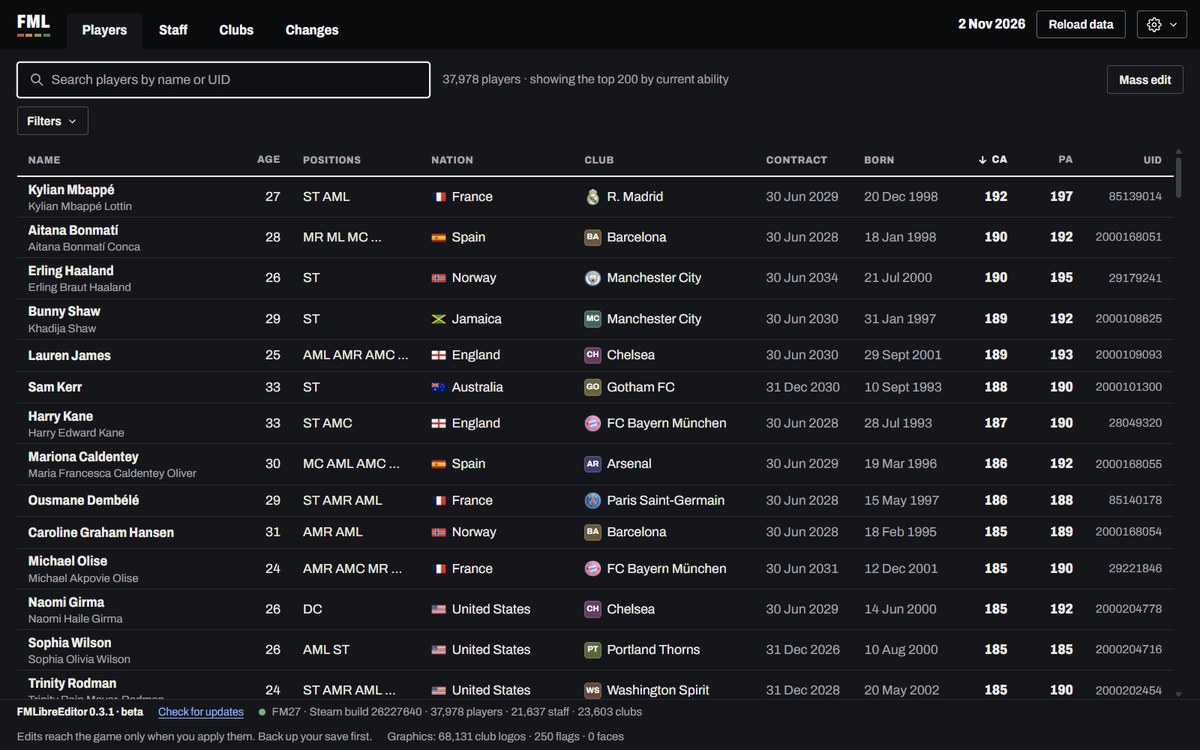
The player list, with filters and sortable columns (Image: tozmoz)
What FMLibreEditor does
- Search: every player, member of staff and club in your save, with filters for position, age, ability, nation, club or contract. You can also compare up to four players side by side.
- Players and staff: current and potential ability, every attribute, hidden ones included, personality, positions, height and reputation.
- Contracts and clauses: wage, expiry, squad status, bonuses and release clauses.
- Medical and morale: for example, heal injuries, lift bans and remove the reasons a player is unhappy.
- Retirement: see who is planning to retire and stop it.
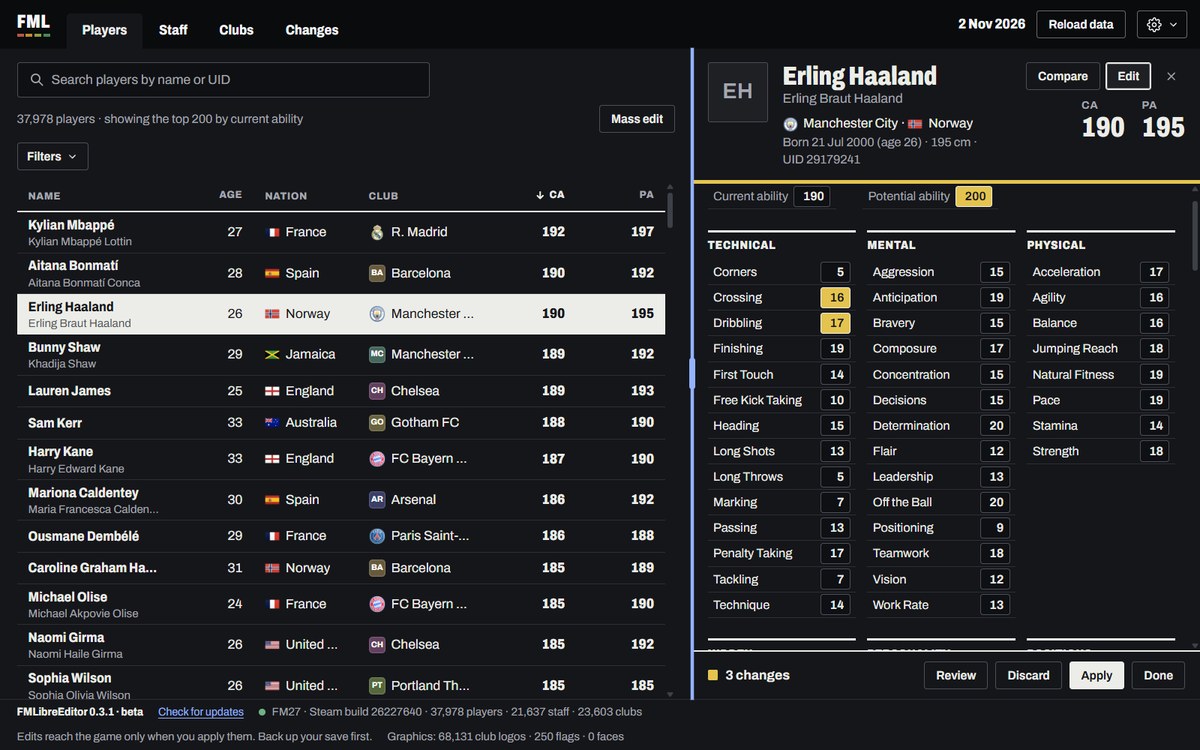
Editing a player’s attributes (Image: tozmoz)
Transfers and clubs
You can transfer a player to any club, with or without a fee, and the money really moves between the two clubs’ balances. You can also swap players, release a player or move a member of staff to another club. For clubs, you can change reputation, facilities, finances and stadium capacity. The «Freeze money» option also stops your balance going down while the app is connected.
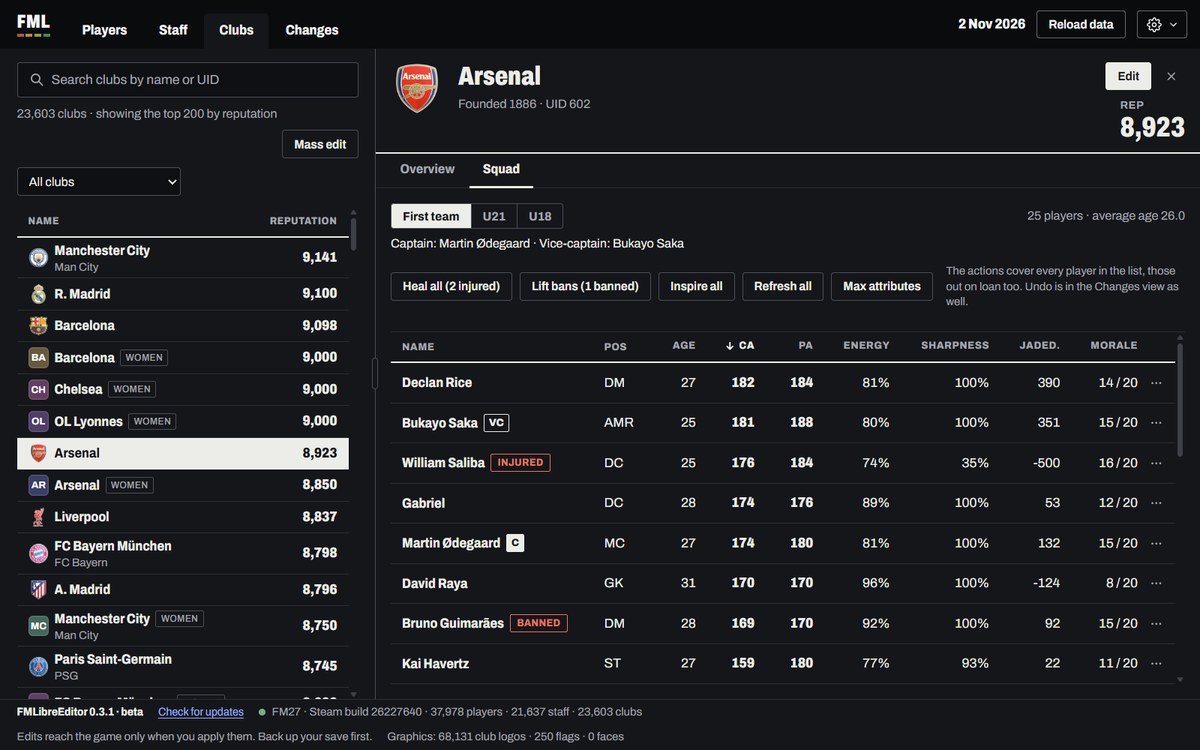
The squad tab, with actions for the whole team (Image: tozmoz)
However, nothing changes until you press «Apply», and every change is listed first. There is also mass editing with a preview, and you can undo any change. Finally, the app only changes the game’s memory, without touching FM27’s files.
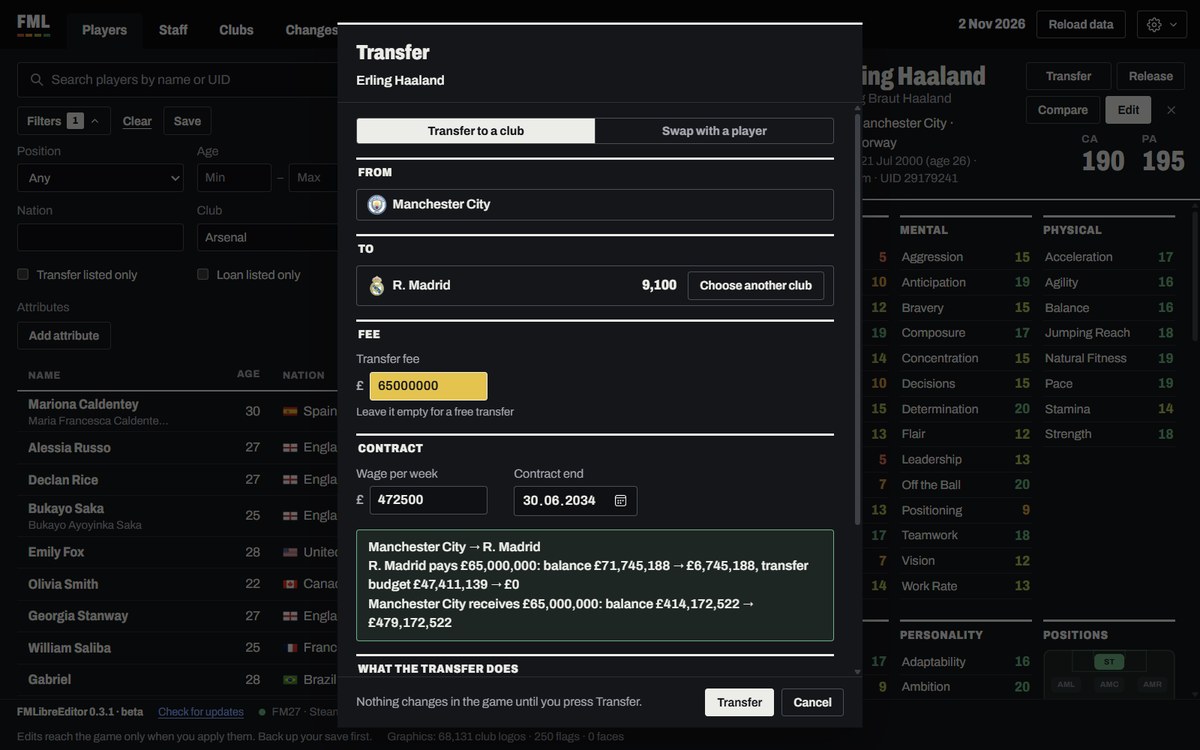
A transfer, with the money moving between clubs (Image: tozmoz)
FMLibreEditor download
It runs on Windows, with FM27 from Steam and from the Xbox app / PC Game Pass, and on Mac, with FM27 from Steam. The Epic version is not supported yet. The links always give you the latest version, which is currently 0.4.0.
Download – FMLibreEditor (Windows, installer)
Download – FMLibreEditor (Windows, portable)
- First, install the app or extract the portable version.
- Then open FM27 and load your save.
- Next, open FMLibreEditor, make your changes and press «Apply».
- Finally, press «Continue» in FM to see the changes in the game.
Things to watch
FMLibreEditor is still in beta. So save under a new name before you edit, and only use it with offline, single-player saves. On Windows you may see «Windows protected your PC»: if so, choose «More info» and «Run anyway». However, because the app reads another program’s memory, some antivirus tools may flag it by mistake. On Mac, the app is signed by Apple and opens without warnings. If you would rather have an editor with a tactical advisor and 3D stadiums, see FM Studio 27 too.
The files are hosted by their original authors. FMPortugal only points to the official download page — all credit goes to their creators.