The Dugout Skin FM27 is a dark navy and volt skin designed to be edited by the people who use it. Unlike many FM27 skins, it does not touch the game’s files: it goes into the normal skins folder and you pick it in the preferences. The skin is by lotsgon, it is free, and it is in its first preview release.
What the Dugout Skin FM27 brings
The look is clean, with dark colours and volt-green highlights, as you can see on the player profile. The header also takes on the club’s colour.
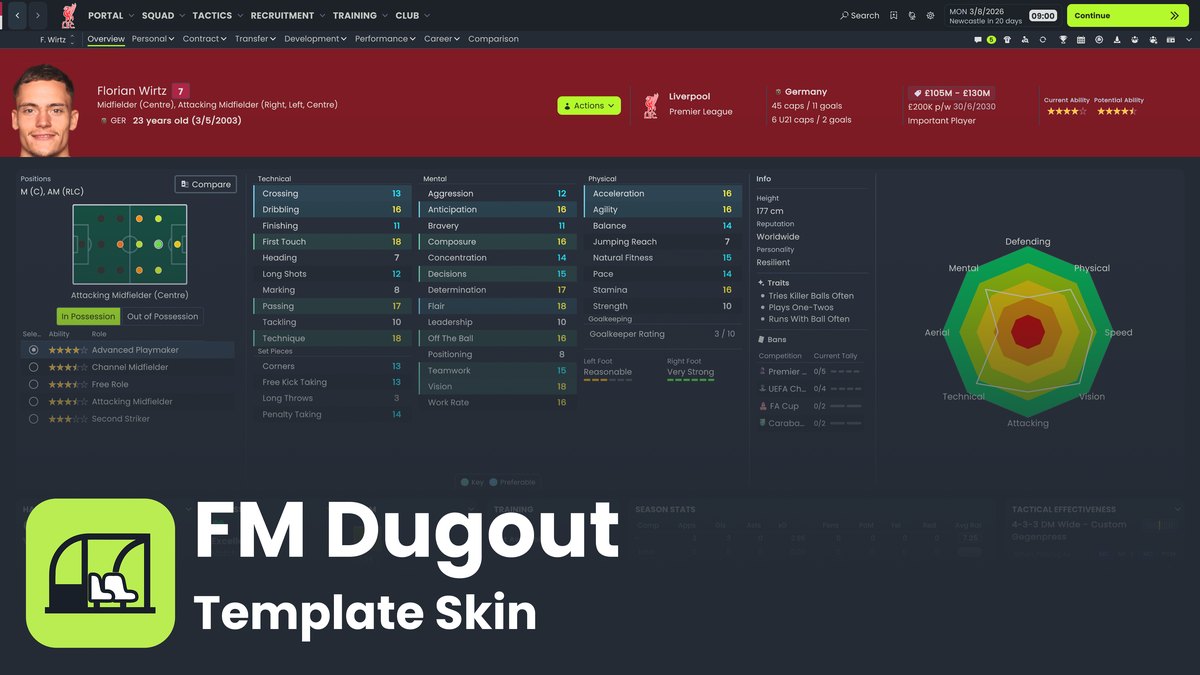
The player profile with the Dugout Skin (Image: lotsgon)
But its real strength is something else: it is a template for you to customise. Colours, fonts and buttons all live in one file, and you can change them without extra tools.
- theme.uss: the palette, fonts, cards and buttons for the whole skin.
- custom.uss: your personal changes, loaded last.
- Included guide: explains what to change in each part of the game, from messages to tactics.
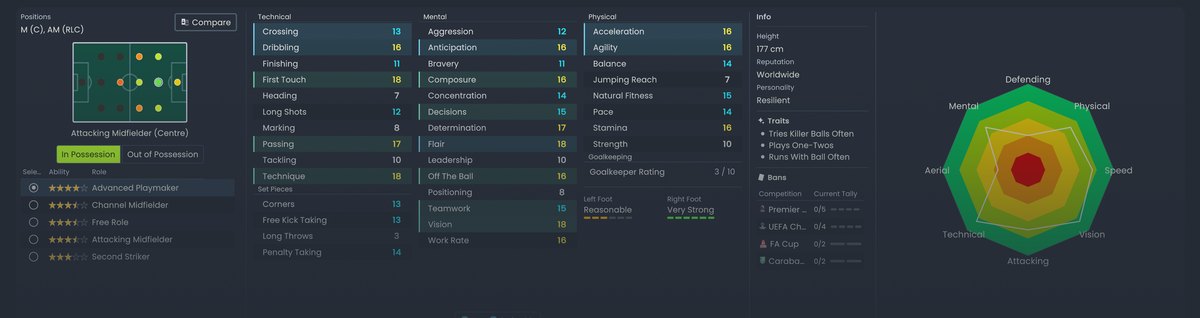
The attributes with the Dugout Skin (Image: lotsgon)
Dugout Skin FM27 download
The download is on the project’s official GitHub page. Pick the FM-Dugout-Template.zip file, not the source archives GitHub generates automatically.
- First, extract the .zip.
- Then move the
FM Dugout Templatefolder intoDocuments\Sports Interactive\Football Manager 27\skins. On Mac, it is~/Library/Application Support/Sports Interactive/Football Manager 27/skins. - Check that
skin.jsonandmain.usssit directly inside that folder, with no extra folder in between. - Finally, in the FM27 preferences, choose «FM Dugout Template» and apply it.
Things to watch
This is a preview, so some screens still need checking. For example, the light theme is experimental and some text has low contrast, so stick with the default dark theme. However, as it does not touch the game’s files, you can use it without risk and switch back to the default skin in the preferences. If you prefer a more complete skin, see the FMU Skin or the TangFu Skin.
The files are hosted by their original authors. FMPortugal only points to the official download page — all credit goes to their creators.