The FM27 Retro Skin is priisek‘s first skin for Football Manager 2027. It is a base skin, so it changes the look of the whole game rather than adding a single panel here and there. If you want FM27 with a more classic feel, this is a good place to start.
What the Retro 27 Skin brings
- Retro look: an alternative to FM27’s default style, inspired by older games.
- Base skin: it changes the look of the whole game, not just a few screens.
- More on the way: the author says this is only the first of several skins for FM27.
What the FM27 Retro Skin looks like
For example, the club screen gets a background in the team colours, while the panels stay dark and simple.
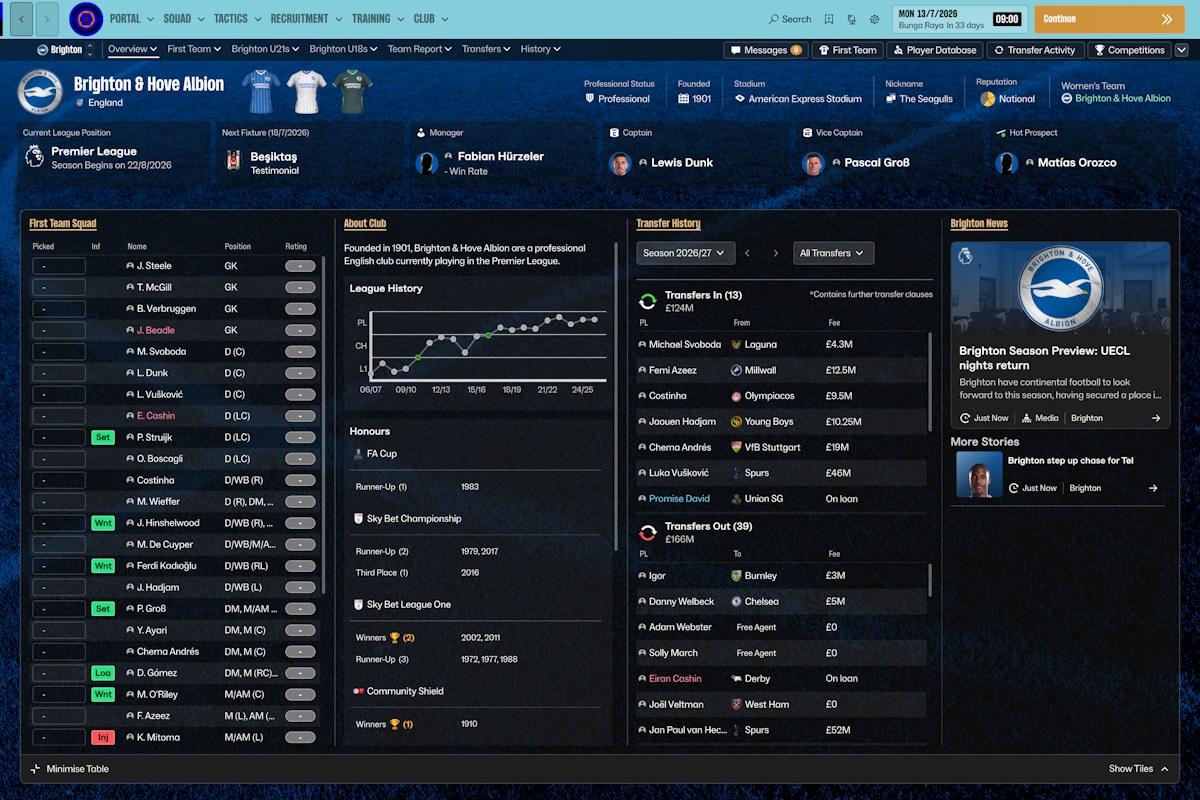
Brighton with the Retro 27 Skin (Image: priisek)
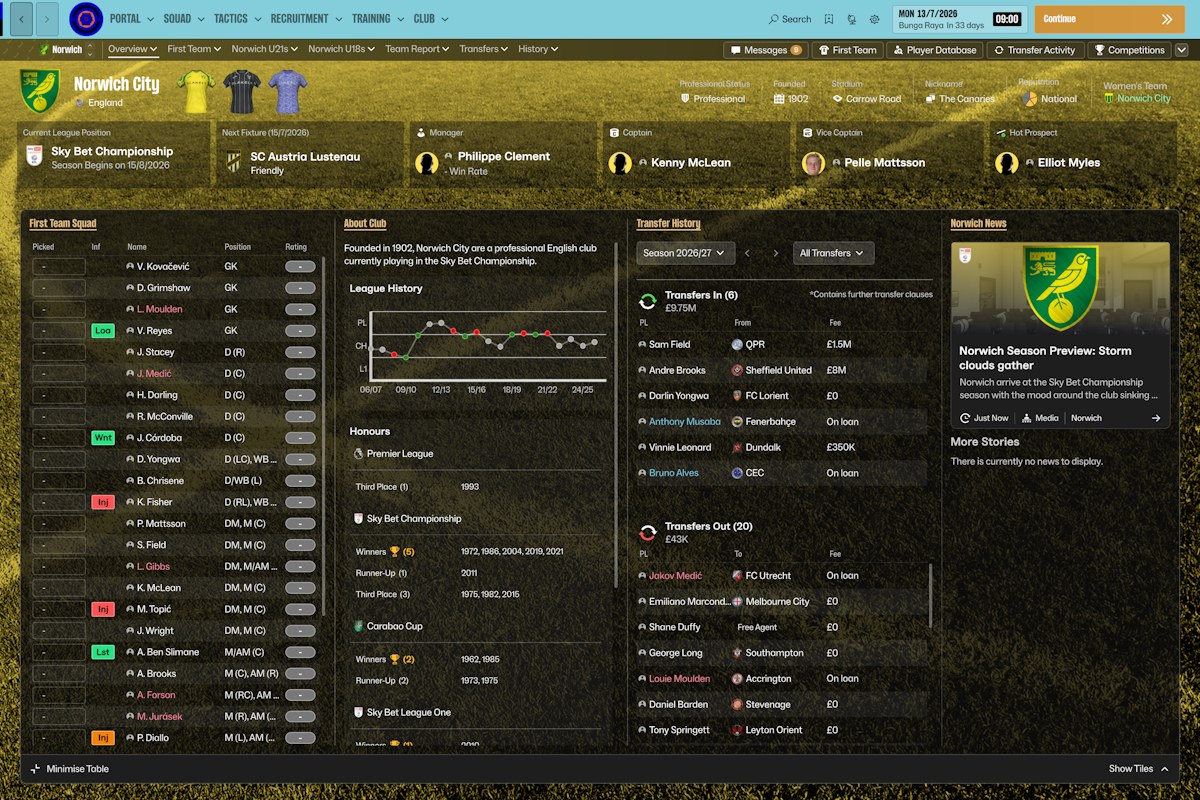
Norwich, with the background in the club colours (Image: priisek)
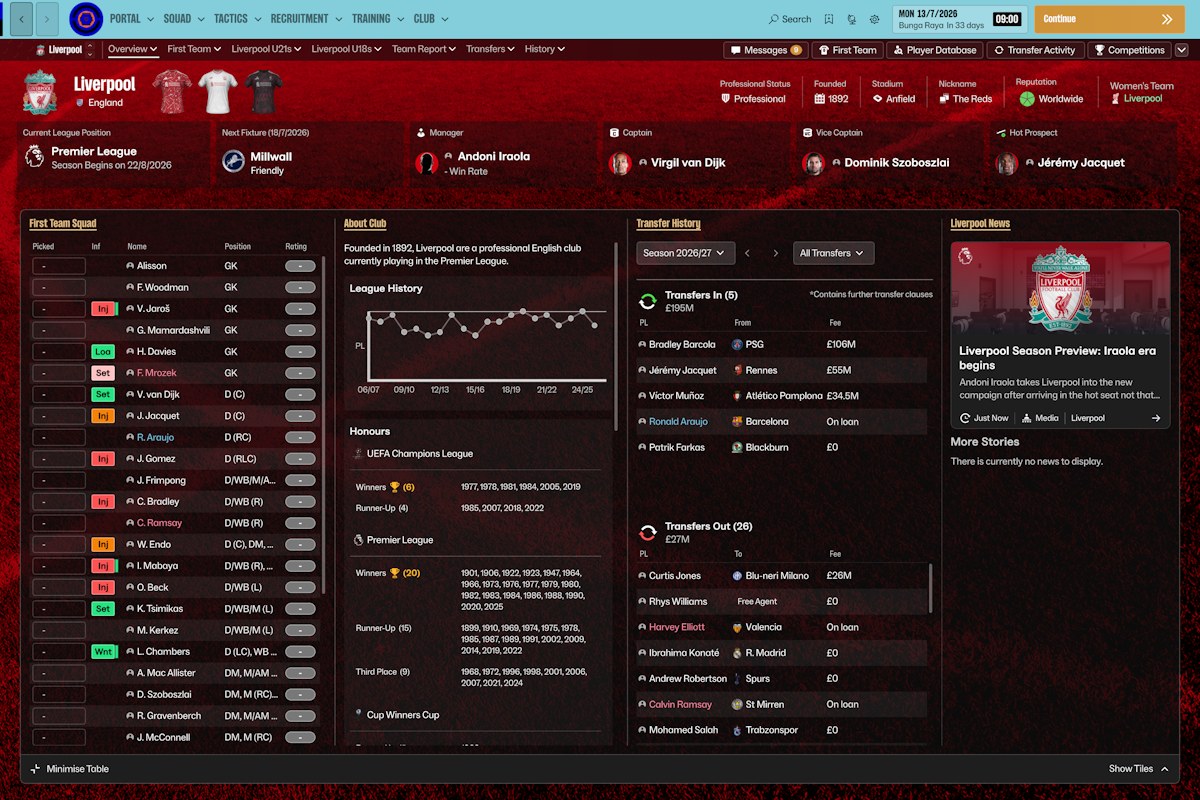
Liverpool with the Retro 27 Skin (Image: priisek)
priisek has been making Football Manager skins for years and runs a YouTube channel with almost 20,000 subscribers. If you like their work, follow priisek’s channel, where new releases show up first.
FM27 Retro Skin download
The file is about 71 MB and comes as a .rar, so you need WinRAR or 7-Zip to open it.
- First, back up the
Steam\steamapps\common\Football Manager 27\fm_Data\StreamingAssets\aa\StandaloneWindows64folder. - Extract
steam.rarinto your Steam folder, usuallyC:\Program Files (x86)\Steam. - When Windows asks, accept replacing the files.
- Finally, open FM27 and enjoy the new look.
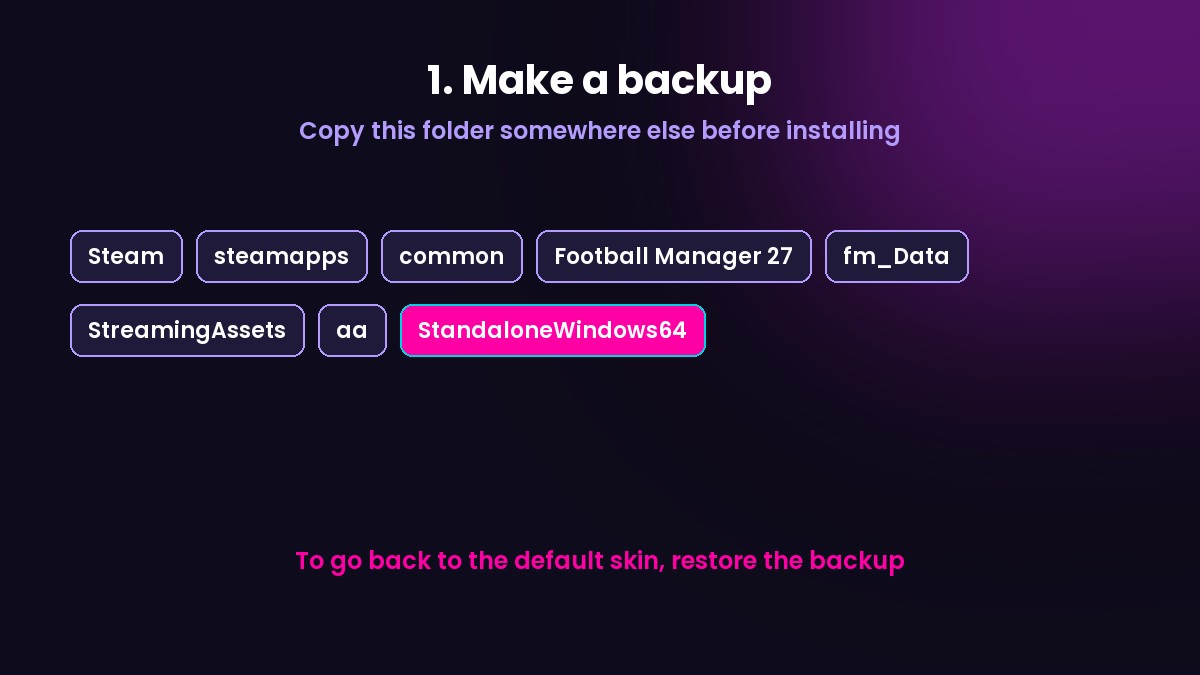
Back up this folder before installing
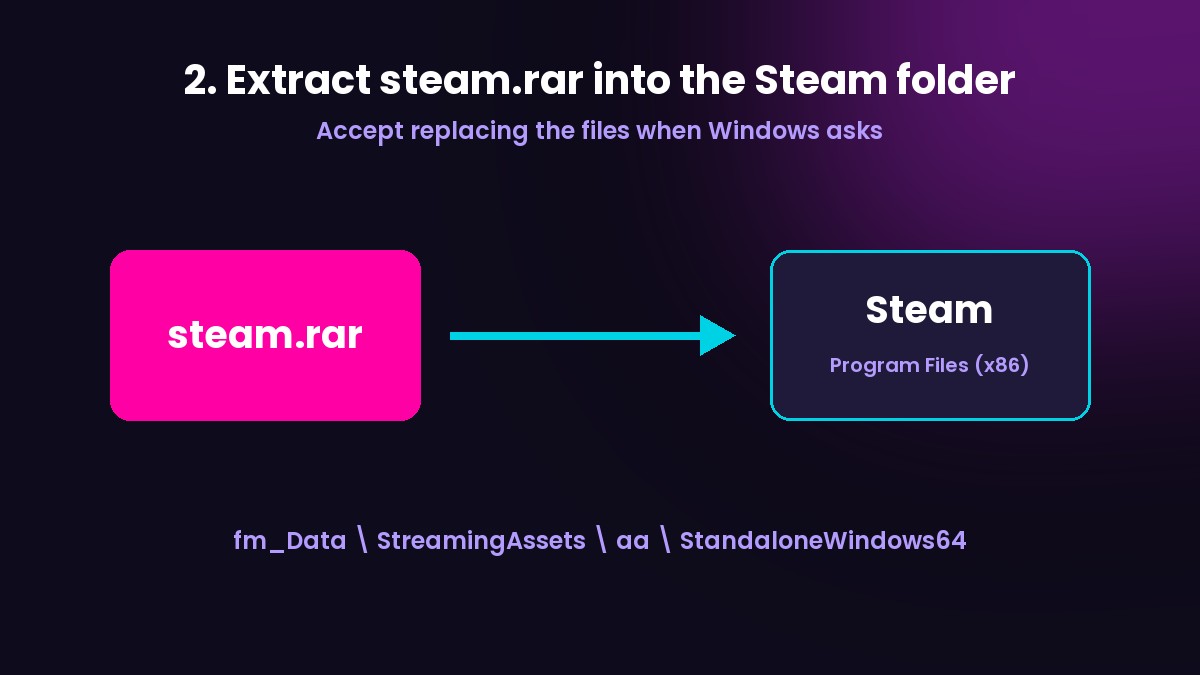
The install replaces game files
Going back to the default skin
As the skin replaces the game’s own files, the backup is essential. To go back to the default look, just restore the StandaloneWindows64 folder you saved. Also, an FM27 update on Steam may restore the original files; if so, extract the skin again.
In the meantime, complete your game with the DF11 faces, the FC’12 kits for FM27 and the FM27 Bootpack.
The files are hosted by their original authors. FMPortugal only points to the official download page — all credit goes to their creators.