The julianomatt tactical view FM27 puts everything you need to pick your eleven on the tactic screen. You get the assistant’s opinion, fatigue, injury risk and playing time happiness without jumping to other screens. It is by julianomatt and it fits in a tiny file.
What the julianomatt tactical view FM27 does
In FM27, the tactic screen shows very little by default. So before every match you end up opening the squad, the medical report and player chats to decide who plays. This view brings that data into one table, next to each player’s in and out of possession roles.
- The assistant’s opinion: the stars that tell you how well each player suits the tactic.
- Physical state: condition, fatigue and injury risk, so you know who needs a rest.
- The dressing room: morale and playing time happiness, for example to see who is asking for minutes.
- The numbers: appearances, goals, assists, average rating, last rating and training rating.
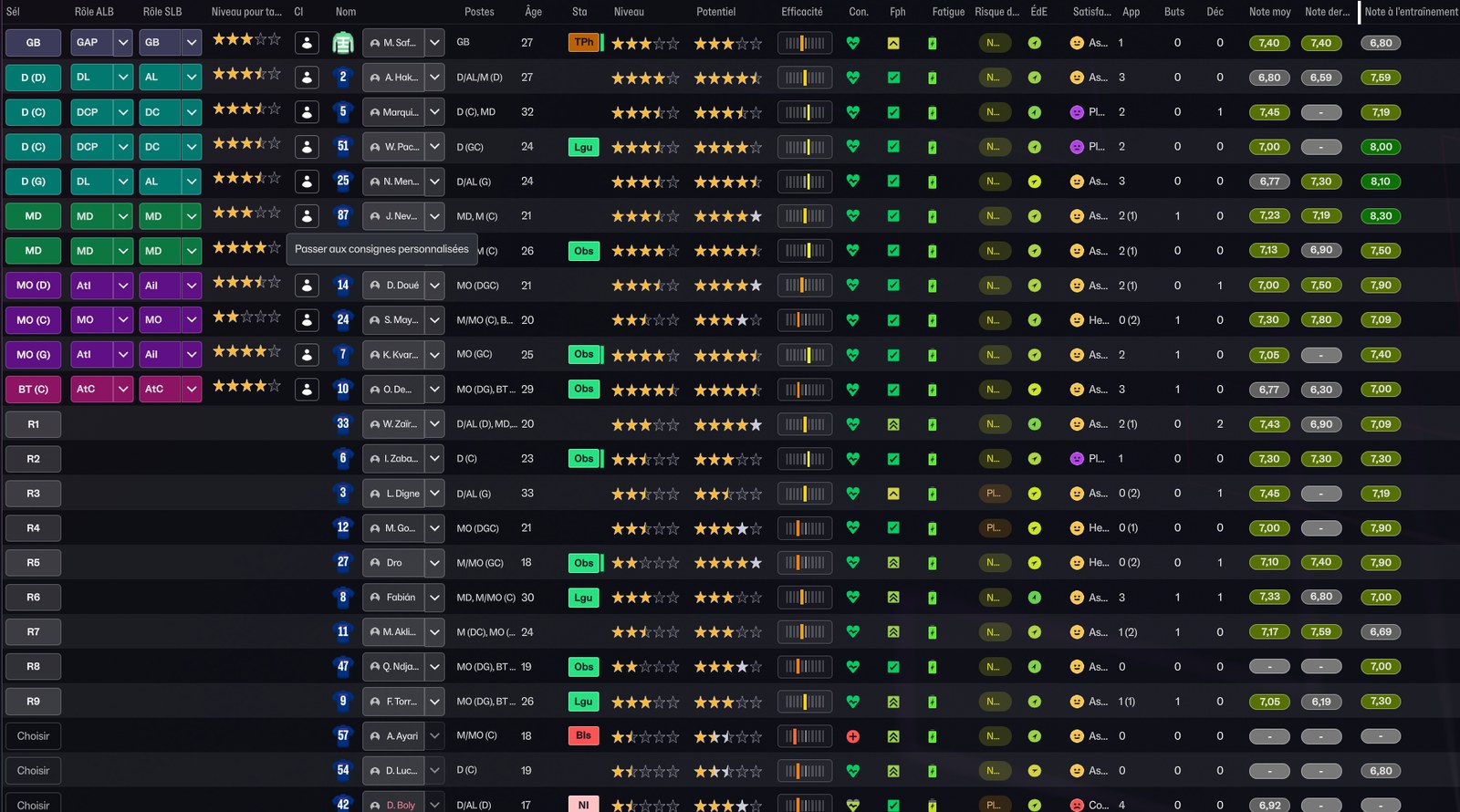
The view on the tactic screen, with the game in French (Image: julianomatt)
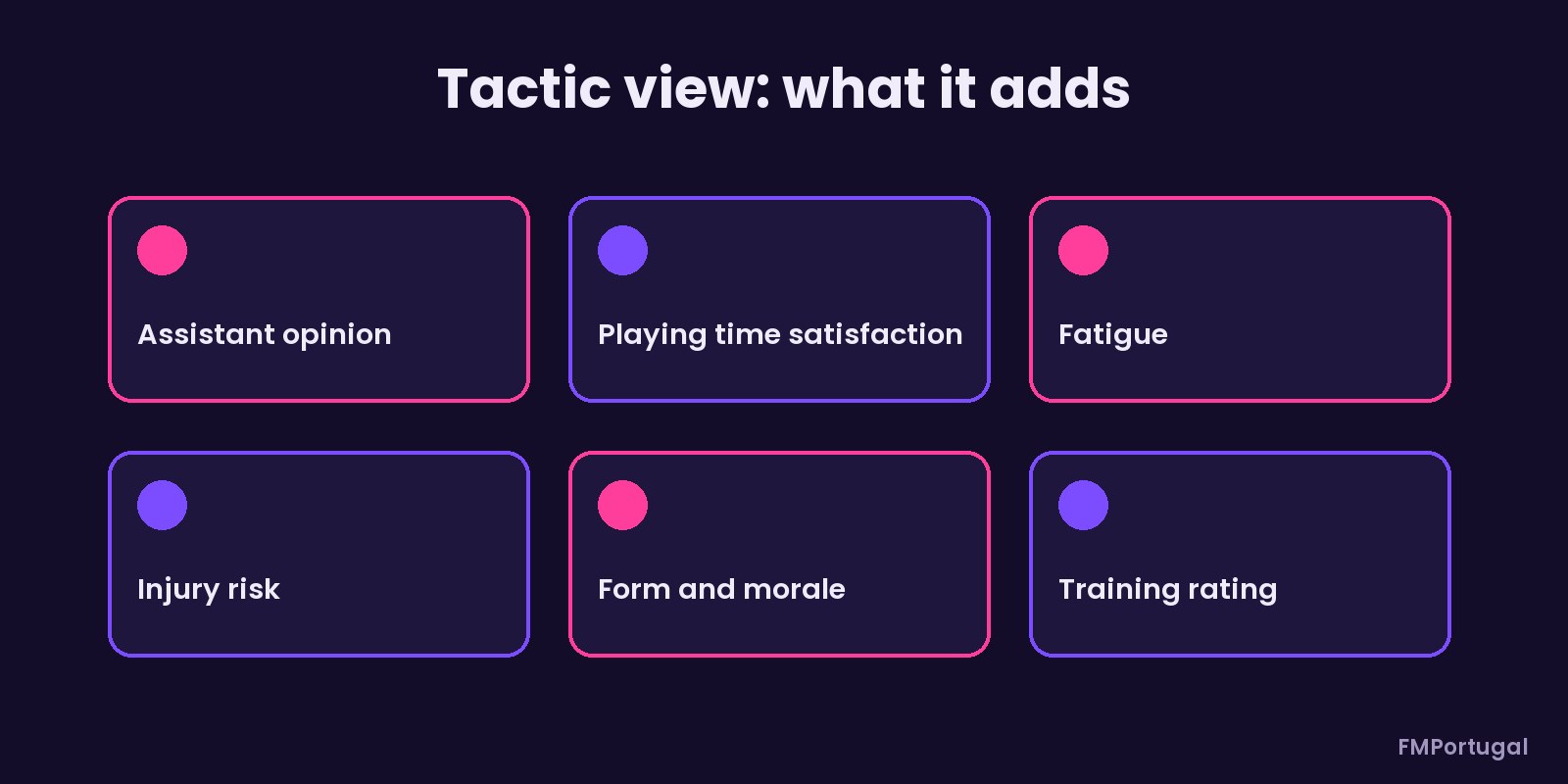
The columns the view adds (Image: FMPortugal)
Who it is for
It suits managers who rotate a lot and like to pick the team on one screen. It also helps in busy seasons, when fatigue and injuries matter more. If you want views for other screens, check the WorkTheSpace views. Also, to manage the load through the week, pair it with the Freedom78 training plans.
Download the julianomatt tactical view FM27
It is a single .fmf file of 1.29 KB, from 31 October 2026. Also, it needs no mods or skins, because it is a standard in-game view.
- First, copy
julianomatt_tactical_view.fmftoDocuments\Sports Interactive\Football Manager 27\views. If the folder does not exist, create it. - Then open the tactic screen in the game.
- Next, click the views button on the player table and choose the import option.
- Finally, select the file. The view is saved and you can pick it whenever you like.
Things to watch
The view has a lot of columns, so names get shortened on smaller screens, as the screenshot shows. If you run out of room, then remove a column or two in the game and save the view under a new name. The main question from people who downloaded it was where to put the file: it goes in the views folder above. To go back to the default view, pick it from the same button or delete the file from that folder.
The files are hosted by their original authors. FMPortugal only points to the official download page — all credit goes to their creators.
Did you make this download? Manage it on FMPortugal →