FM Lens FM27 is a free app that hooks into your save while you play. With it, you can search, compare and edit players, staff and clubs without leaving Football Manager 27. It is made by IamDejman (Ayodeji Eluwande), it is open source and, unlike most editors, it runs on both Mac and Windows.
What FM Lens FM27 does
First, start FM27 from Steam and load your save. Then press Connect in FM Lens and it reads the career you have open. From there you get tabs for players, staff, clubs, nations, competitions, stadiums, awards and match officials, all with search and filters.
On a player’s profile you can change attributes, CA and PA, positions, traits, personality, reputation and contract. For clubs, you can adjust the balance, budgets, facilities and stadium. There are also quick actions: heal injuries, lift bans, refresh fitness, grant work permits, arrange loans or sign free agents.
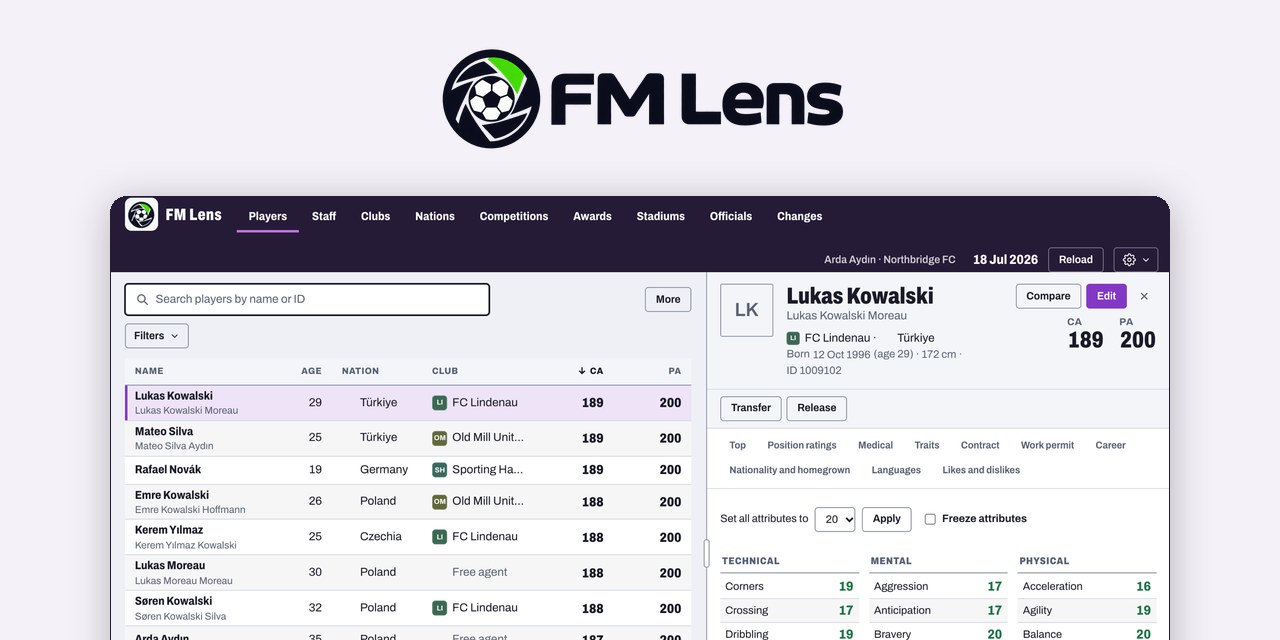
FM Lens with sample data (Image: IamDejman)
Nothing reaches the game until you press Apply. After that, the Changes tab keeps a record of every edit, and almost all of them can be undone. You can also freeze a player’s attributes, copy one player’s profile onto others (with a preview first) and export lists to CSV or JSON.
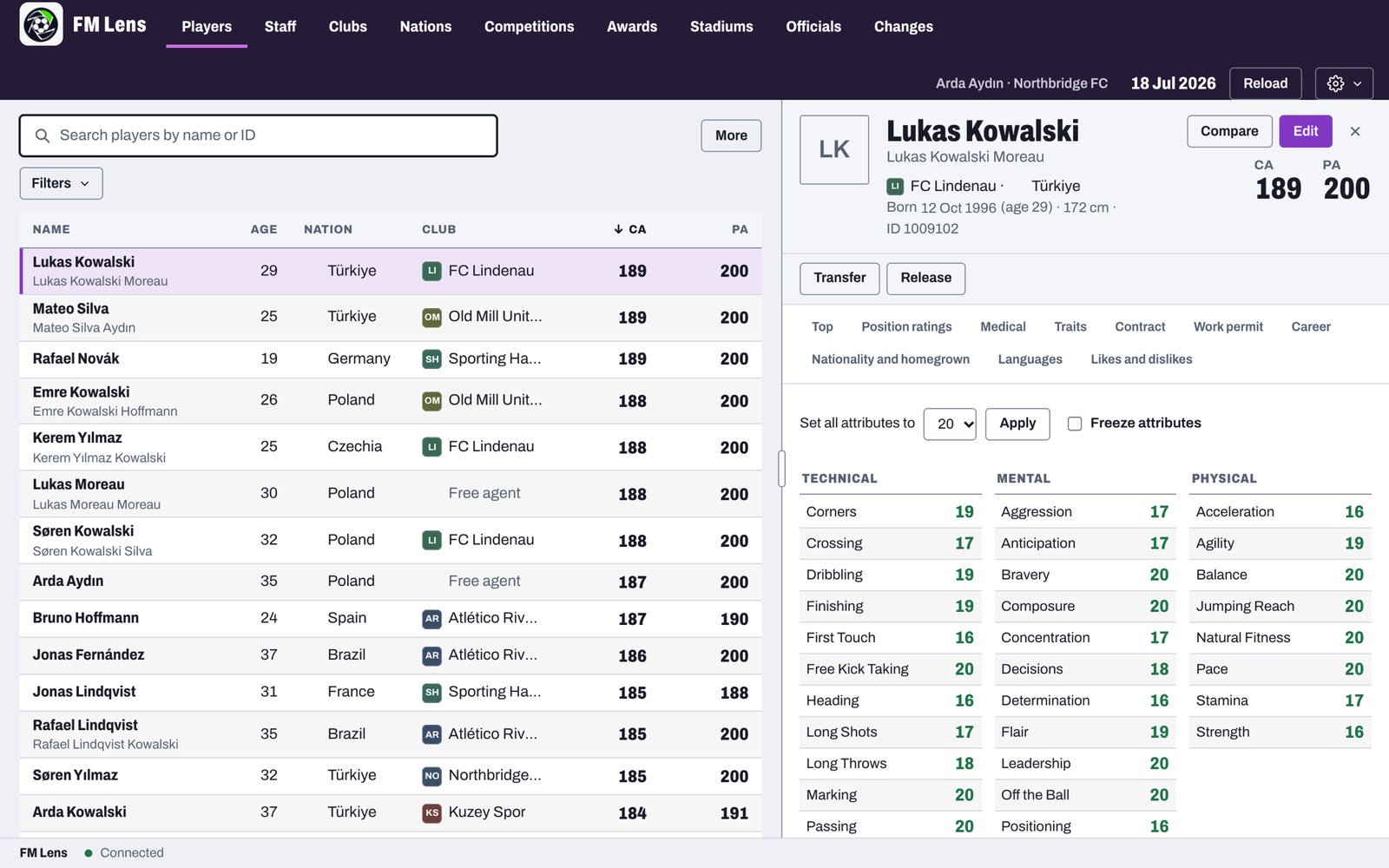
The player list and a profile with its attributes (Image: IamDejman)
What is new this week
FM Lens is moving fast: five versions came out on 10 and 11 November alone. Version 0.7.3 brought editing back on FM27 27.0.1, the game’s first patch. Then 0.7.4 added share cards for posting a player online, with his top eight attributes, and showed the base transfer value. It also stopped locking edits in long careers with regens born after 2020.
Version 0.7.5 added a staff tab to every club, from the manager down to the board. Finally, 0.7.6 splits that staff by team: first team, U21, U18 or B team. So you no longer see three managers in the same list.
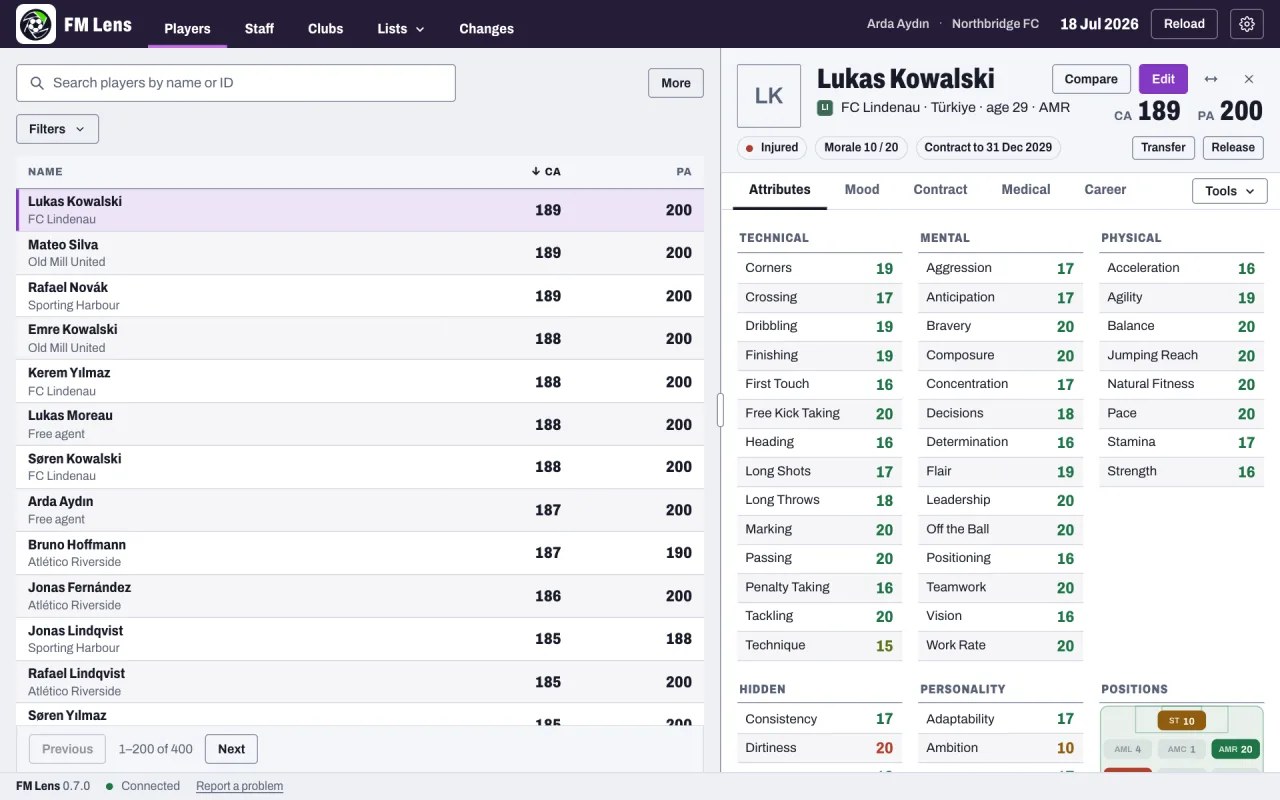
A player profile with morale, contract and positions (Image: IamDejman)
Who it is for
It is mainly for Mac players, who have very few live editors to choose from. However, it also suits anyone on Windows who wants an editor with no keys and no ads. FM Lens grew out of FMLibreEditor by tozmoz, and the author also credits fm-editor by barak14. If you are on a Mac, have a look at the other Mac tools for FM27 too.
Download FM Lens FM27
The version is 0.7.6, from 11 November. The Windows installer is about 3.6 MB and the Mac disk image about 10.8 MB. It runs on 64-bit Windows 10 and 11 and on Apple Silicon or Intel Macs. You need FM27 on Steam, version 27.0.1 or 27.0.0; other builds open read-only. Once installed, FM Lens updates itself.
Download – Windows Download – Mac
On Windows
- First, run the installer. If Windows says it protected your PC, click «More info» and then «Run anyway».
- Then start FM27 from Steam and load a copy of your save.
- Finally, open FM Lens and press Connect.
On Mac
- First, open the
.dmgfile and drag FM Lens into Applications. - The first time, go to System Settings > Privacy & Security and choose «Open Anyway».
- Next, save and quit FM27, quit Steam and press Set up in FM Lens. This adds a small helper that FM loads when Steam starts it.
- Finally, start FM27 from Steam, load a copy of your save and press Connect.
Things to watch
Always work on a copy of your save, because not every field has been tested through a save and reload in FM. Also, moving, swapping or releasing players may not update every linked record, such as history and finances. The first time it runs on a computer, the app asks for your email so it can tell you about new versions. It also counts usage anonymously, but you can turn that off in Settings with Share anonymous usage.
After an FM27 update, wait for the new FM Lens version before you edit. To uninstall on a Mac, first choose Remove the helper in FM Lens and then delete the app. On Windows, you remove it like any other program. If you find a bug, the author asks you to report it on GitHub or with the Report a problem button.
The files are hosted by their original authors. FMPortugal only points to the official download page — all credit goes to their creators.
Did you make this download? Manage it on FMPortugal →