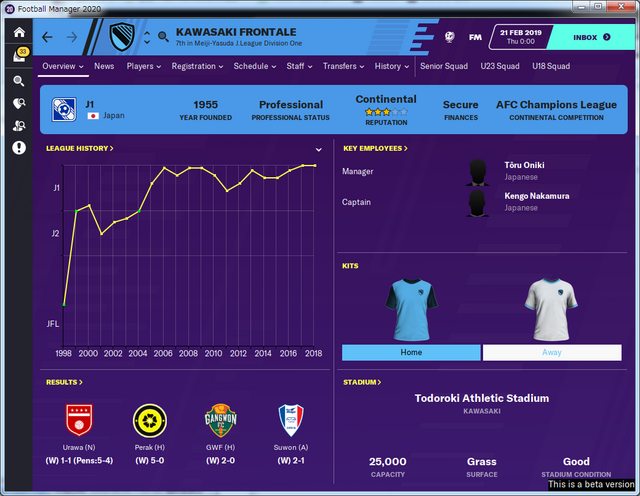
Substituir skin.fmf
Back up the original file

Windows(32bit):
\Program Files (x86)\Steam\steamapps\common\Football Manager 2020\data\game\
Windows(64bit):
\Program Files\Steam\steamapps\common\Football Manager 2020\data\game\
Mac:
/Users/[username]/Library/Application Support/Steam/steamapps/common/Football Manager 2020/database/data/game/
1. Copy and paste the files
2. Start the game
3. Preferences
4. Reset
5. Clear Cache
6. Close the game
7. Restart the game
Compatible with several skins
Did you make this download? Manage it on FMPortugal →