
The meta filters FM27 by Zergos help you find players with the attributes that perform best in the match engine. There are four presets for the player search: two for lower divisions and two for top leagues. The author also plans new versions as more becomes known about what makes a «meta» player.
What the meta filters FM27 do
Each file is a ready-made search, with minimums for the attributes the author sees as key. So instead of setting everything by hand, you load the filter and only adjust the rest. In other words, position, age, budget and wages are up to you, depending on what you need.
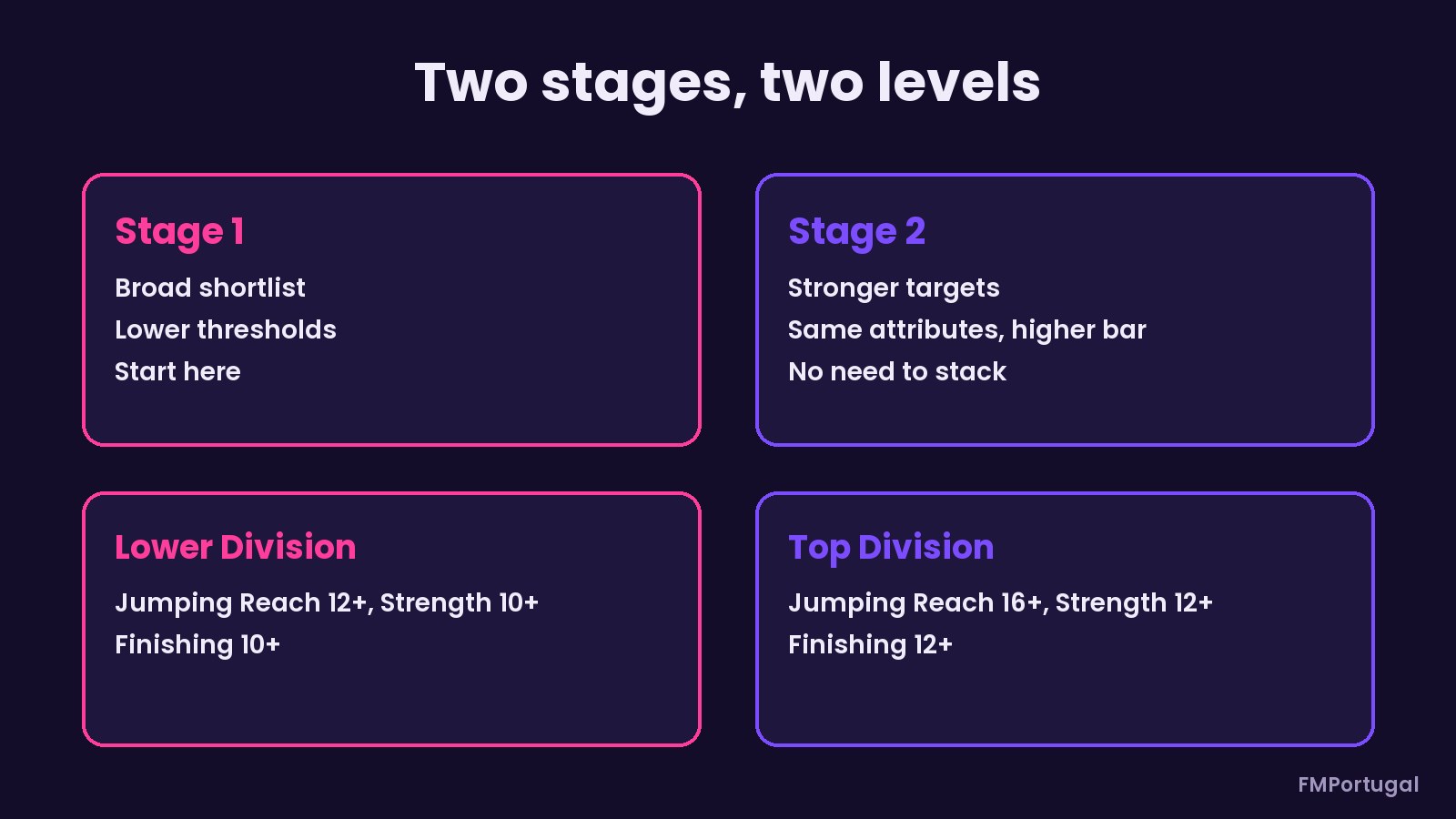
- Stage 1: a broad first list, with lower minimums.
- Stage 2: the same conditions with a higher bar, for stronger targets. You do not need to stack the two.
- Editable attributes: Dribbling, Finishing and Long Shots are set to 1 on purpose. That way, you raise them for the position you want to strengthen.
- Balance: according to the author, anything above 12 brings no recorded benefit.
For now, there are no goalkeeper filters. The author says there is too little data on them so far and that they will come later.
The two stages and two levels of the filters (Image: FMPortugal)
The one allowed failure
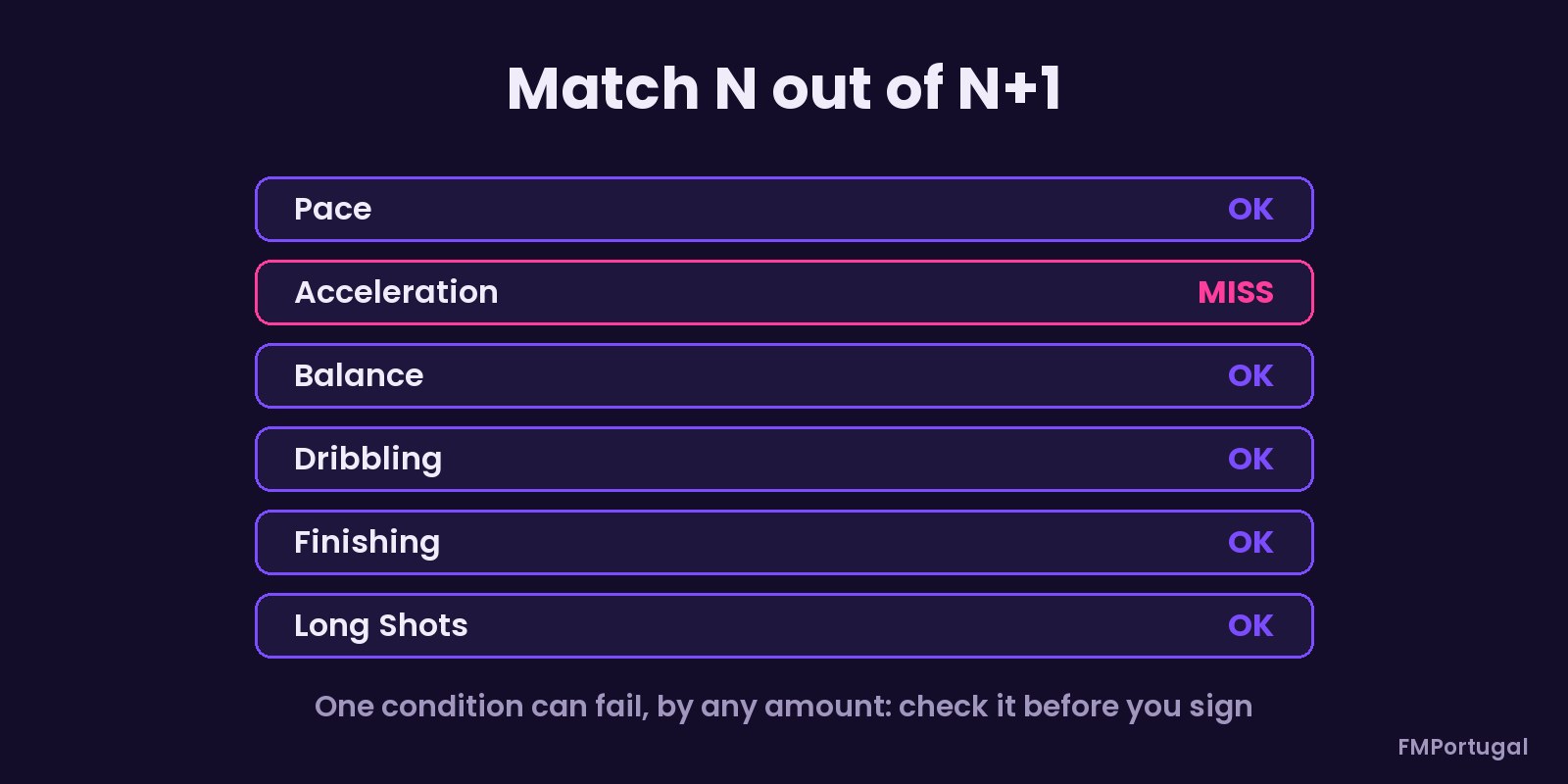
The filters use the Match N out of N+1 rule. This means a player can fail one condition, and by any amount. It does not mean one attribute can be just a point short. So before you move, check which condition was missed, especially if it is Pace or Acceleration. If you want every requirement enforced, switch to Match All.
One condition can fail completely (Image: FMPortugal)
Position tweaks
The author suggests extra minimums depending on the league level. In lower divisions, centre-backs and aerial forwards should have at least 12 Jumping Reach and 10 Strength. Strikers and goalscoring wingers, meanwhile, need 10 Finishing. In top leagues, the bar rises to 16 and 12 in the air and to 12 for finishing.
Hidden attributes
The Pressure attribute is not in these filters, which only use what the in-game search allows. If you use an editor, the author advises 6 or more for Stage 1 and 10 or more for top-division Stage 2. Note, too, that Pressure is not the same as Composure. Before signing anyone, also check Consistency, Important Matches and injury history.
Who it is for
It is for managers who build squads around what works in the match engine, not just reputation. To see hidden attributes without an editor, try FM Moleman 27. If you prefer a full editor, there is FMRTE 27. You can also combine these filters with the Baz Got Banned wonderkids shortlist.
Download the meta filters FM27
There are four .fmf files of about 1.6 KB each, all from 7 November 2026. So pick the pair that suits your club’s level: lower divisions or top leagues.
Download – Lower divisions, stage 1 Lower divisions, stage 2 Top divisions, stage 1 Top divisions, stage 2
- First, copy the
.fmffiles to a folder insideDocuments\Sports Interactive\Football Manager 27. Players who already use them keep them in theviewsfolder; if it does not exist, create it. - Then, in the game, open the database player search.
- Next, click Edit Search and choose the option to load a search.
- Finally, select the filter and set the position, age, budget and wages.
Things to watch
Attributes you have not scouted show as ranges, so it is hard to tell whether a player really meets the bar. So use scouts to reveal them fully or, if money is tight, invite them on trial. Also, these values are the author’s reading of the current engine and may change with game updates. To remove them, just delete the files from the folder.
The files are hosted by their original authors. FMPortugal only points to the official download page — all credit goes to their creators.
Did you make this download? Manage it on FMPortugal →