
Want to find wonderkids and bargains in your save without going screen by screen in the game? Football Save Scout is a free app that reads your save file and shows every player in a table with filters. It was made by kcozden, who could not find a good scouting tool for Mac and decided to build one. It also reads FM27 saves now, as well as FM26 and FM24.
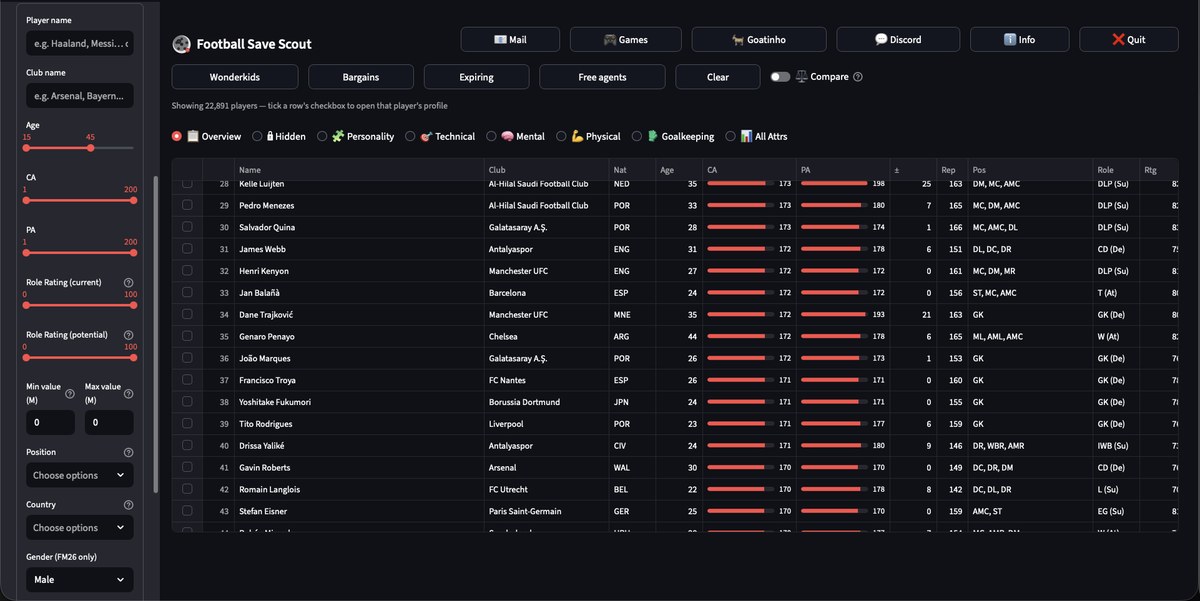
The player list, with current ability and potential as bars (Image: kcozden)
What Football Save Scout does
- Filters: by name, club, age, current and potential ability, role rating, value, position and country.
- Shortcuts: one click shows, for example, wonderkids, bargains, expiring contracts or free agents.
- Tabs: overview, hidden attributes, personality, technical, mental, physical, goalkeeping or all attributes at once.
- Comparison: turn on «Compare» and see players side by side on a radar chart.
- Profile: finally, tick a player’s row to open their full profile.
So the app is above all useful for checking the current ability (CA) and potential ability (PA) of any player in your save’s world. However, it also shows the role each player suits best and their reputation.
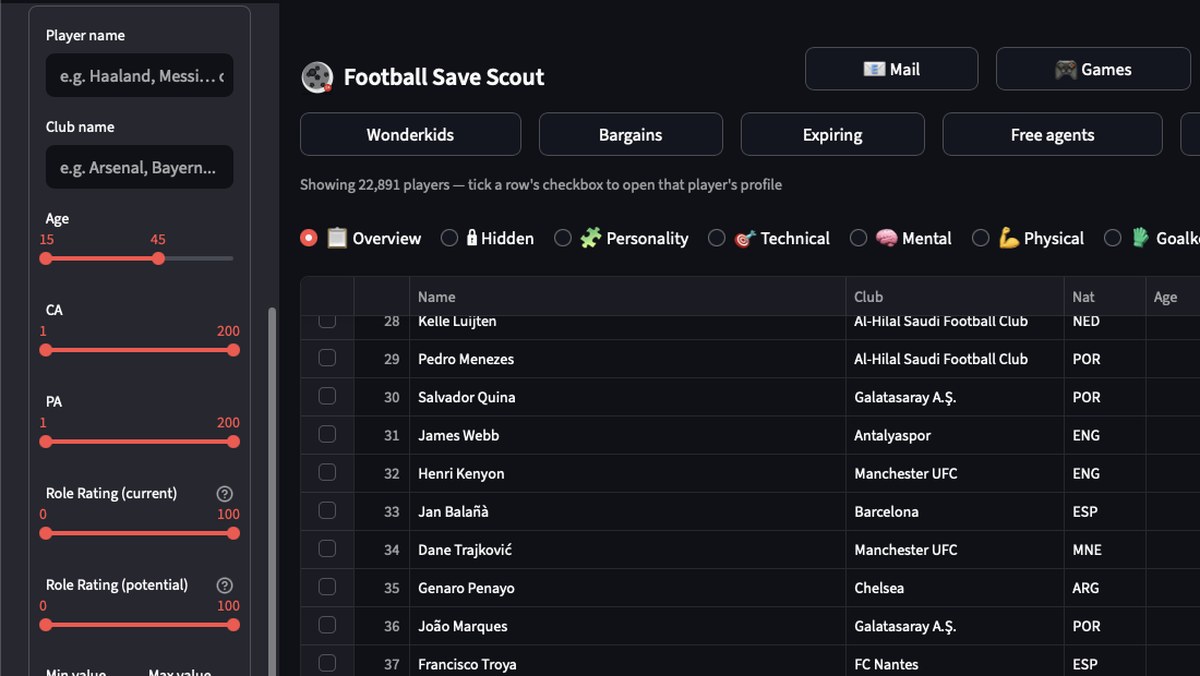
The filters on the left and the shortcuts for wonderkids, bargains and free agents (Image: kcozden)
FM27 support
On 31 October the author added FM27 saves. So the app finds them by itself in the game’s default folder and gets the date, nationality, personality, contracts and wages right. Players known by a nickname, such as Pedri or Lamine Yamal, also show their in-game name now. Then, on 1 November, a fix came out for two problems some players reported: the «Error parsing save» message and wrong names or «Player_number» names.
Football Save Scout download
It works with FM24 (patch 24.3.0), FM26 and FM27 (patch 27.0.0). There are versions for 64-bit Windows and for Mac, with either Apple Silicon or Intel chips. In other words, it is one of the few tools of its kind that works well on Mac.
Download – Football Save Scout (Windows)
Mac version – Apple Silicon (M1 or newer)
Mac version – Intel (macOS 12 or newer)
- First, download the .zip for your system and extract it.
- Then save your game in FM27, so the save file is up to date.
- Next, open the app and pick your save from the list. Each save is labelled with its FM version, for example «FM27 · MySave.fm».
- Finally, use the filters and shortcuts to find players. To close the app, click «Quit».
Things to watch
The app is still in alpha, and the author says they have not tested it much on FM27. So if you added or removed leagues in your save, errors may appear. Also, if you downloaded it before 1 November, download it again, because the links always point to the latest build. On Mac the app is signed and notarized by Apple, so you only see the usual downloaded-from-the-internet prompt. It also works offline, with no account and no data collection. Finally, the author said they built it with the help of AI, which sparked some debate on Reddit. If you would rather use another tool for the same job, see ClubScope or FM Moleman 27.
The files are hosted by their original authors. FMPortugal only points to the official download page — all credit goes to their creators.