The official TCS skin back in FM23 (WTCS5, by Bluestillidie00 and WorkTheSpace) and Tato23, optimised for Full HD and with instant result buttons.
Screenshots
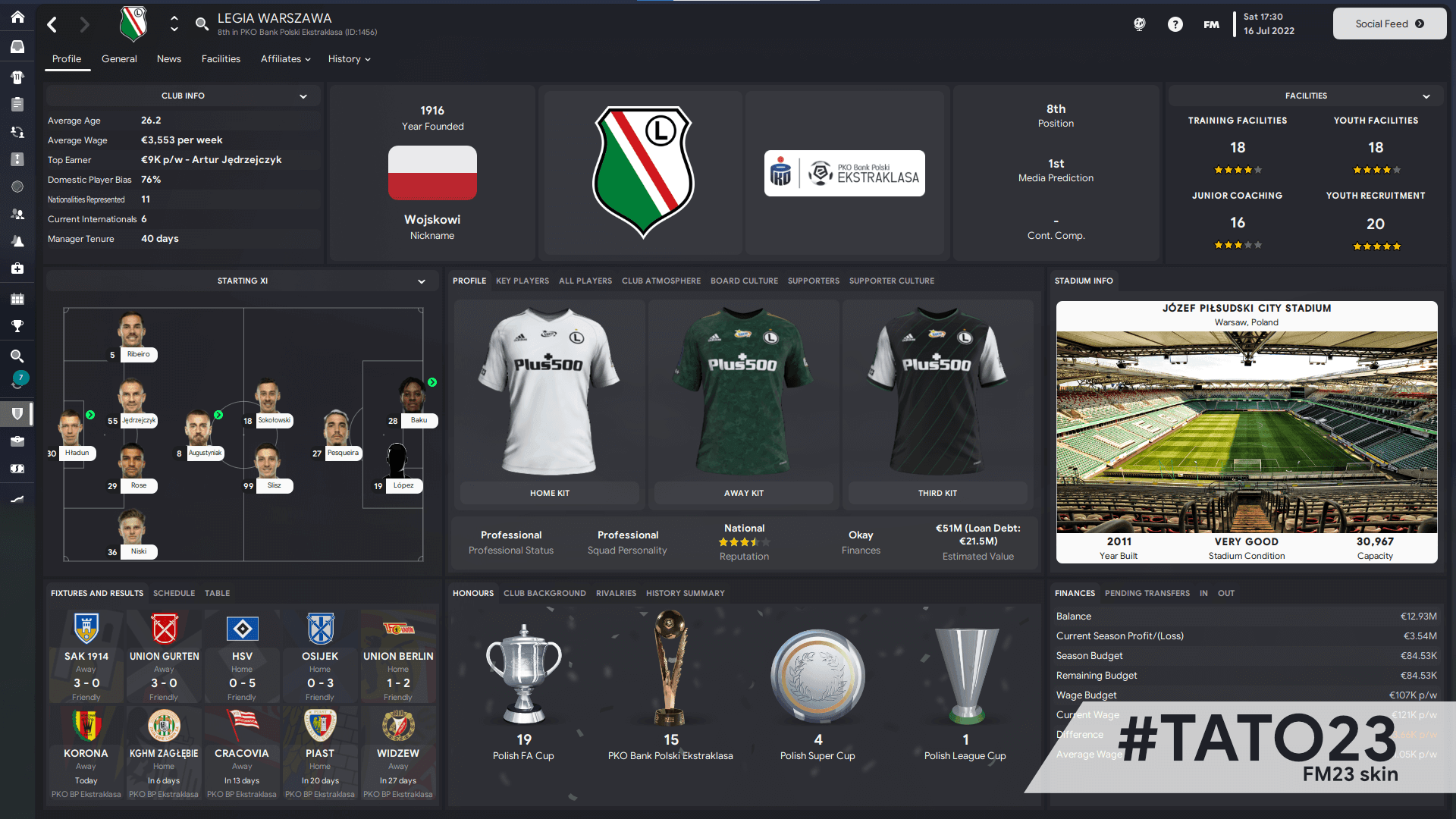
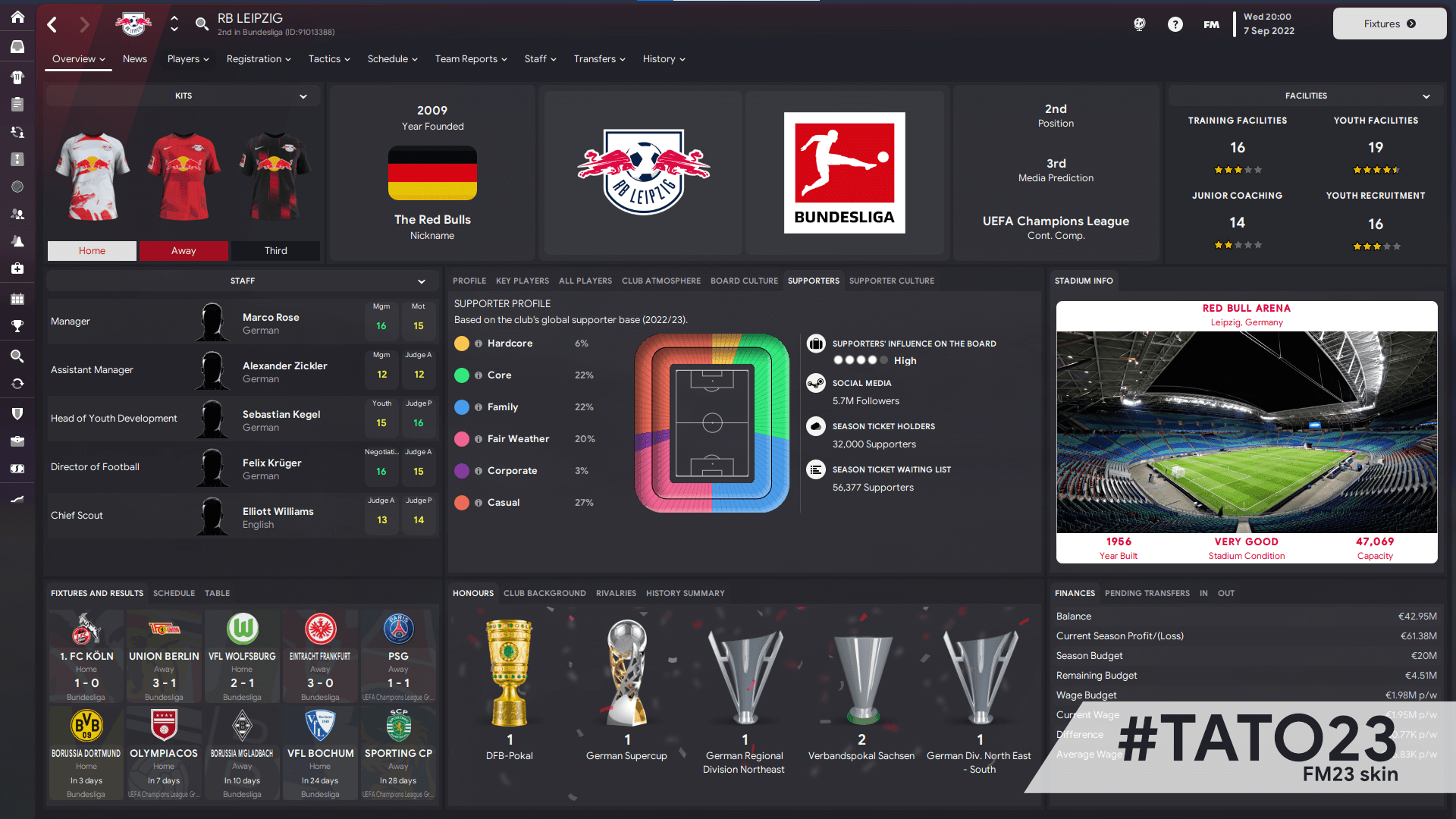
Images: FM Scout
WTCS5 Tato23How to install:
- Extract the skin to the folder skins of the game.
- In game, go to Preferences > Interface and choose the skin.
The files are hosted by their original authors. FMPortugal only points you to the official download page, and all credit goes to the people who made them.