Updated version: FM26 skins: the best skins for Football Manager 26
Funcionalidades Heffem Skin:
- Instant Result button
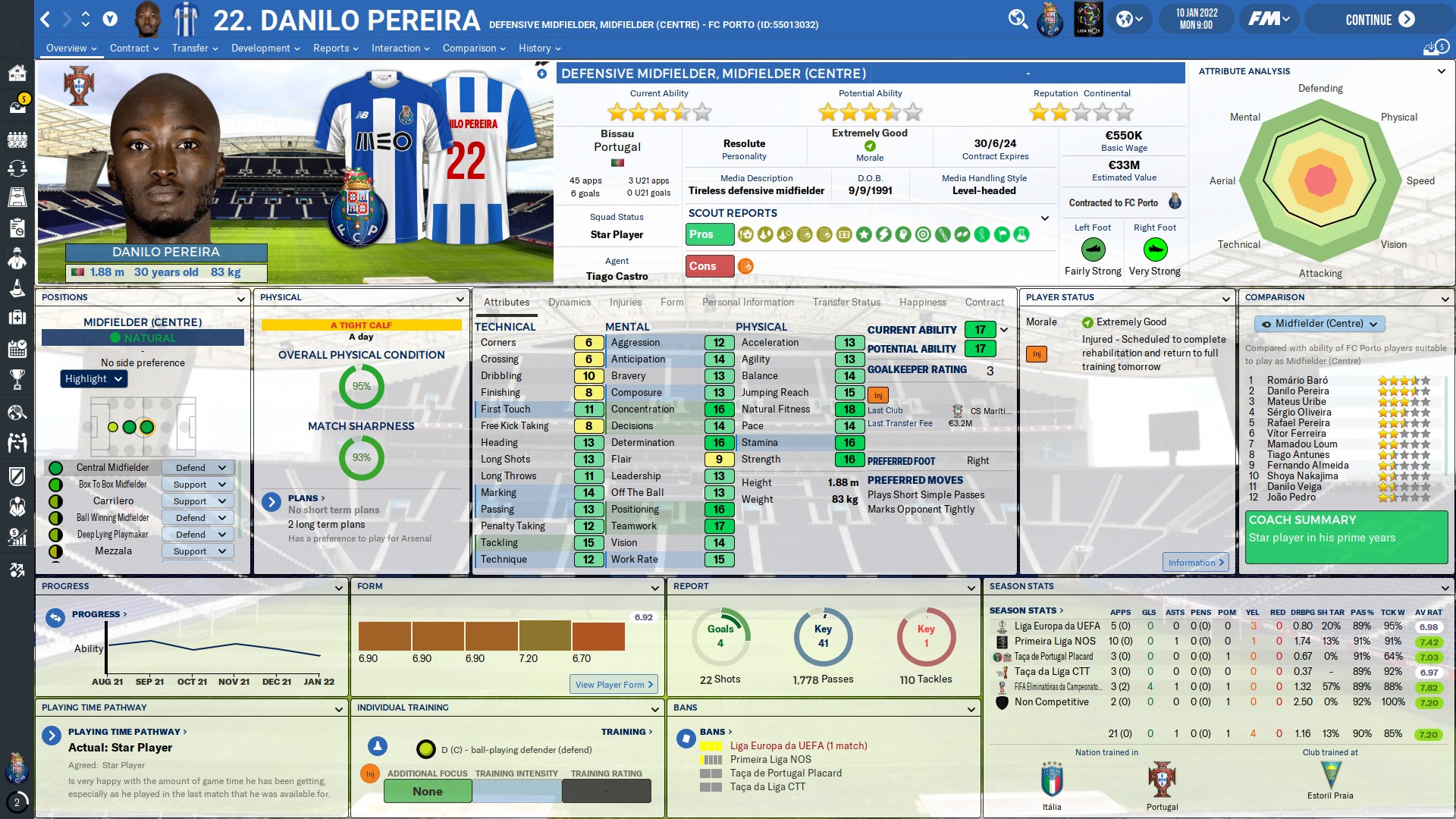
- New manager home panel
- New player overview
- New club overview
- New fixture overview
- New match overview
- New tactic overview
- New staff profile
- New human profile
and much more to discover
Supported resolutions
[Recomendado] 1920*1080 : Heffem Skin V1.6 - 95% dezoom1600*900 : Heffem Skin V1.6 - 85% dezoom
1366*768 : Heffem Skin V1.6 LowRes - 95% dezoom Download – Heffem Skin V2 FM20
How to Install
• Download and extract the file
• Paste the extracted folder(s) "Heffem Skin V1.6" and/or "Heffem Skin V1.6 LowRes" in:
\Documentos\Sports Interactive\Football Manager 2020\skins
Create the "skins" folder if it doesn't exist
• Start the game, go to Preferences and then Interface.
You should see "Heffem Skin" and "Heffem Skin LowRes" as options.
Clear the cache and confirm.