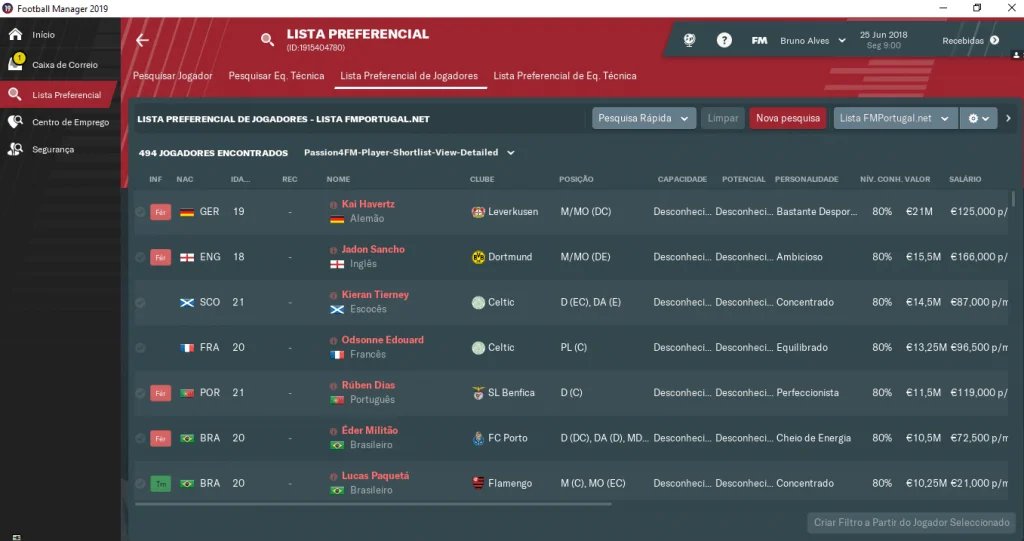
The most practical way, without any extra software, is to do it with the imgur.
Option 1 (most practical)
- Click the window you want to screenshot.
- Pressiona Alt Gr + Print Screen (ou apenas Print Screen).
- Open imgur.com.
- Pressiona Ctrl + V.
- Copy and share the image link with your friends.
Option 2 (Paint and Imgur)
- Click the window you want to screenshot.
- Pressiona Alt Gr + Print Screen.
- Open Paint and paste with Ctrl + V.
- Save the file.
- Go to imgur.com and click
 >
- Upload the file, then copy and share the image link with your friends, or on the forum.
 >

How to post a screenshot on the forum
In this video, I followed exactly the same steps as option 1 and shared a screenshot on the forum in under 5 seconds.