Updated version: Backgrounds and stadiums for FM26: Background pack
Description (detailed, installation instructions)

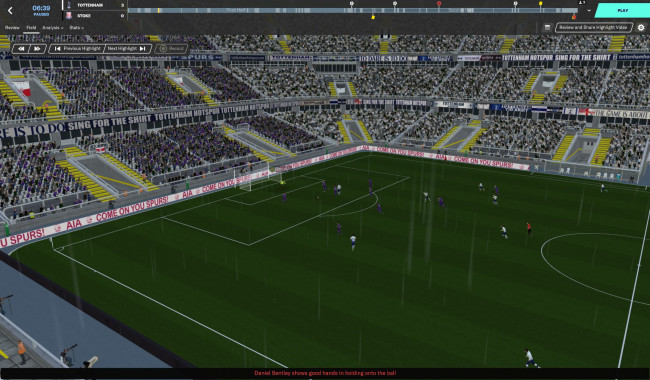
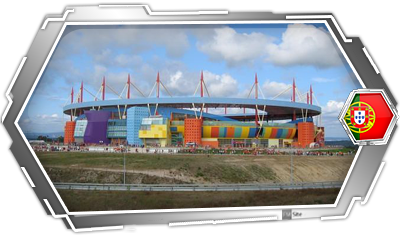
This is the new FMSite 2.0 stadium model developed by FMSite.net

10,329 stadium images
Contents
This megapack is made up of stadium images from all over the world, from the world's main leagues.

Preview
 –
– 
 –
– 
 –
– 




Place it in the following folder:
- Windows Vista/7/8/10: Meus Documentos/Sports Interactive/Football Manager 20XX/Graphics/Pictures/Backgrouns/Stadium
- Windows XP: Meus Documentos/Sports Interactive/Football Manager 20XX/Graphics/Pictures/Backgrounds/Stadium
- Mac OS X:
- FM20 - /Users/Usuario/Library/Application Support/Sports Interactive/Football Manager 2020/Graphics/Pictures/Backgrounds/Stadium
Finally, start the game and in Preferences (options), go to Interface. Here, untick the option“Use caching to decrease page loading times“ and tick the option "Reload skin when confirming changes in Preferences". Click the confirm button and voilà.

Contents:
FMSite StadiumPack 2.0 v4 (Updated on 21/04/2017)



Contents:
Updates FMSite StadiumPack 2.0 v4