Skip to content
FMPortugal
Back

FLUT Skin Light 1.6V

1 min read

Updated version: FM26 skins: the best skins for Football Manager 26

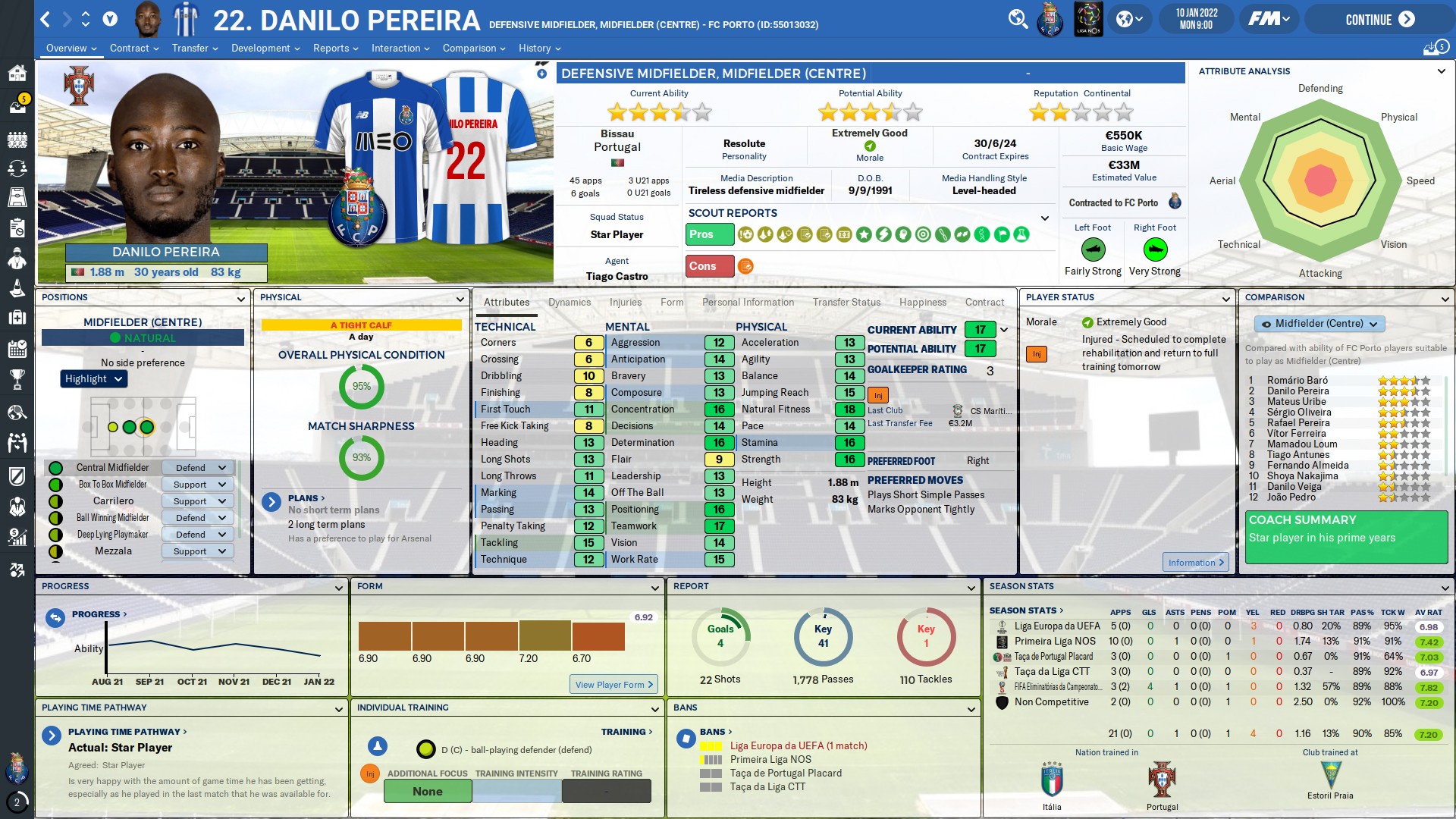
A career skin for FM20 on widescreen displays (1920×1080).
FLUT Skin Light

A completely reworked skin compared with the original skins. It keeps the Flut style.

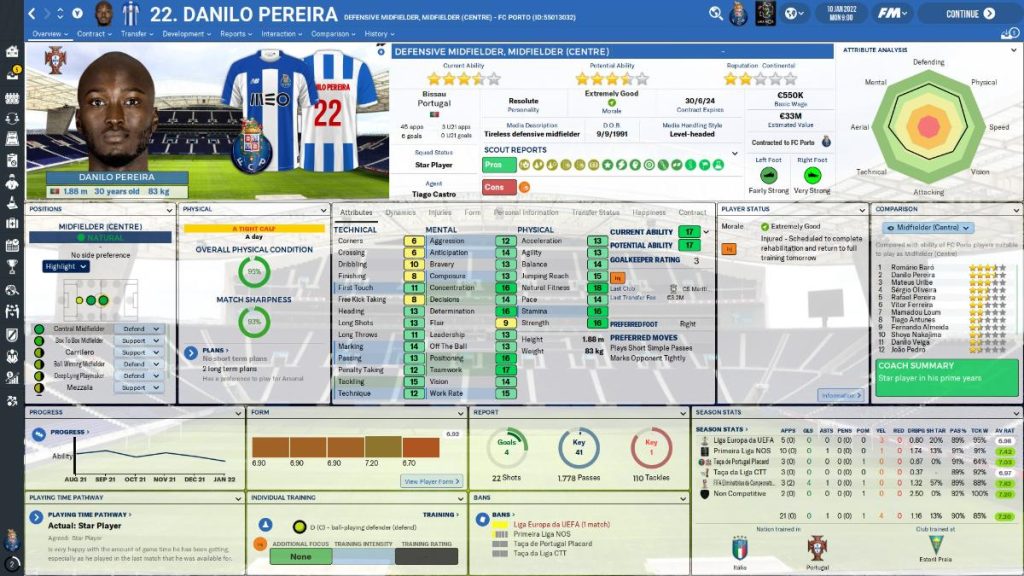
Compatible with DF11 and Scope style facepacks.

There are specific backgrounds for this type of skin.

Many panels have been reworked.

To work properly, it needs a 1920×1080 (1080p) resolution

Some panels won't work at other resolutions.


Download – FLUT Skin Light FM20

Installation

Download and extract the .rar file

Place the "fm2020flutskin_light" folder in:

Documents\Sports Interactive\Football Manager 2020\skins

  1. Create the "skins" folder if it doesn't exist.
  2. Start FM20, go to Preferences and then Interface.
  3. FM 2020 Flut Skin light should appear as an option.
  4. Confirma.
Changes in v1.6
Beyond the reported bugs fixed these are the main changes in 1.6 version:

- Club Overview Panel tweaked (board confidence breakdown included in the drop down arrows)
- Social media panel (“New”) - “New” Team report overview summary (the player faces and the front and the back kits are now displayed)
- “New” Team scout report (the player faces and the front and the back kits are now displayed; new panel included)
- Player Overview panel tweaked (now even if you don’t have the 2dkits for FlutSkin all the default front kits with the team badge will be displayed!!!)
- Inbox with pitch panel tweaked (in the team of the week the front and back kits will be displayed) - Inbox opposition scout report tweaked (front kits included)
- Other tjavascript:void(0);weaks here and there

Did you make this download? Manage it on FMPortugal →