Matchday Sounds by Gianlucasmr31 fills FM27 matches with fan chants, walk-out anthems and goal music, but its installer only works on Windows. Now Avi123, who already brought the Scoreboard Megapack to Mac, has done the same with this pack. Matchday Sounds for Mac installs the whole of version 1.3, with all 3,318 audio files, on Apple Silicon Macs.
⬇️ Jump to the download: Matchday Sounds for Mac
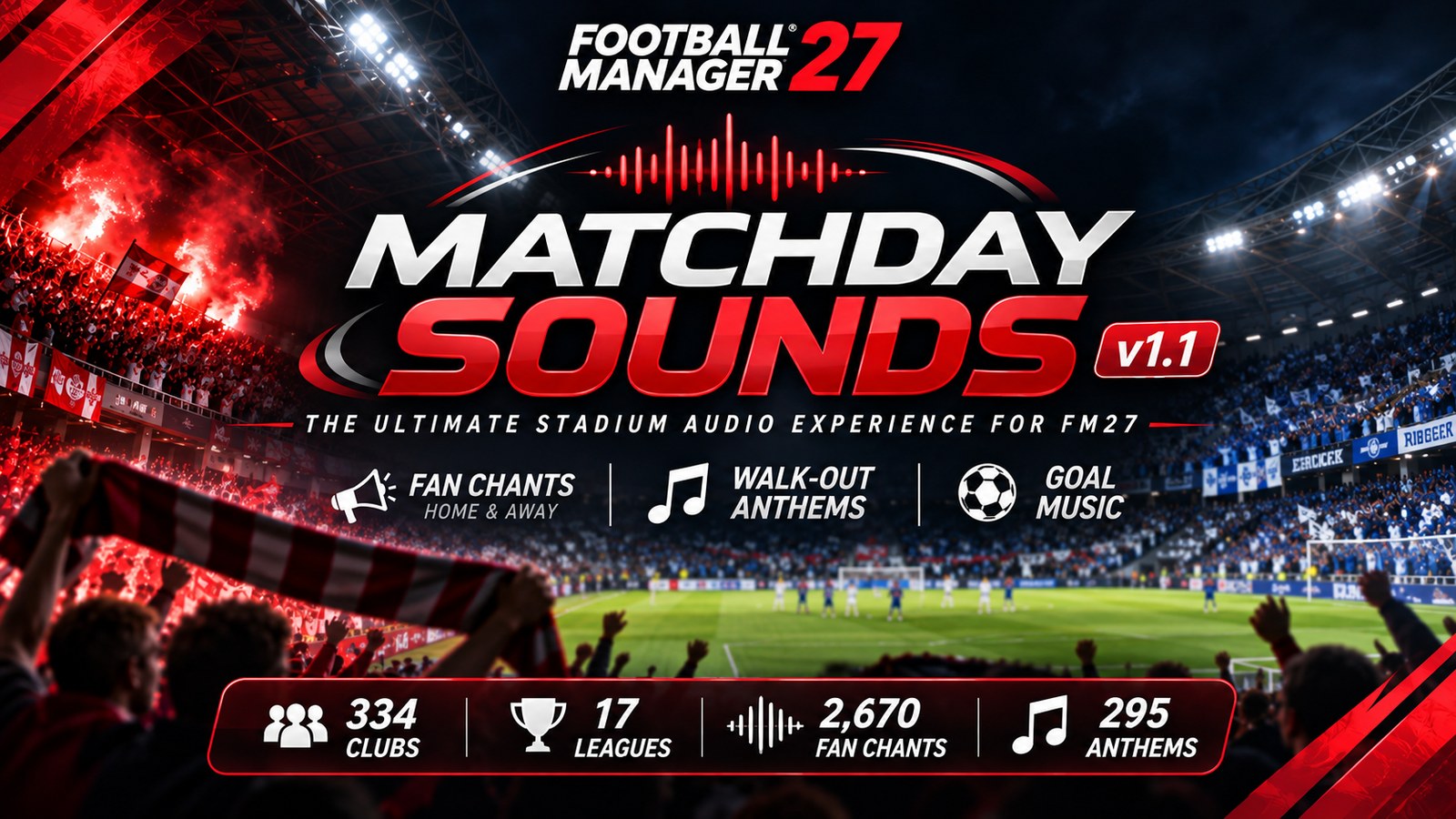
Matchday Sounds brings anthems, chants and goal music (Image: Gianlucasmr31)
What you hear in matches
First, home and away supporters sing during the match. Each club also walks out to its own anthem and, when the home side scores, the goal music plays. All of this comes on top of FM27’s own crowd sounds, so the atmosphere gets closer to a real stadium.
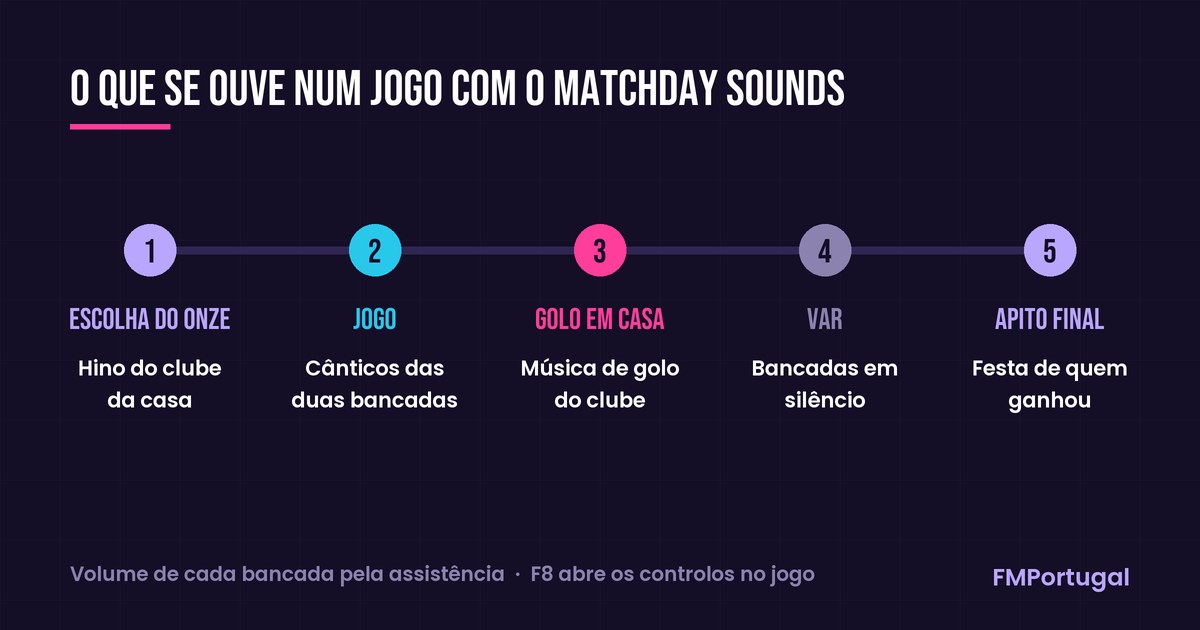
The mod sounds through a match, based on the author description (Image: FMPortugal)
Who it is for
It is for anyone playing FM27 on Steam on a Mac with an M1 chip or newer. On Windows, use the original Matchday Sounds, with the author’s own installer. The Mac installer uses the same plug-in and the same audio files, and only changes how they get into the game. However, it always installs the full pack: the Windows installer’s league selection and Fan Chants migration are not on Mac.
Matchday Sounds for Mac download
The installer is version 1 for Matchday Sounds 1.3, from 24 November, in a 6 KB ZIP. Before you use it, you need three things: the BepInEx 6 for Apple Silicon by codexx01, the original Matchday Sounds 1.3 pack and Python 3.10 or newer for Apple Silicon. The original pack is about 3 GB and you can get it from our Matchday Sounds article. Also keep a few GB free on your disk.
Download – Matchday Sounds for Mac BepInEx for Apple Silicon (codexx01) Python for macOS
- First, install the BepInEx 6 for Apple Silicon by codexx01 (second button), open FM27 through Steam until the main menu and quit the game. If you already use it, for example with the Scoreboard Megapack for Mac, skip this step.
- Then download the original Matchday Sounds 1.3 pack and install Python, if you do not have it yet.
- Next, extract the installer ZIP. In Terminal, type
cdand a space, drag the extracted folder into the window and press Return. - Type
python3 install_matchday_sounds.py install --archiveand a space, without pressing Return. Drag the original ZIP or its extracted folder (the one with the Packs folder) into the window and only then press Return. - Finally, open FM27 through Steam with the BepInEx launch configuration and play a home match with a supported club, such as Arsenal.
Things to watch
If everything goes well, the installer says it installed Matchday Sounds and 3,318 audio files. If it warns that the archive has no installed.json, that is expected for this version. To change the volume during a match, press F8 (or Fn + F8). Also, if you use another goal music mod, turn one of them off so you do not hear it twice.
This adaptation is not by Gianlucasmr31, so Mac problems go to Avi123, with your Mac model and your macOS and FM27 versions. To check the install, run python3 install_matchday_sounds.py status. To remove everything, close the game and run python3 install_matchday_sounds.py uninstall.
The Mac adaptation is by Avi123, built on Matchday Sounds by Gianlucasmr31 and the Apple Silicon BepInEx by codexx01. FMPortugal only points to the file — all credit goes to its creators.
Did you make this download?