Box2Box opens your Football Manager 27 save next to the game and shows every fixture, result, table and cup tie at once, laid out like a TV broadcast. FM keeps all of this in the save, but shows it one screen at a time. The program is by hawkers63, it is free, it runs on Windows and it also reads FM26 saves.
⬇️ Jump to the download: Box2Box v2.2 (Windows)
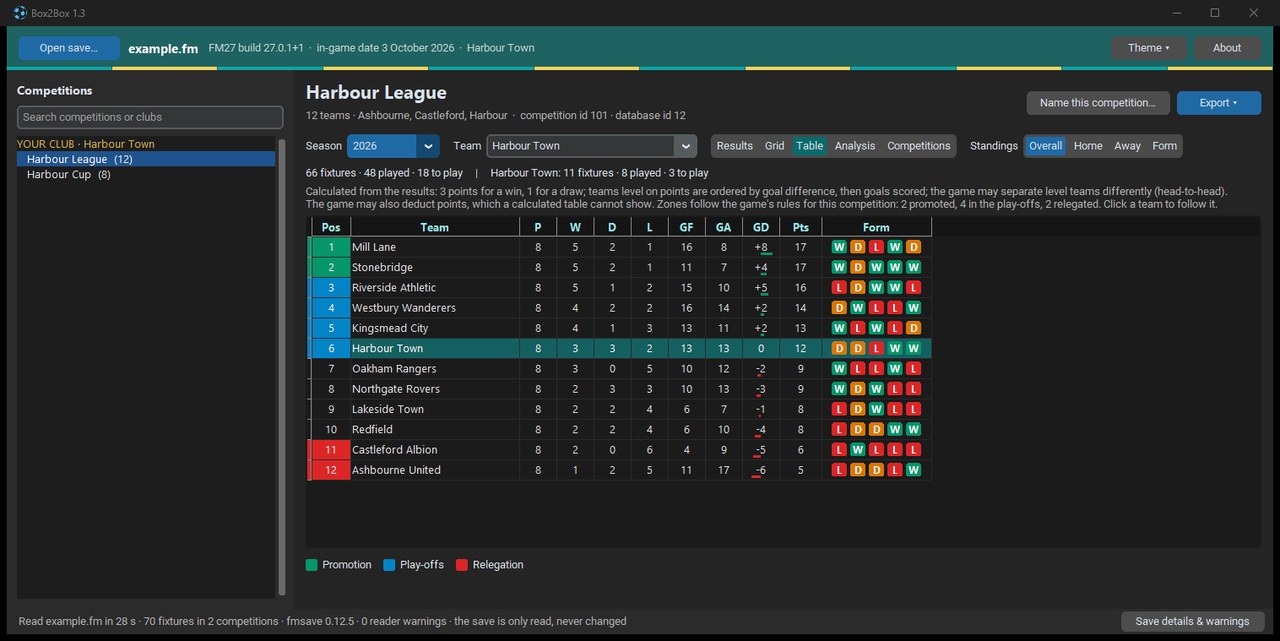
The table of a made-up league, with the zones and team form (Image: hawkers63)
What Box2Box shows
- Every competition: first, the program sorts the save’s competitions into your club, leagues, cups, youth and friendlies.
- Fixture grid: every home and away match in one table, coloured from the point of view of the club you follow.
- Standings: promotion, relegation and European zones taken from the save’s own rules, plus home, away and form tables.
- Analysis: form, positions by matchday, expected goals (xG), two-legged ties and the cup bracket.
- Shortcuts: for example, Ctrl+K takes you to any club, competition or view, and Ctrl+I shows a match’s stats and every meeting between two clubs.
The yearbook and exports
Every save you open is kept in an archive of your own. So the Yearbook option turns a season into a PDF book, with the matchweeks, tables, cup rounds and European nights. Since version 2.2, from 18 November, the yearbook also understands the shape of the European cups, play-offs and one-match finals. In addition, you can export everything to Excel, a web page or CSV, or copy a table ready to paste into a forum.
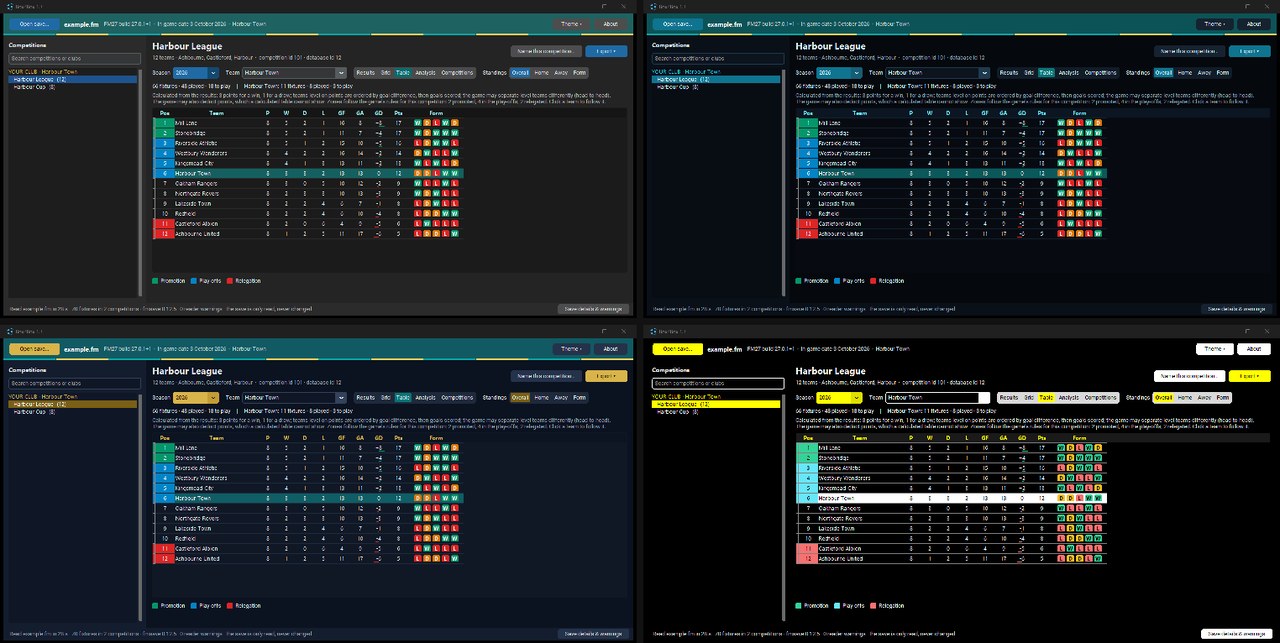
The four themes, which blend in the colours of the club you follow (Image: hawkers63)
Who it is for
It is for anyone who likes to follow the whole season and keep the history of their careers. It is also handy for sharing tables and results with friends. On the other hand, if you want to analyse players rather than matches, see fmsave, which Box2Box uses under the hood to read saves.
Box2Box download
The latest version is 2.2, from 18 November. It is a Windows ZIP of about 40 MB that includes everything it needs, so there is nothing to install. The link comes from the creator’s GitHub.
Download – Box2Box v2.2 (Windows)
- First, extract the ZIP to any folder. It can even be a USB stick, because the settings are kept next to the program.
- Then open
Box2Box.exe. If Windows warns you, click More info and then Run anyway. - Next, click Open save… and pick the save in
Documents\Sports Interactive\Football Manager 27\games. You can also drag the.fmfile onto the window. - Finally, wait about half a minute. The save opens straight away and the expected goals follow a few seconds later.
Things to watch
Box2Box only reads the save and never changes it, and it always tells you when a piece of data is missing instead of making it up. Even so, it is a very new program and the executable is not digitally signed, so Windows may warn you the first time. Also, the code is public on GitHub, but the creator keeps all rights, so you may not redistribute it.
Box2Box is by hawkers63. FMPortugal only points to the official download — all credit goes to its creator.
Did you make this download? Manage it on FMPortugal →