The Game Setup FM27 file by Johnlennonx saves you a lot of clicking on the advanced setup screen. It is a ready-made setup that loads every league and every player, for both men’s and women’s football. So instead of ticking one country after another, you load everything in one go. The author made it for the most extreme careers, with the whole world switched on.
What the Game Setup does
In Advanced Setup, FM27 lets you save and load setups through the Game Setup menu. This file is one of those setups, already built. When you load it, the game activates the leagues of every country, men’s and women’s, and adds every player. Then all that is left is to confirm and load the database.
It is a tiny file, because it carries no new data. In other words, it does not create leagues or players: it simply ticks what the game already has. So it does not touch the original database or the saves you already have.
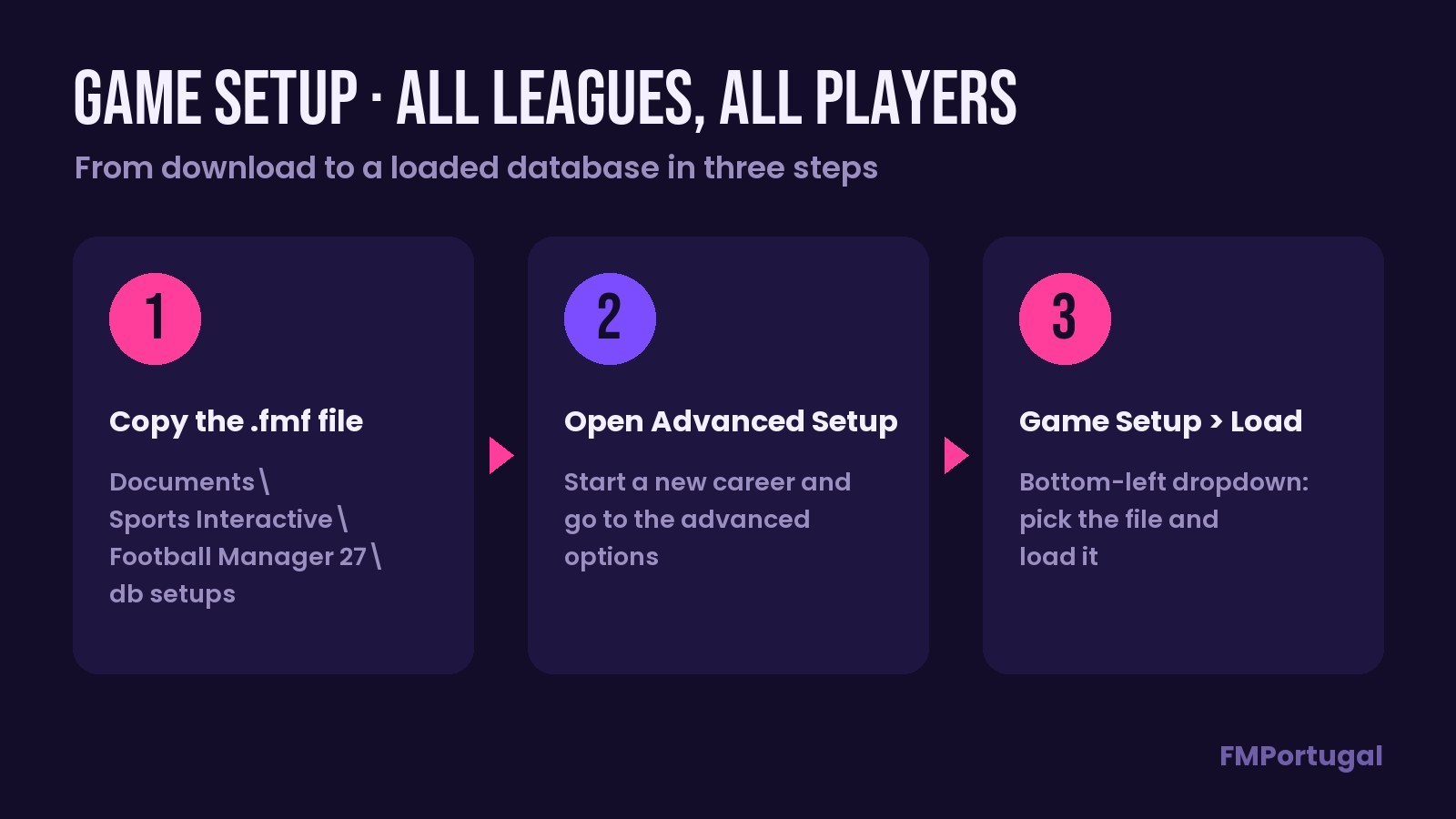
From the file to a loaded database, in three steps (Image: FMPortugal)
Who it is for
It is for anyone planning a journeyman career, moving between countries and continents over the years. It also suits players who want the biggest world possible, with transfers and young talent coming from everywhere. If you want to go beyond what the game ships with, add the Novas Ligas Activadas pack or the Women’s Leagues Megapack. In that case, check at the end that the leagues from those files are ticked.
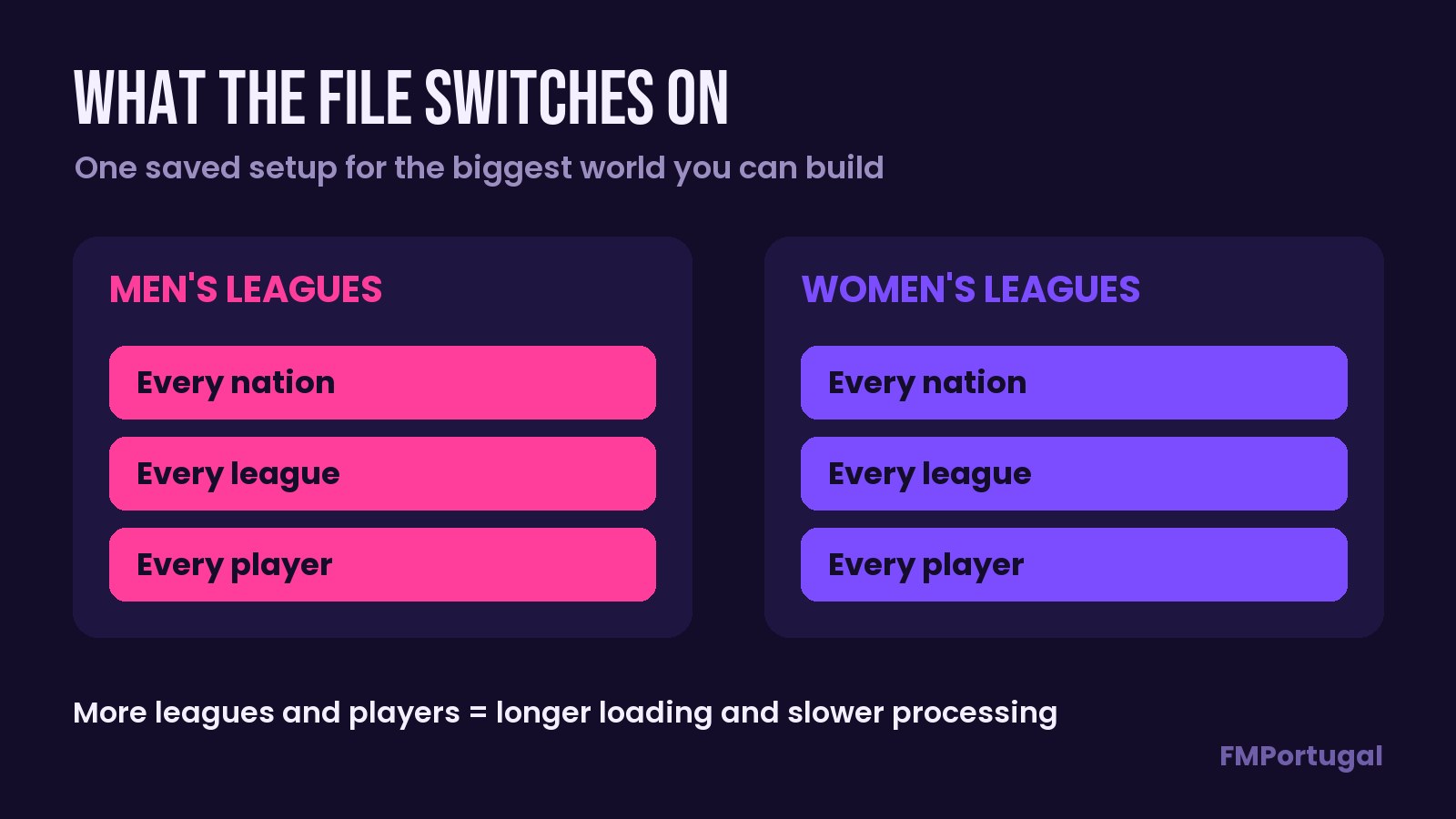
Men’s and women’s leagues, all switched on (Image: FMPortugal)
Download the Game Setup
The download is an .fmf file of just 975 bytes, dated 11 November 2026. It is made for FM27 and goes into the db setups folder, not the editor data folder.
Download – Game Setup (11/11/2026)
- First, download the
.fmffile. - Then copy it into
Documents\Sports Interactive\Football Manager 27\db setups. If the folder does not exist, create it. - Start FM27, begin a new career and open Advanced Setup.
- Next, open the Game Setup dropdown in the bottom-left corner and choose Load.
- Finally, pick the file, check the leagues and load the database.
Things to watch
Loading the whole world comes at a price. The more leagues and players you activate, the longer the database takes to load and the slower the days go by. So on a weaker computer, the career can get quite slow. Before you confirm, look at the estimated game speed that Advanced Setup shows at the bottom of the screen.
Like any setup, it only applies to new careers. If you change your mind, you can remove leagues by hand before loading the database. To uninstall, just delete the file from the db setups folder.
The files are hosted by their original authors. FMPortugal only points to the official download page — all credit goes to their creators.
Did you make this download? Manage it on FMPortugal →