The Lista Preferencial FM27 is a shortlist of around 2,000 players, built for anyone managing a small or mid-sized club. It is by Zombie, who puts it together by hand and shares it again every year. So, instead of spending hours hunting for signings, you load the list and get options for your budget straight away.
What the Lista Preferencial FM27 brings
Every player on the list is 29 or under and worth between 0 and 25 million. Also, Zombie mixed different profiles, so it helps at different stages of your save:
- Young prospects: players with room to grow over the seasons.
- Good loans: options to strengthen the squad without spending much.
- Contracts running down: chances to bring in good players for free.
- Affordable quality: signings that will not wreck your budget.
- Future stars: finally, talents who could become key players or big sales.
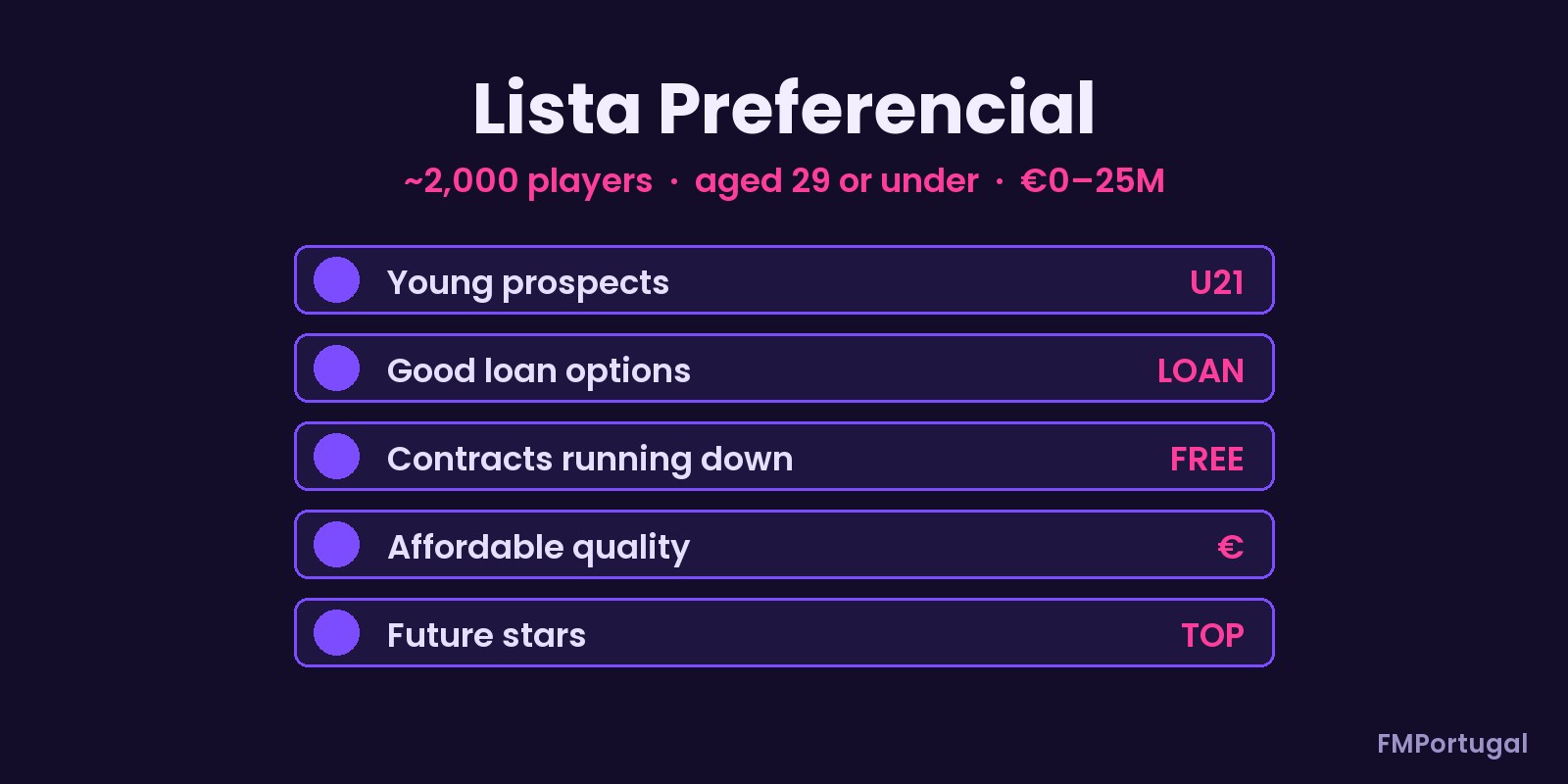
The five player profiles on the list (Image: FMPortugal)
The number of players can change from save to save. In other words, it depends on the database size you pick when you start the game. With a small database you will see fewer names; with a large one, more show up.
Who it is for
It is for anyone who likes building a competitive side from a modest club, with little money and lots of transfer work. It also helps if you want to save time on scouting. If you would rather bet only on kids, see the wonderkid shortlist by Baz Got Banned. On the other hand, for dressing-room experience, there is the veterans shortlist. Also, to assess each name before you sign him, try FM27 Guy Scout.
Lista Preferencial FM27 download
It is a single .fmf file of 8 KB, from 9 November 2026. It does not need any mod either, because it is a normal in-game shortlist.
Download – Lista Preferencial FM27
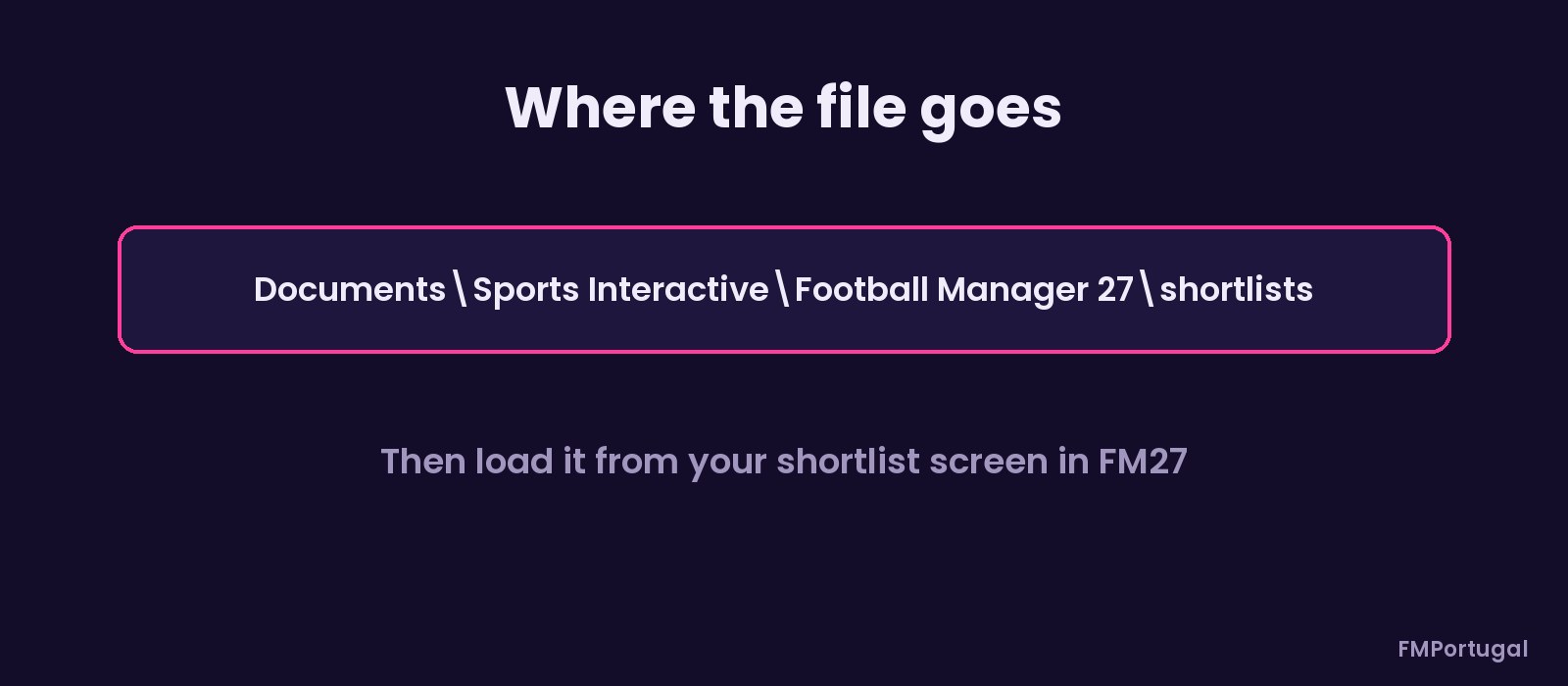
The folder where the file goes (Image: FMPortugal)
- First, copy
Lista_Preferencial_PMequipas.fmftoDocuments\Sports Interactive\Football Manager 27\shortlists. If the folder does not exist, create it. - Then open your save and go to your Shortlist.
- Finally, open the list’s options menu and choose the option to load a shortlist. Next, pick the file.
Things to watch
Ages and values count from the start of the game. So, in a save that is well under way, some players may be over 29 or worth more than 25 million. Also, anyone who has joined a big club stays on the list until you remove him. To get rid of it, just clear the shortlist in the game or take the file out of the folder.
The files are hosted by their original authors. FMPortugal only points to the official download page — all credit goes to their creators.
Did you make this download? Manage it on FMPortugal →